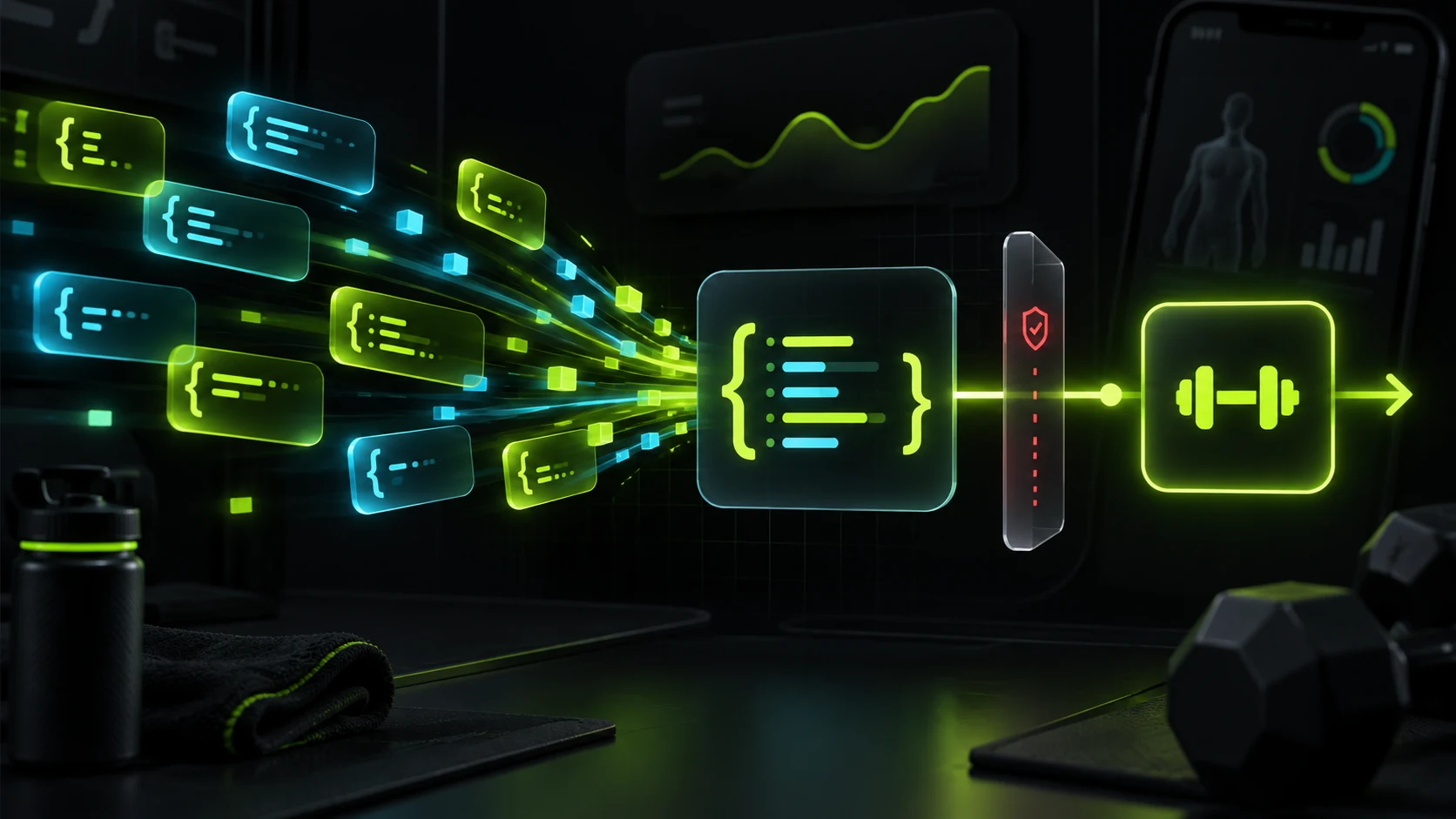
JSON does not arrive whole
Without streaming, we could receive {"key":"Objective"} directly. With streaming, the provider starts responding while the model is still generating. The same JSON may arrive in several events:
{"key":"Objective"}1 · {"key":"Obj2 · ective"}The size of a network read is not a useful boundary. A chunk can contain half an SSE event, several complete events, or JSON cut in the middle of a word. The useful boundaries are defined by the protocol: a blank line ends an SSE message and a terminal event ends the provider turn.
accumulate text during the stream; interpret arguments only after the provider confirms that the call and turn are complete. Showing a draft is fine. Executing it is not.
A real delta sequence
Here is a small version of what an OpenAI parser may receive. The model wants to call lookup_demo_value, but the arguments are completed in two deltas:
- The call is announced
The initial event contains an identity and a name, but there is not yet a complete JSON document to interpret.
response.output_item.added item.id = "fc_objective" item.name = "lookup_demo_value" - The first delta arrives
The accumulator stores the text as-is, even though it cannot be parsed yet.
response.function_call_arguments.delta arguments = "{\"key\":\"Obj" - The second delta arrives
The string now looks like complete JSON, but the tools layer still waits for the turn confirmation.
response.function_call_arguments.delta arguments = "ective\"}" - The provider ends its turn
response.completedis an event from the provider's SSE stream. It tells the parser that OpenAI has finished sending this turn. The call toexecuteToolhappens afterwards and is created locally by the harness; the provider does not send it.// Provider SSE event response.completed// Local harness action executeTool("lookup_demo_value", { key: "Objective" })
The example uses OpenAI's Responses API, but the idea does not depend on that protocol. In Anthropic Messages, fragments arrive inside a tool_use block and message_stop closes the message. In Google Interactions, interaction.created opens the interaction, step.start announces the function_call, step.delta carries arguments_delta, step.stop closes the step, and interaction.completed closes the interaction. When Google ends with status: "requires_action", the harness must also execute the tools; the event names change, but the safety boundary is the same.
What it means to accumulate a call
A streaming tool call does not appear as a complete object. For a while it is an incomplete record: we know which tool the model requested, but we are still collecting its arguments. Each delta adds a small part of that record.
That is why the parser keeps pending state for each call. “Accumulate” simply means keeping that record and appending each fragment to the argument text until the final signal arrives. The accumulator does not execute the tool or decide that the JSON is valid: it reconstructs what the provider sent so another layer can make that decision later.
Which call does it belong to?
The parser needs a correlation key. OpenAI uses item_id and output_index; Anthropic uses the tool_use block index; Google uses the step index to correlate arguments_delta fragments. The function_call ID is kept for the final result and exposed as call_id.
What fragment just arrived?
The delta carries argument text. Append it to the right record without trying to interpret every fragment on its own.
Is the call complete?
The record stays open until the terminal event. Seeing text that looks like complete JSON is not enough.
for (const delta of event.arguments) {
  const call = pendingCalls.get(delta.callId);
  call.argumentText += delta.text;
}

// Do not execute here: the terminal event is still missing.
const completeArgs = JSON.parse(pendingCalls.get(callId).argumentText);
This pseudocode is not tied to a specific SDK. It shows the idea: the map keeps calls separate, argumentText stores the still-incomplete JSON, and JSON.parse stays after the terminal boundary. The tools loop must not receive that text before checking that the turn has ended.
When the harness may act
So far we have only discussed receiving and reconstructing data. Executing a tool is a separate phase that happens in the harness, not inside the stream. The full path is: the provider sends events, the parser turns them into a result—or an error—and the harness decides what to do with that result. For OpenAI and Anthropic, truncated: false means the turn ended normally and truncated: true means it ended too early. For Google, a cut before interaction.completed is reported as a truncated error, so the harness never receives an executable turn.
Read the table from left to right: first the provider event, then what the parser gives the harness, and finally what the harness may do. The provider never sends executeTool.
| Provider event | What the harness receives | What it may do next |
|---|---|---|
OpenAI sent response.completed. | truncated: falseComplete turn. | Parse the accumulated arguments and execute complete calls. |
Anthropic sent message_stop. | truncated: falseComplete turn. | Parse the closed tool_use blocks and execute complete calls. |
Google sent interaction.completed after closing its steps. | Complete interaction with status: "requires_action". | Parse and validate complete function_calls before executing tools. |
| The connection closed before the terminal event. | OpenAI/Anthropic: truncated: true. Google: truncated error. | Reject the turn. Do not call executeTool with partial arguments. |
A fragment that parses only proves that the current text has JSON shape. It does not prove that the provider has finished. The harness may act only after the parser confirms that the turn is complete.
What to show while it arrives
Waiting does not mean freezing the interface. The UI can show that the agent is preparing an action without presenting a draft as a fact or promising that the tool will run:
While it arrives
“Preparing a lookup…” or a progress card. Partial arguments stay in diagnostics, not in the normal conversation.
When it ends
If the turn is complete, run the call and show the result returned by the tool.
If it stops
Explain that the response was interrupted and allow a retry. Never run an action with incomplete data.
What if the stream stops
A cut in the middle of {"key":"Obj is not a call with empty arguments or a “nearly valid” JSON call. It is an incomplete turn. For OpenAI and Anthropic, the parser retains enough information for diagnostics and returns truncated: true; for Google, it reports a truncated error. In all three cases, the tools layer stops before execution.
“The provider response ended before it was complete. Please try again.” The harness may adapt the provider name, but it must never turn this error into an executable call.
These are two different checks performed by the harness after it receives the parser result. First it asks did we receive the whole turn?: it checks truncated: false for OpenAI and Anthropic, or checks that Google did not return a truncated error. Only then does it ask do the arguments have the allowed shape?: it parses them when necessary and validates them against the tool's schema. Replacing invalid JSON with {} only prevents an old compatibility layer from failing while it reads the value; it does not prove that the stream ended or that the arguments are acceptable. The safe sequence is: complete parser result, harness validation, and only then executeTool.
Tests
The baseline test for this problem does not call a real provider. It replays recorded SSE and checks the property we want to protect: given the same events, the parser and harness must wait for the terminal event before executing, even when the network delivers arbitrary chunks. A real call adds model and network variability, so it cannot prove this local behaviour by itself; this test complements provider contract and E2E tests.
Accumulation
Several deltas become {"key":"Objective"}.
Interleaving
Two calls receive each fragment through their item_id/output_index, tool_use block index, or Google step index.
Truncation
A stream without a terminal event marks the turn truncated and does not call the tool.
Network boundaries
Arbitrary split points do not change the reconstructed result.
Building a complete agent
This article is part of a series about developing an agent or harness from start to finish. After reconstructing arguments, the next step is checking that they satisfy the declared schema before running the tool.
-thumbnail.webp)