A tool is a contract
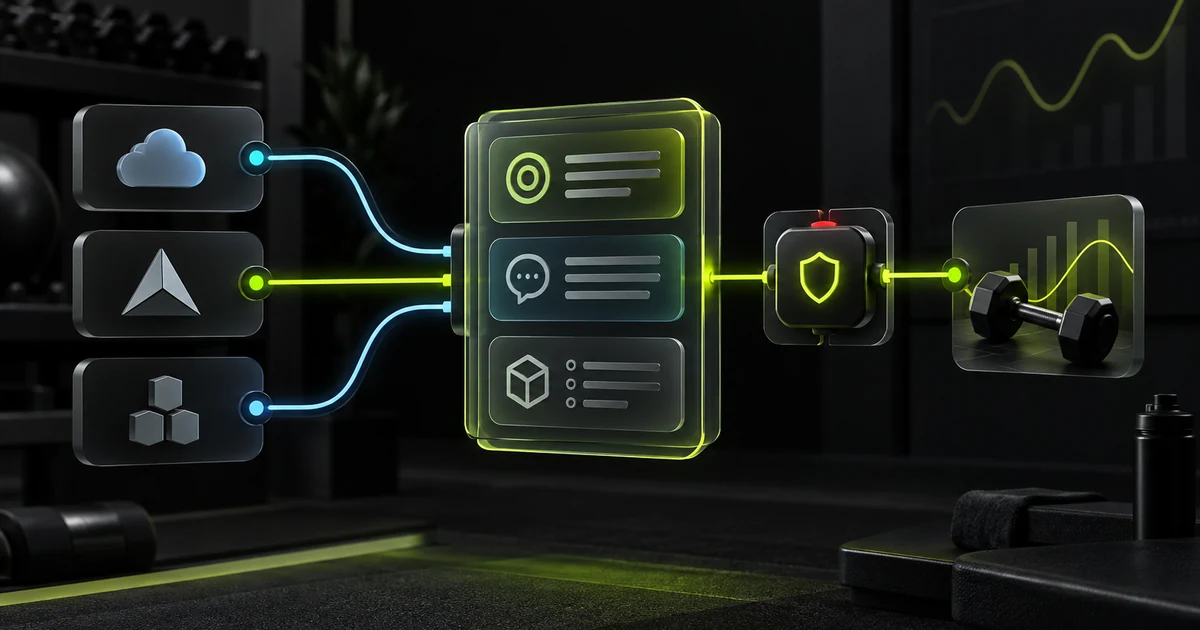
When an LLM decides to use a tool, it cannot see the Python, JavaScript, or TypeScript function that will eventually run. It only receives a contract explaining which capability the tool makes available and which arguments it must provide.
That contract needs at least three parts. It may include a fourth to describe the result. When they are clear, the model can choose correctly; when they are ambiguous, the harness must deal with incorrect calls even if the tool is perfectly implemented.
The tool's short label. If the model replies “use read_measurement,” the harness reads that label and knows which concrete action to run.
The text that tells the LLM the tool exists, what it does, and when to use it. It can also explain the result and any required prior steps.
The JSON Schema for accepted arguments: which arguments exist, the type of each one, and which ones are required.
Describes the result shape when the tool returns structured data. Providers do not all accept this field under the same name: it may stay in the internal contract, be forwarded when the API supports it, or be documented in description.
In the Gymnasia example, the agent's central list does not include outputSchema: its handlers return text or serialised JSON, and the description tells the model what it will receive. Adding an output schema would be useful if the harness needed to validate structured results before returning them to the LLM.
What happens when a tool runs
The following flow represents a response that includes a tool call. It starts when a request needs an external capability and shows the complete tool-execution loop: the model requests it, the harness runs it, and the result returns to the model.
read_measurement + dateDefine every tool once, in one place
If tool declarations are scattered across the codebase and their common format later changes, it is easy to update some and miss others. A single central list is easier to maintain: define each tool once, then let the rest of the system read that list to inform the provider, accept only known names, and check that every action has code capable of executing it.
In a small project, that list may live in one file. In a large project, it may be split by domain and brought together by one exported module. The exact file does not matter; avoiding independent copies of the same contract does.
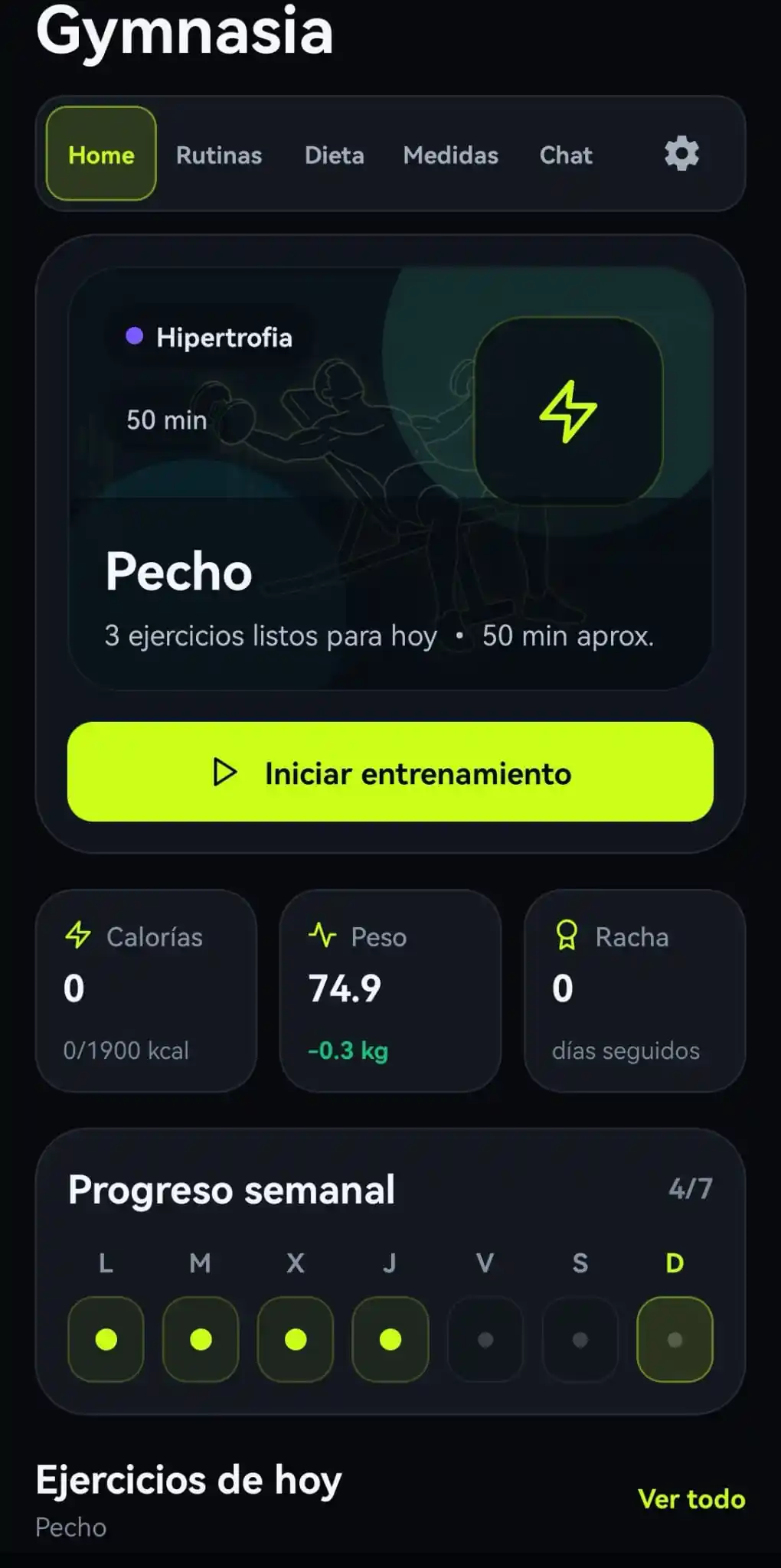
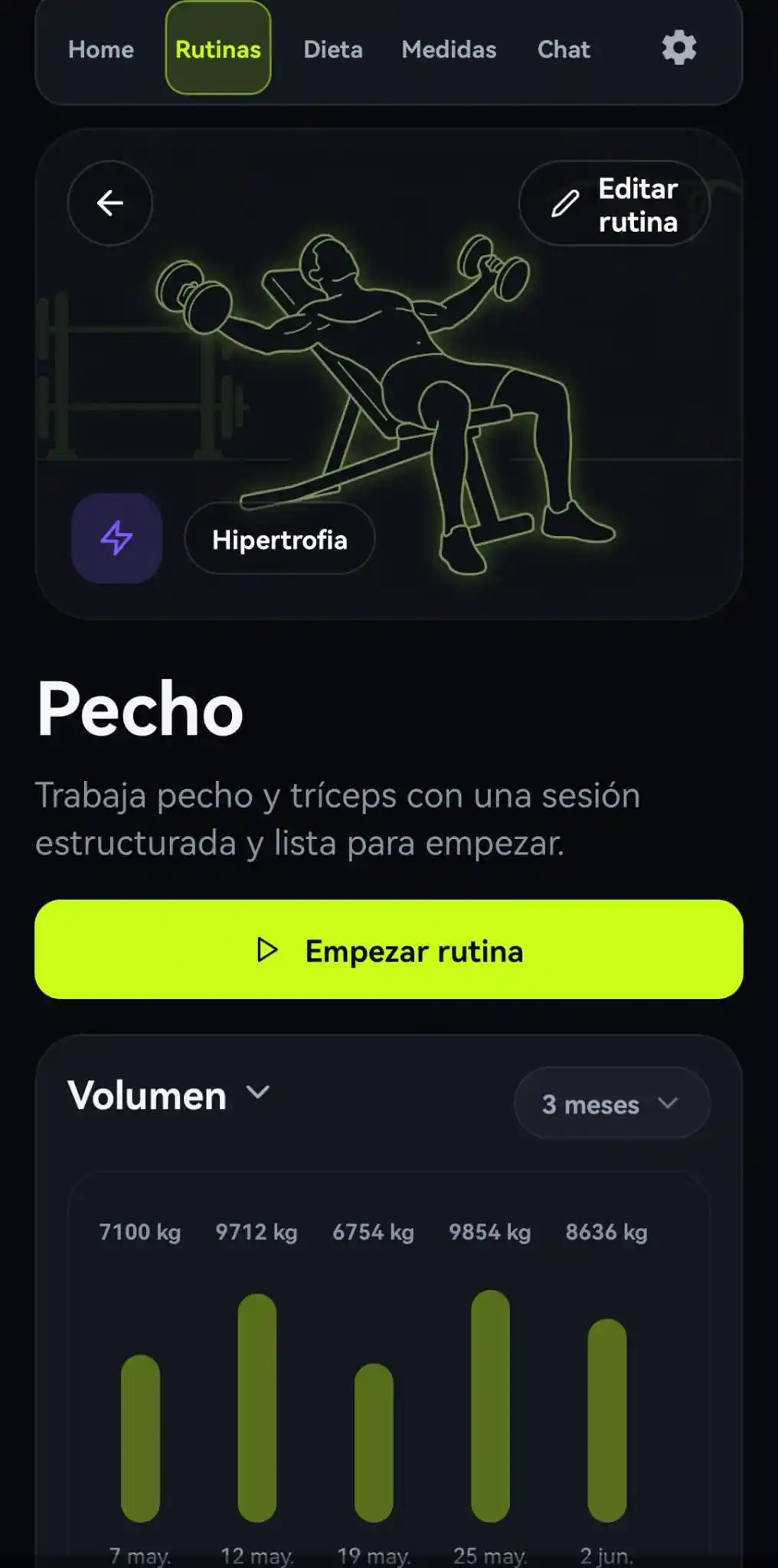
For example, an agent for a gym application may need to remember personal details, retrieve measurements, log meals, and create routines. Here is the definition of one tool, read_measurement:
{
  name: "read_measurement",
  description:
    "Lee las medidas corporales del usuario para una fecha específica. " +
    "Devuelve el registro de medidas de ese día si existe. " +
    "Usa esta tool cuando el usuario pregunte por sus medidas de un día concreto.",
  inputSchema: {
    type: "object",
    properties: {
      date: stringProperty("Fecha en formato YYYY-MM-DD")
    },
    required: ["date"]
  }
}
You can understand the contract without knowing the rest of the tool: the name connects the call to its action, the description gives the model a selection criterion, and the schema requires a date.
Gymnasia's 15 tools
There are 15 tool-shaped declarations in total. Thirteen belong to the main conversational agent; the other two support a specialised meal-estimation flow. Grouping them by purpose makes each capability understandable without knowing Gymnasia's screens or internal structure.
Personal memory
save_personal_dataSaves or updates the profile the agent should remember.list_personal_data_keysLists the kinds of personal data available without reading their values yet.read_field_descriptionExplains what a memory field means so the right one can be selected.read_field_valueRetrieves a field's value after it has been identified.
Body measurements
read_measurementRetrieves measurements recorded on a specific date.write_measurementSaves or updates measurements provided by the person.
Nutrition
read_meal_foodsReads foods logged for a meal on a given date.search_foodsSearches for foods by name, category, or nutritional values.add_meal_foodAdds a previously identified food to a meal.
Training
search_exercisesSearches for exercises by muscle, equipment, or difficulty.read_routinesRetrieves saved workout routines.create_routineCreates a routine with specific exercises and sets.
Product improvements
create_feature_issueCreates a structured GitHub issue from a user's improvement request.
Meal estimation
scan_barcodeLooks up a barcode to retrieve a food's nutritional data; it is an executable action in a specialised flow.extract_nutritionAsks Anthropic for nutrition data in a specific structure. It is tool-shaped, but works as a structured-output mechanism and has no local handler.
One of these tools is different from the rest: create_feature_issue does not change the application or any data saved by the user. Its only effect happens outside Gymnasia, where it creates a GitHub issue. This means that anyone who wants to suggest an improvement only has to ask the agent; the LLM identifies the request and asks the harness to execute this tool with the information needed to record the proposal.
That makes 15 declarations: 14 represent executable actions, while extract_nutrition is used to obtain structured JSON.
The description is prompt too
A tool can be perfectly implemented and still be useless if the model does not know it exists. The description is text the LLM can see: it belongs to the context used to decide whether to answer directly or request that tool.
A weak description such as "Read measurements" leaves questions unanswered. Does it read the latest record or one for a date? What happens when no data exists? Should it be called for a general training question? A useful description answers four questions:
Describe a concrete action, not the name of a screen or module.
Give the model a signal it can recognise in the user's request.
Anticipate the data the model will receive to continue reasoning.
State preconditions, limits, and ordering between tools.
The final point matters in every domain. If one tool adds a selected item and another searches for candidates, the description should say to search first and add second. The model cannot infer that dependency from internal comments it never receives.
How the system prompt and tools reach the LLM
A tool's description does not replace the system prompt. In Gymnasia, the system prompt defines the agent's overall role and rules that span several tools. For example, a nutrition rule can specify this sequence:
## Nutrition tools
When the person asks to add a food:
1. Use search_foods to find the exact food.
2. Use add_meal_food with the selected result.
Before the provider is called, the base prompt is completed with local policies. Tool definitions are not concatenated into that text: they travel in the same request's tools field. The provider exposes both pieces to the model so global rules and concrete contracts work together.
name + description + schemasIn simplified form, the OpenAI request looks like this:
const systemPrompt = composeAiSystemPrompt(basePrompt);

const request = {
  instructions: systemPrompt,
  tools: CHAT_TOOLS.openai,
  input: messages
};
OpenAI calls that field instructions; Anthropic uses system, and Google uses systemInstruction. The names differ, but the idea is the same: the prompt establishes global behaviour, while each definition explains one concrete capability.
Three providers, one definition
For now, Gymnasia can use its tools with OpenAI, Anthropic, and Google. More providers will be added, so the central list is not tied to any of them: supporting another provider should require a new adapter, not redefining every tool.
A harness can let users switch models without changing the agent's capabilities. The complication is that OpenAI, Anthropic, and Google wrap the same contract in different structures. Keep one provider-neutral definition and build a small adapter for each API.
Adds type: "function" and places the schema in parameters.
Receives name and description directly, with the schema in input_schema.
Groups declarations inside functionDeclarations and uses parameters.
const providerTools = {
  openai: definitions.map(tool => ({
    type: "function", name: tool.name,
    description: tool.description, parameters: tool.inputSchema
  })),
  anthropic: definitions.map(tool => ({
    name: tool.name, description: tool.description,
    input_schema: tool.inputSchema
  })),
  google: [{ functionDeclarations: definitions.map(tool => ({
    name: tool.name, description: tool.description,
    parameters: tool.inputSchema
  })) }]
};
The wrapper changes, but the meaning does not. If a description is improved or a required field is added, all three providers receive the same change. Maintaining three lists by hand turns every correction into a possible source of drift.
The example's shared contract stays with fields all three providers handle well. An outputSchema can be added to the internal definition when useful, but each adapter must handle it according to its API: Google accepts a response schema, MCP defines outputSchema as optional, and other formats return text or JSON without that field in the tool declaration.
From definition to execution
Declaring a tool does not implement the action. The provider only returns a proposal similar to { name: "read_measurement", arguments: { date: "2026-08-18" } }. The harness stays in control and decides what happens next.
- 1
Read the name and arguments from the model's tool call.
- 2
Check that the name is allowed and locate its handler.
- 3
Validate types, required fields, permissions, and business rules.
- 4
Run application code, in Python, JavaScript, TypeScript, or another language, and serialise the result.
- 5
Send that result to the model so it can continue and write a useful answer.
The handler may live on a server, in an edge function, or on the user's device. In Gymnasia it runs on the phone because the data is local-first and needs no backend. The general lesson is the same: the model requests an action, while the harness validates, authorises, and executes the code.
Tests that prevent drift
Drift appears when one layer changes and the others do not: a tool is declared without a handler, a required argument is added for only one provider, or runtime code accepts a different type from the published schema. Tests should cover the whole contract, not only isolated functions.
Unique names, meaningful descriptions, and object-shaped schemas.
A JSON Schema-compatible validator checks that each schema is valid and that required matches properties.
The catalogue, handlers, and provider adapters contain the same tools.
Missing or incorrectly typed arguments produce controlled errors.
Arbitrary values never crash the validator unexpectedly.
A fake provider confirms the call, execution, result, and final answer.
for (const tool of tools) {
  expect(() => schemaValidator.compile(tool.inputSchema)).not.toThrow();
}
The specific JSON Schema-compatible library does not matter; what matters is compiling every contract in tests and failing before an invalid definition reaches production. The goal is not to test whether the provider is “intelligent,” but whether the bridge built around the model is coherent.
Learn to build a complete agent
This article belongs to a series about developing an agent or harness from end to end. Gymnasia, a gym application, is the practical example used to explore memory, tools, providers, local execution, evaluation, and security; each instalment is written so those ideas can be transferred to other products.