Parallel tools: the provider proposes, your app decides what can overlap
Run independent agent reads concurrently, preserve call IDs and serialize writes. A measured comparison in Coach web, with clear limits for mobile.
A suite of extensions for Ubuntu's top bar that show CPU, GPU, RAM and disk usage in real time
Four lightweight monitors that integrate into Ubuntu's top bar (GNOME Shell) to keep an eye on your system at a glance, without opening external applications:
All four monitors are cloned and installed the same way. Before installing the dependencies, make sure you don't have any venv or conda environment active:
InputBashif [ -n "$VIRTUAL_ENV" ]; thendeactivatefiif command -v conda &>/dev/null; thenconda deactivatefiCopied
And to make any of them start with the system, run inside its folder:
InputBash./add_to_startup.shCopied
Processor usage in real time: frequency, per-core temperature, load and thermal throttling detection.
InputBashgit clone https://github.com/maximofn/cpu_monitor.gitCopied
Dependencies:
InputBashsudo apt install lm-sensorssudo sensors-detectsudo apt install psensorCopied
Answer yes to every sensors-detect question.
NVIDIA graphics card usage in real time from Ubuntu's top bar.
InputBashgit clone https://github.com/maximofn/gpu_monitor.gitCopied
Dependencies:
InputBashsudo apt-get install python3-gi python3-gi-cairo gir1.2-gtk-3.0sudo apt-get install gir1.2-appindicator3-0.1pip3 install nvidia-ml-py3pip3 install pynvmlCopied
System memory in real time from Ubuntu's top bar.
InputBashgit clone https://github.com/maximofn/ram_monitor.gitCopied
Dependencies (same as CPU Monitor):
InputBashsudo apt install lm-sensorssudo sensors-detectsudo apt install psensorCopied
Disk usage in real time from Ubuntu's top bar.
InputBashgit clone https://github.com/maximofn/disk_monitor.gitCopied
Dependencies (same as CPU Monitor):
InputBashsudo apt install lm-sensorssudo sensors-detectsudo apt install psensorCopied
If you liked them, consider starring the repositories, but if you really liked them, consider buying me a coffee.

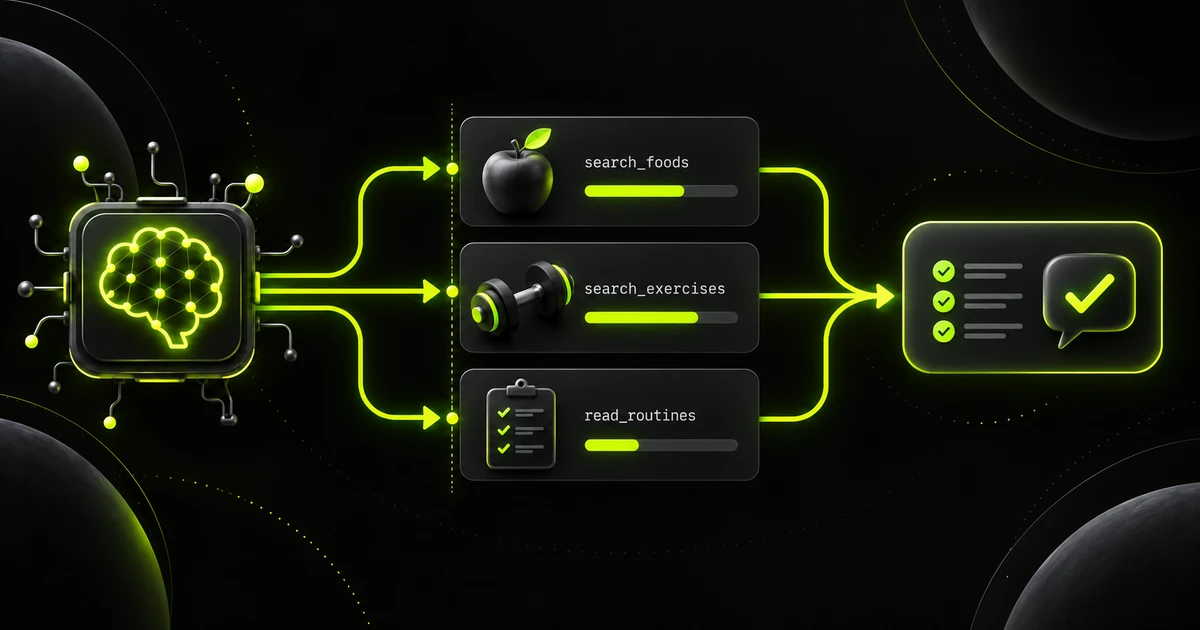
Run independent agent reads concurrently, preserve call IDs and serialize writes. A measured comparison in Coach web, with clear limits for mobile.
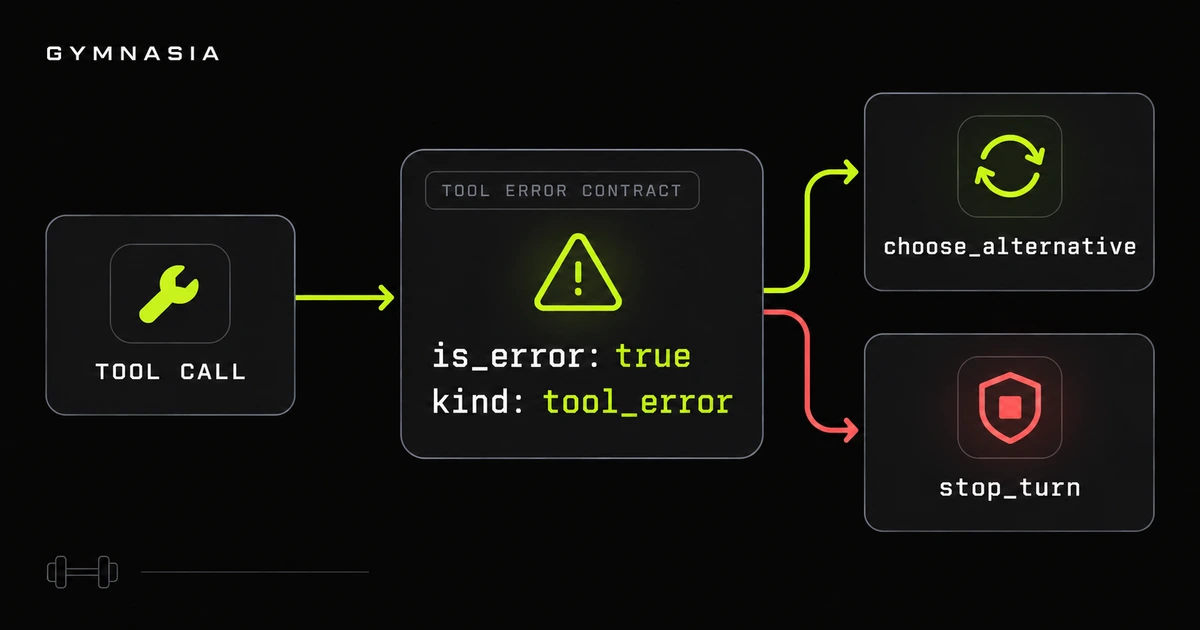
Design explicit errors for an agent: distinguish data from failures, adapt OpenAI, Anthropic and Google, and stop uncert...
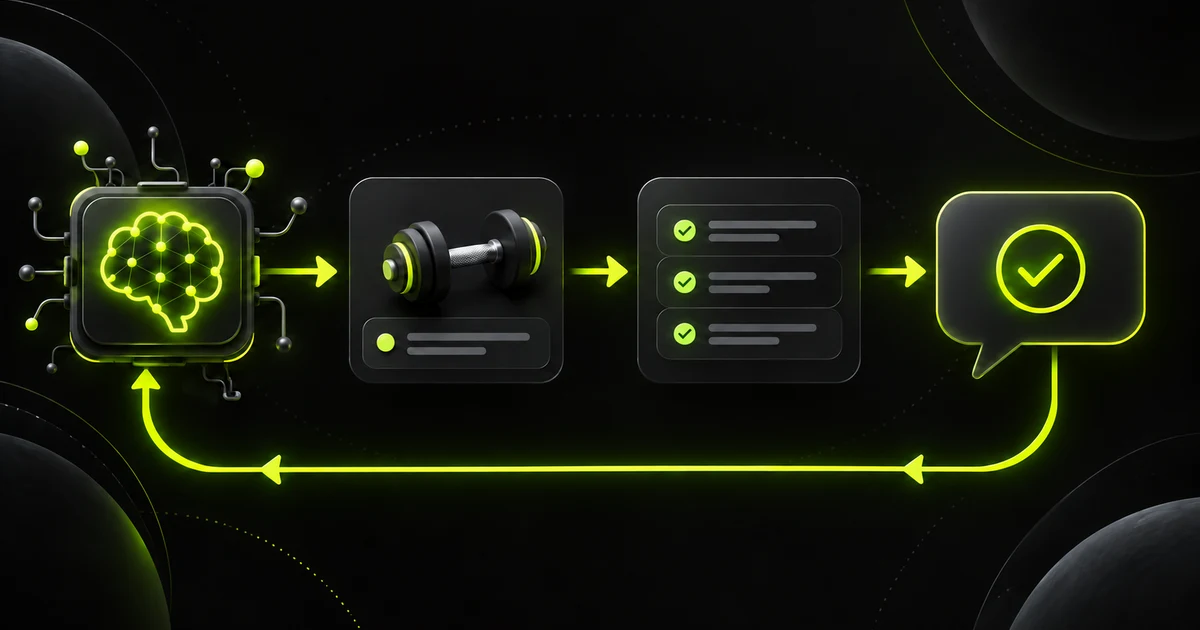
How to check tool arguments before execution, return errors the model can correct, and test the contract without changin...






Let's talk.
maximofn@gmail.com
Machine Learning and AI specialist. I develop solutions with generative AI, intelligent agents and custom models.
AI agents, powered by LLMs, promise to transform applications. But are they simple executors today or future intelligent collaborators? To reach their...
Learn to create an IA system to execute efficiently on a device
Hugging Face spaces allow us to run models with very simple demos, but what if the demo breaks? Or if the user deletes it? That's why I've created docker containers with some interesting spaces, to be able to use them locally, whatever happens. In fact, if you click on any project view button, it may take you to a space that doesn't work.




Let's talk.
maximofn@gmail.com
Machine Learning and AI specialist. I develop solutions with generative AI, intelligent agents and custom models.
Dataset with jokes in English
Use: Fine-tuning text generation models for humor
Dataset with translations from English to Spanish
Use: Training English-Spanish translation models
Dataset with Netflix movies and series
Use: Netflix catalog analysis and recommendation systems


