Get data of dictionaries

Get data of dictionaries

Obtener datos de diccionarioslink image 1

Disclaimer: This post has been translated to English using a machine translation model. Please, let me know if you find any mistakes.

Let's imagine that we have the following dictionary

	
< > Input
Python
dictionary = {
"id": 1,
"name": "John",
"age": 30
}
Copied

If we want to obtain the value of the age, what is usually done is dictionary["age"]

	
< > Input
Python
dictionary = {
"id": 1,
"name": "John",
"age": 30
}
dictionary["age"]
Copied
>_ Output
			
30

But, what happens if the key we put in is not in the dictionary? Will it give us an error?

	
< > Input
Python
dictionary["country"]
Copied
>_ Output
			
---------------------------------------------------------------------------
KeyError Traceback (most recent call last)
Cell In[4], line 1
----> 1 dictionary["country"]
KeyError: 'country'

So if this happens in production, the program will crash

So to solve it we can use a try except to handle the error

	
< > Input
Python
try:
dictionary["country"]
except KeyError:
print("Key not found")
Copied
>_ Output
			
Key not found

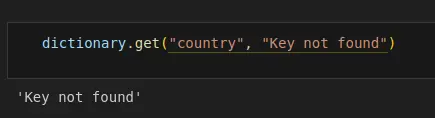
But another solution to avoid filling the code with try except is to use the get method which allows us to obtain the value of a key and if it doesn't exist, it returns a default value.

	
< > Input
Python
dictionary.get("country", "Key not found")
Copied
>_ Output
			
'Key not found'

Another option is not to include the second option, in which case we get None if the key does not exist.

	
< > Input
Python
country = dictionary.get("country")
print(country)
Copied
>_ Output
			
None

Frequently asked questions

What's the difference between dictionary['key'] and dictionary.get('key') in Python?

dictionary["country"] raises a KeyError: 'country' if the key doesn't exist, which can crash the program in production. dictionary.get("country") never raises an exception: it returns None by default, or the default value you pass as the second argument — for example dictionary.get("country", "Key not found") returns the string 'Key not found' instead of failing.

How do I avoid a KeyError when accessing a missing dictionary key without using try/except?

Instead of wrapping every access in a try: dictionary["country"] except KeyError: print("Key not found") block, you can use the .get() method directly: dictionary.get("country", "Key not found") returns the given default value if the key is missing, avoiding repeated try/except blocks throughout the code.

Continue reading

Last posts -->

Have you seen these projects?

Gymnasia

Gymnasia Gymnasia
Expo
React Native
TypeScript
OpenAI
Anthropic

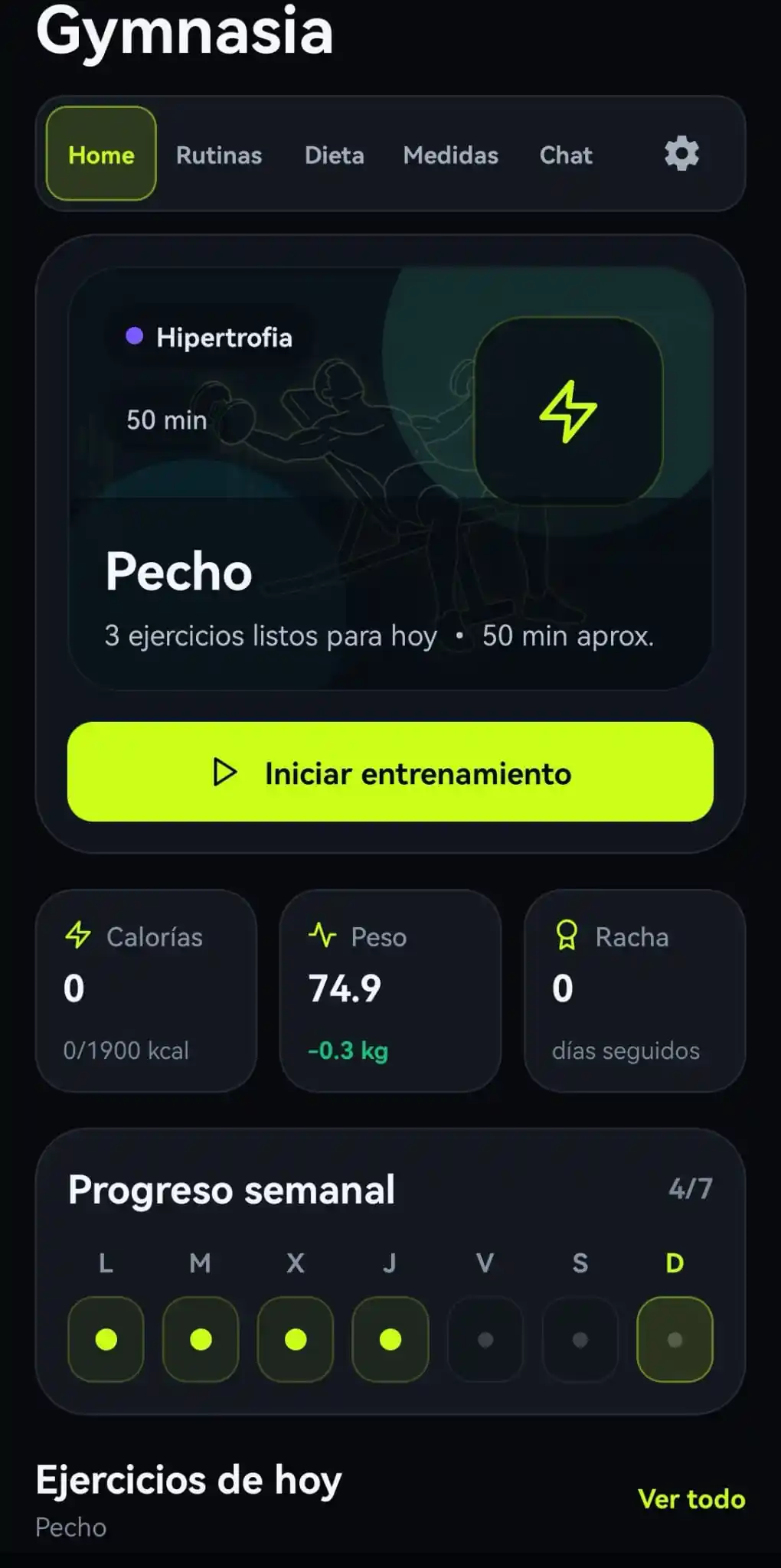
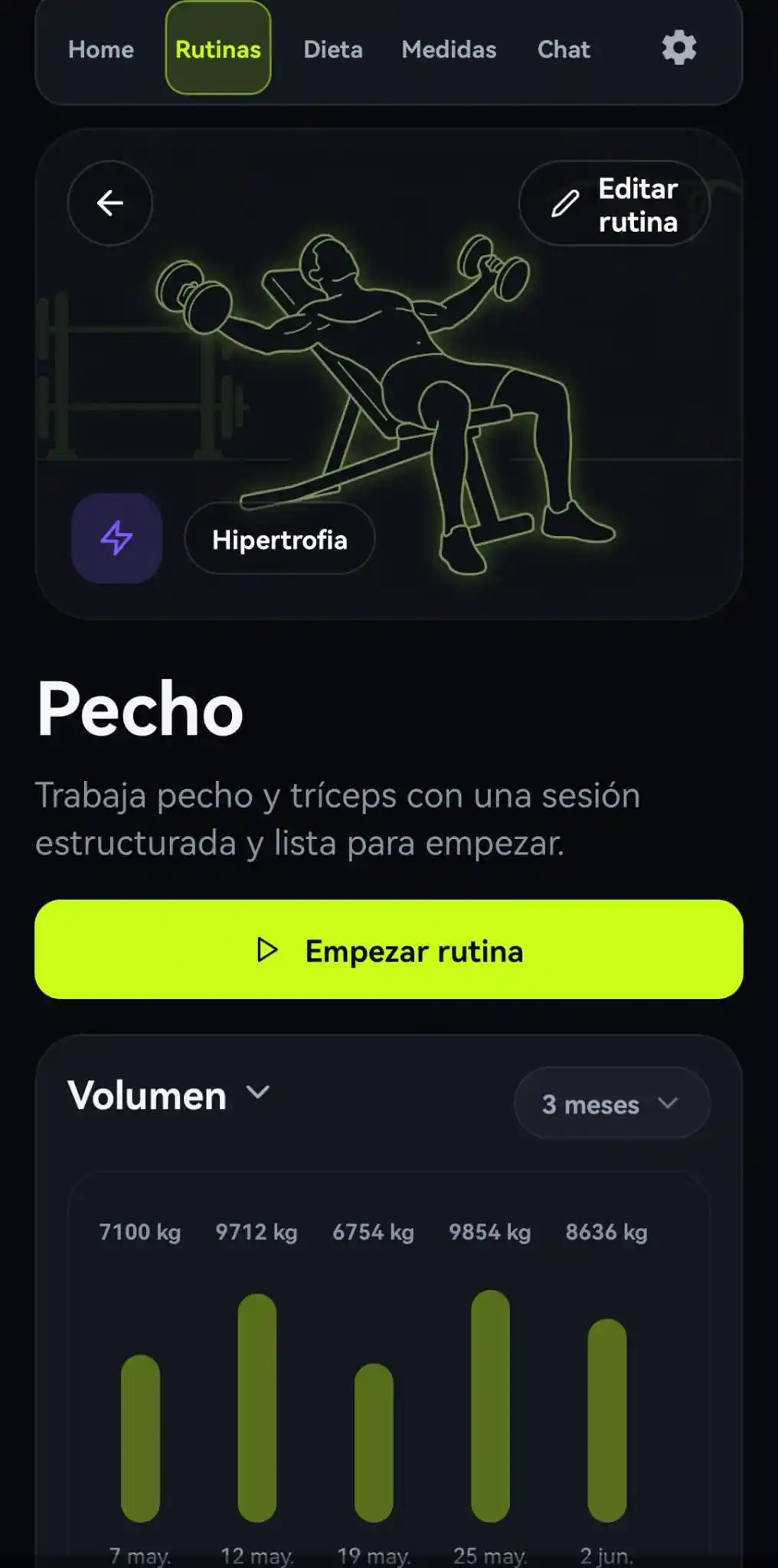
Fitness app with two agents that run entirely on the device, with no backend, so the user's data never leaves the phone. A BYOK conversational coach with local tools and a remote system prompt with offline fallback, plus a food estimator that pulls macronutrients out of a photo of the plate, with barcode scanning against OpenFoodFacts.

LangGraph Deep Researcher

LangGraph Deep Researcher LangGraph Deep Researcher
Python
LangGraph
FastAPI
React
TypeScript
Docker

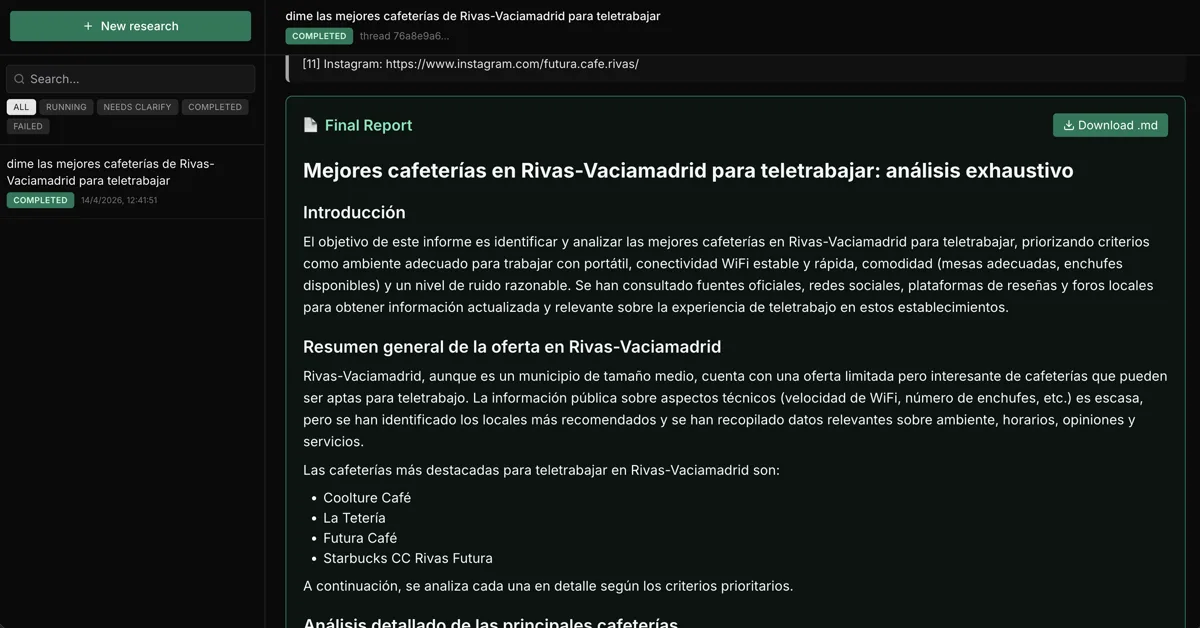
Multi-agent research system built with LangGraph. A supervisor breaks your question down into topics and launches search sub-agents in parallel; each one compresses its findings before handing them to a writer agent that produces the final sourced markdown report. Live streaming over WebSockets, a configurable model per role and bring-your-own API keys that are never persisted server-side.

Tau

Tau Tau
Python
LangChain

Multi-agent tutoring system for secondary school students, with one agent per subject and course material written and validated by a team of teachers. It was used with real students at a private school in Spain and at a secondary school in Colombia.

View all projects -->
>_ Available for projects

Do you have an AI project?

Let's talk.

maximofn@gmail.com

Machine Learning and AI specialist. I develop solutions with generative AI, intelligent agents and custom models.

Do you want to watch any talk?

Last talks -->

Do you want to improve with these tips?

Last tips -->

Use this locally

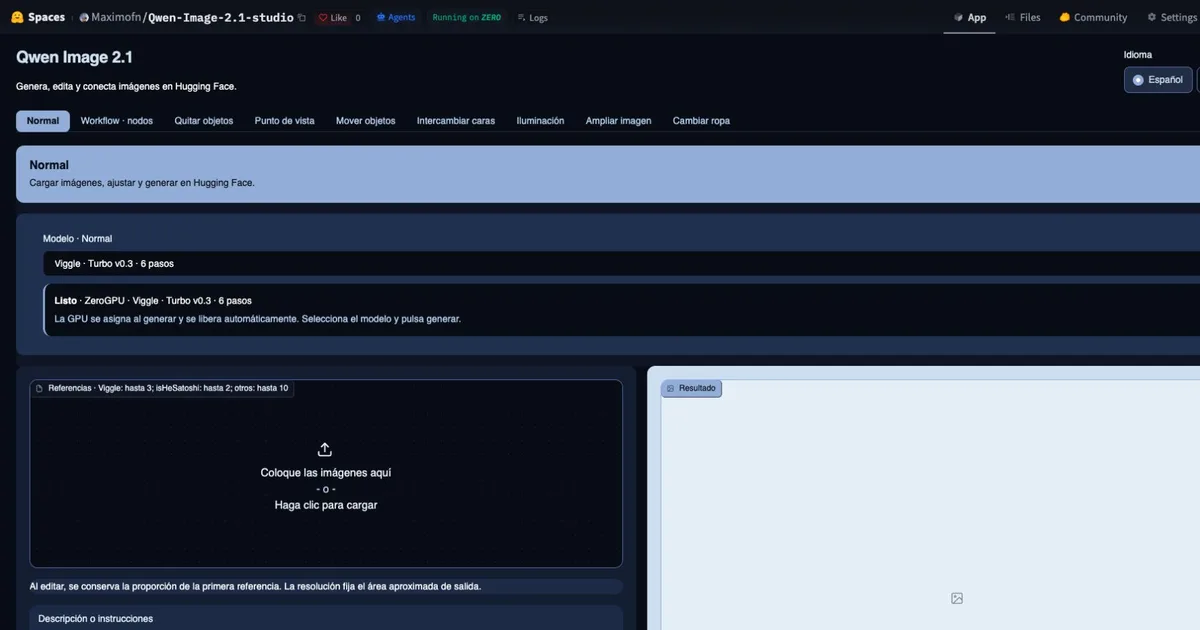
Hugging Face spaces allow us to run models with very simple demos, but what if the demo breaks? Or if the user deletes it? That's why I've created docker containers with some interesting spaces, to be able to use them locally, whatever happens. In fact, if you click on any project view button, it may take you to a space that doesn't work.

Flow edit

Flow edit Flow edit

FLUX.1-RealismLora

FLUX.1-RealismLora FLUX.1-RealismLora
View all containers -->
>_ Available for projects

Do you have an AI project?

Let's talk.

maximofn@gmail.com

Machine Learning and AI specialist. I develop solutions with generative AI, intelligent agents and custom models.

Do you want to train your model with these datasets?

short-jokes-dataset

HuggingFace

Dataset with jokes in English

Use: Fine-tuning text generation models for humor

231K rows 2 columns 45 MB
View on HuggingFace →

opus100

HuggingFace

Dataset with translations from English to Spanish

Use: Training English-Spanish translation models

1M rows 2 columns 210 MB
View on HuggingFace →

netflix_titles

HuggingFace

Dataset with Netflix movies and series

Use: Netflix catalog analysis and recommendation systems

8.8K rows 12 columns 3.5 MB
View on HuggingFace →
View more datasets -->