
What context compression is
An agent works with a limited memory: its context window, which holds the instructions, the conversation, the tool results and everything it has read. Compressing the context means replacing older messages with a summary of the work so far that keeps only what matters for the task.
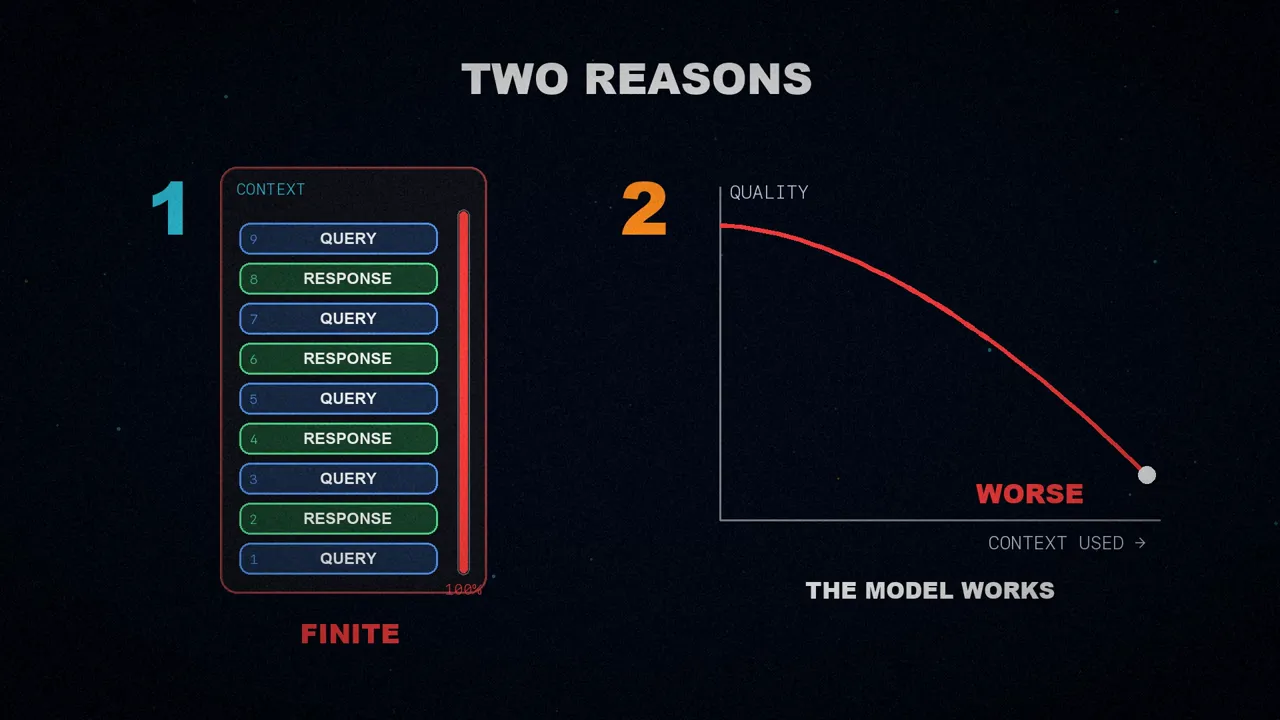
It's needed for two reasons. The first is obvious: context windows are finite, and a long task eventually fills them. The second is less obvious: the fuller the window gets, the worse the model works with it. This is known as context rot.
The fixed-threshold problem
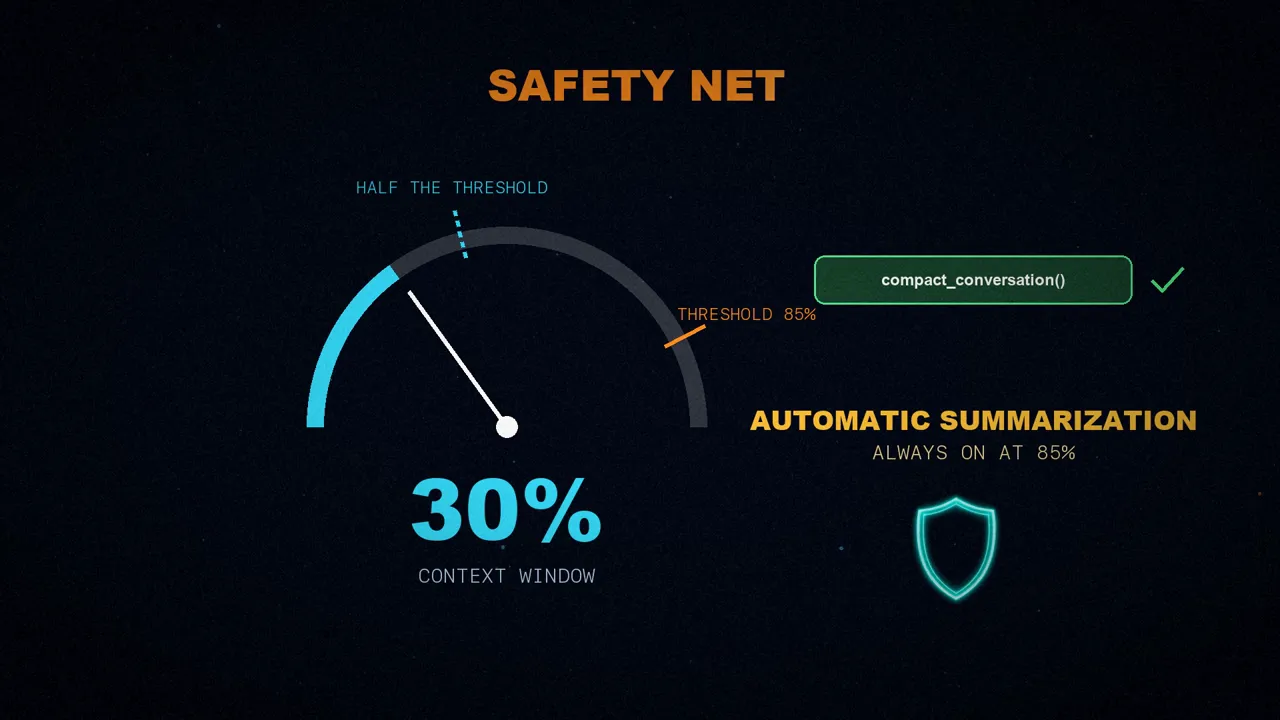
Usually the harness, the software that wraps the model, controls compression with a fixed token threshold. Deep Agents, for example, uses model profiles to compact once it reaches 85% of each model's context limit.
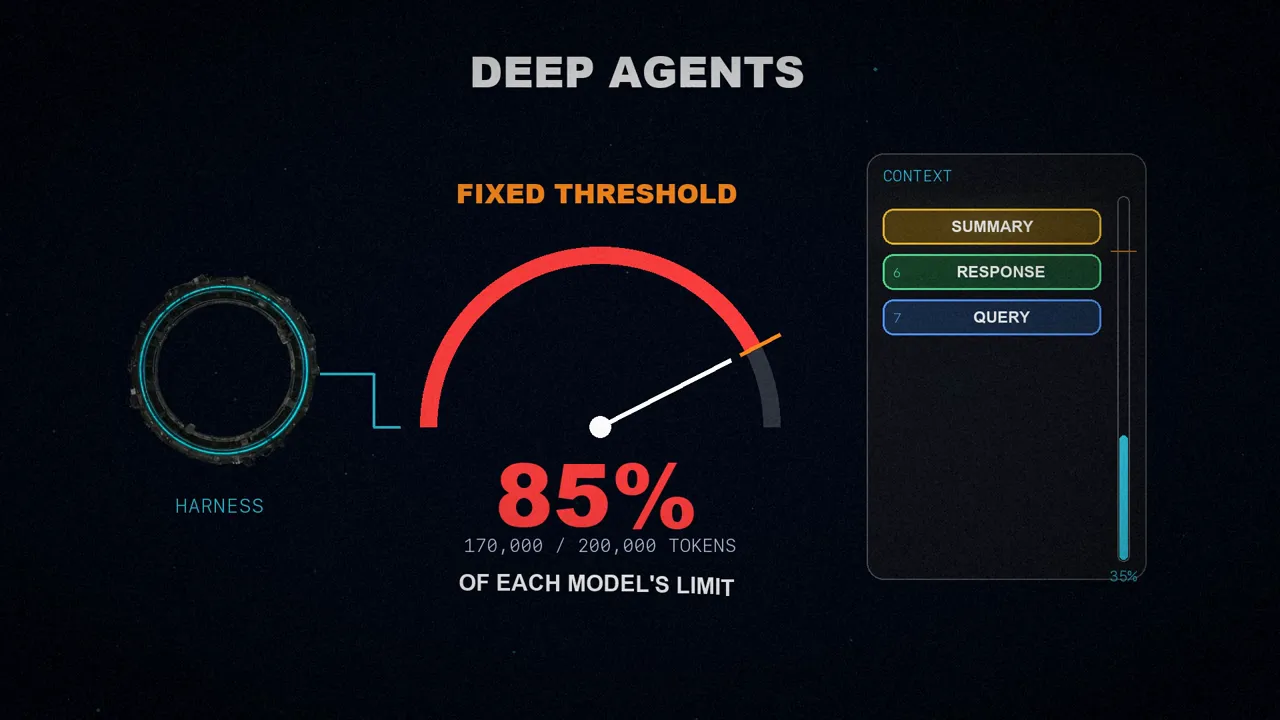
The article explains why that isn't ideal: there are good times and bad times to compact, and a threshold can't tell them apart.
- Bad time: in the middle of a complex refactor. The agent loses the details exactly when it needs them most.
- Good time: when starting a new task, or when the earlier context is about to stop being useful.
A tool for the agent
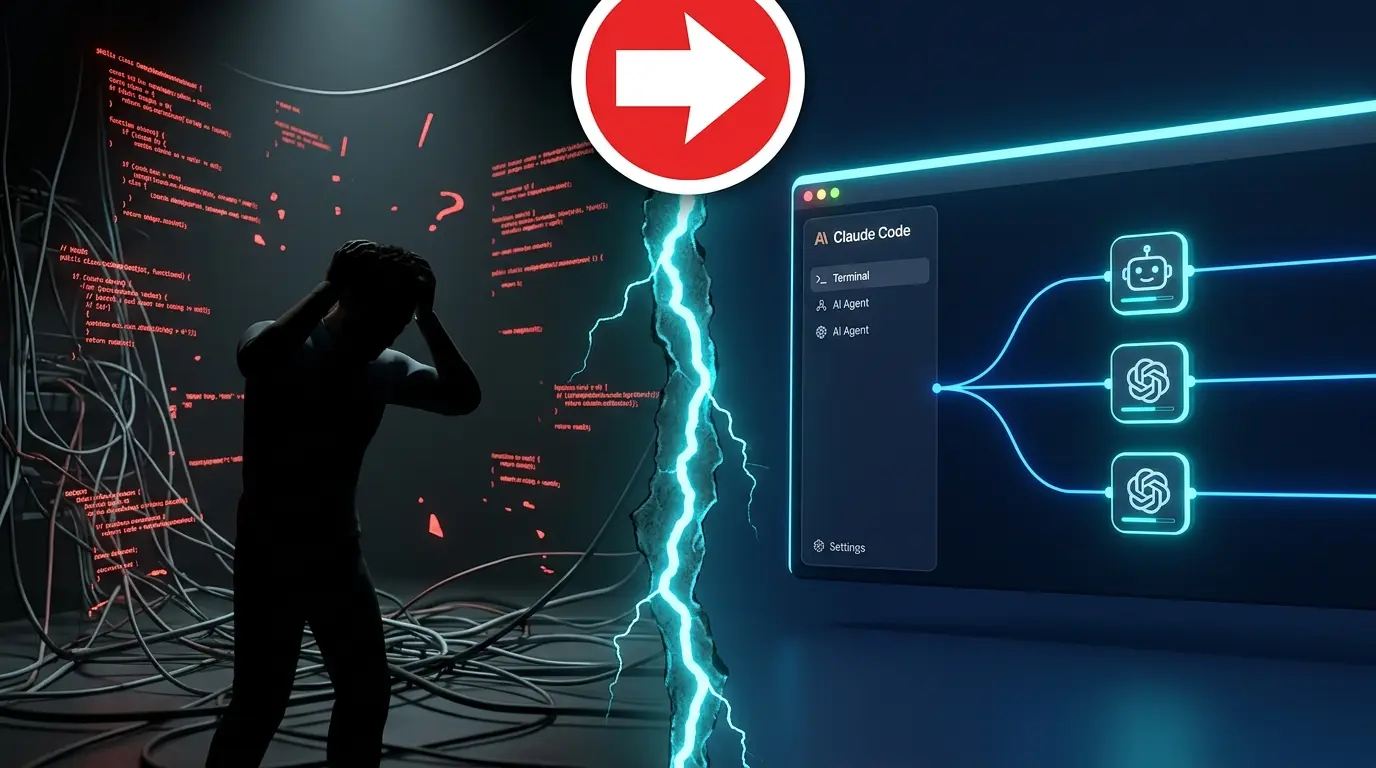
Many agentic coding tools have a /compact command so the user can compress the context by hand when it seems right. LangChain goes one step further: it gives the agent a tool to trigger compression itself.
The advantage is that it compacts at the right moment without your application's users needing to know the context is finite, or to type any command.
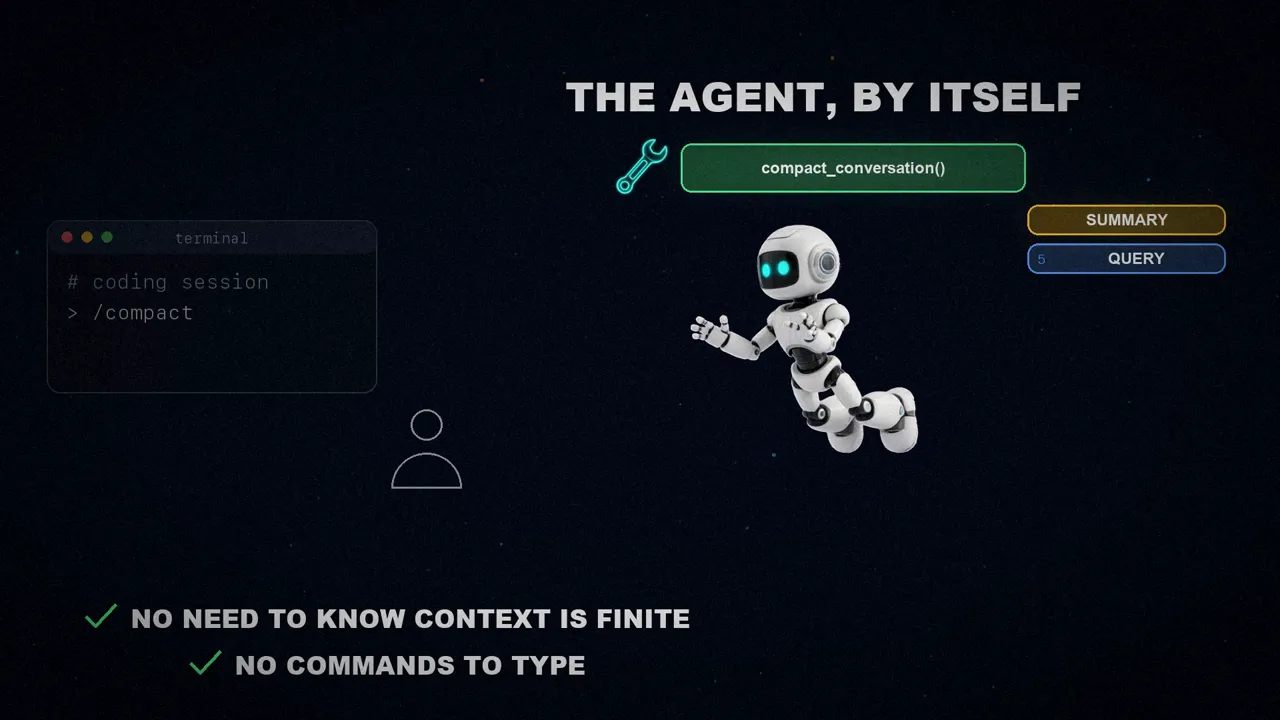
/compact by hand to a tool the agent calls on its own.There's a bigger idea behind it. LangChain believes the harness should get out of the way whenever it can and take advantage of models that keep reasoning better. It's the well-known bitter lesson: instead of tuning the harness by hand with ever finer rules, give the agent more control over its own context.
When to compact: five situations
If the agent decides, when should it do it? The article groups the good moments into five situations:
The user moves on to something for which the earlier context is probably useless, or the agent finishes a deliverable and the user accepts it.
The agent has obtained a fact, a conclusion or a summary by consuming a lot of context, as in a research task.
It's about to write a long draft or read many documents.
It's about to start a refactor, a migration, a multi-file edit or an incident response; for example, once it has the plan and is about to execute it.
New requirements arrive that invalidate the earlier context, or there are many tangents and dead ends that fit in a summary.
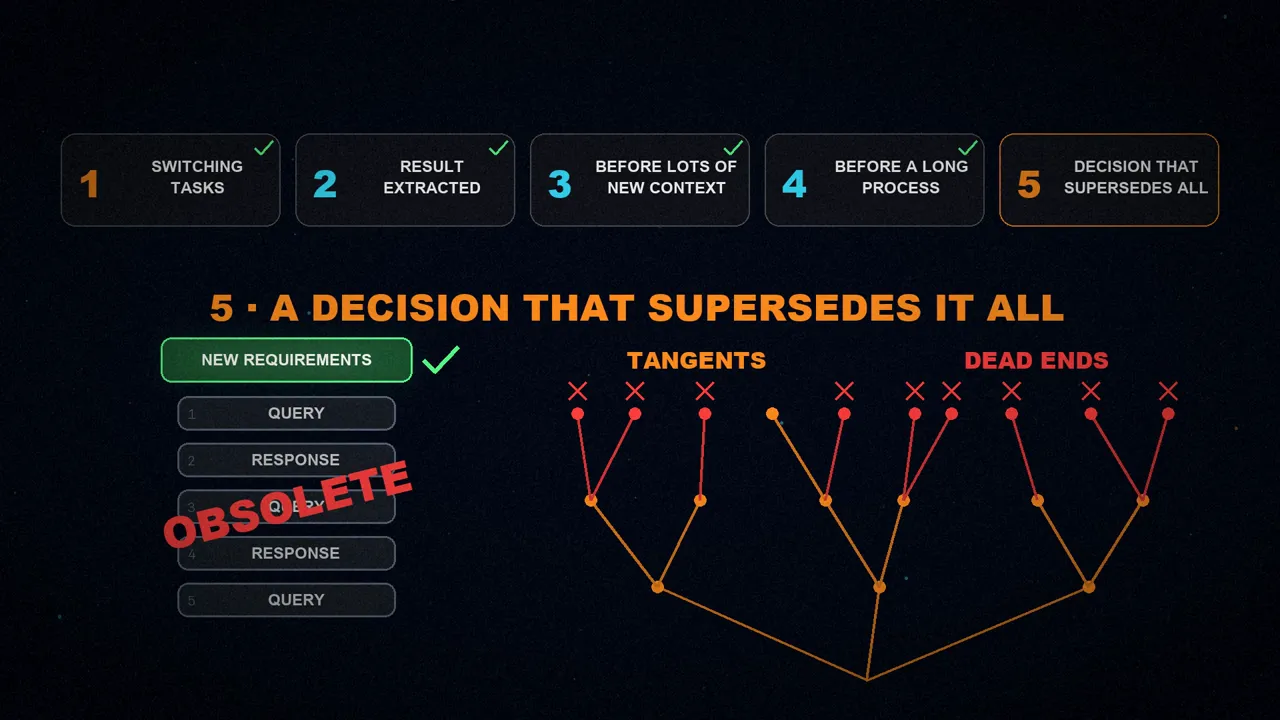
Listing every case isn't practical, but according to LangChain, people and language models can recognize them. That's why they explain these criteria to the model in the tool's instructions. And compacting in time has an extra benefit: it avoids having to do it by force later, when the window is about to fill up.
What happens when the tool is called
The tool works just like the automatic summarization Deep Agents already had, with the same parameters:
- Recent messages are kept: 10% of the available context. They include the tool call itself and its response.
- Everything before is summarized: it all becomes a single summary message.
- Nothing is lost: the original messages are saved to a file,
/conversation_history/{thread_id}.md, in the agent's virtual filesystem. - The summary carries a pointer: the context keeps the summary with a reference to that file, in case the agent needs to go back to the details.
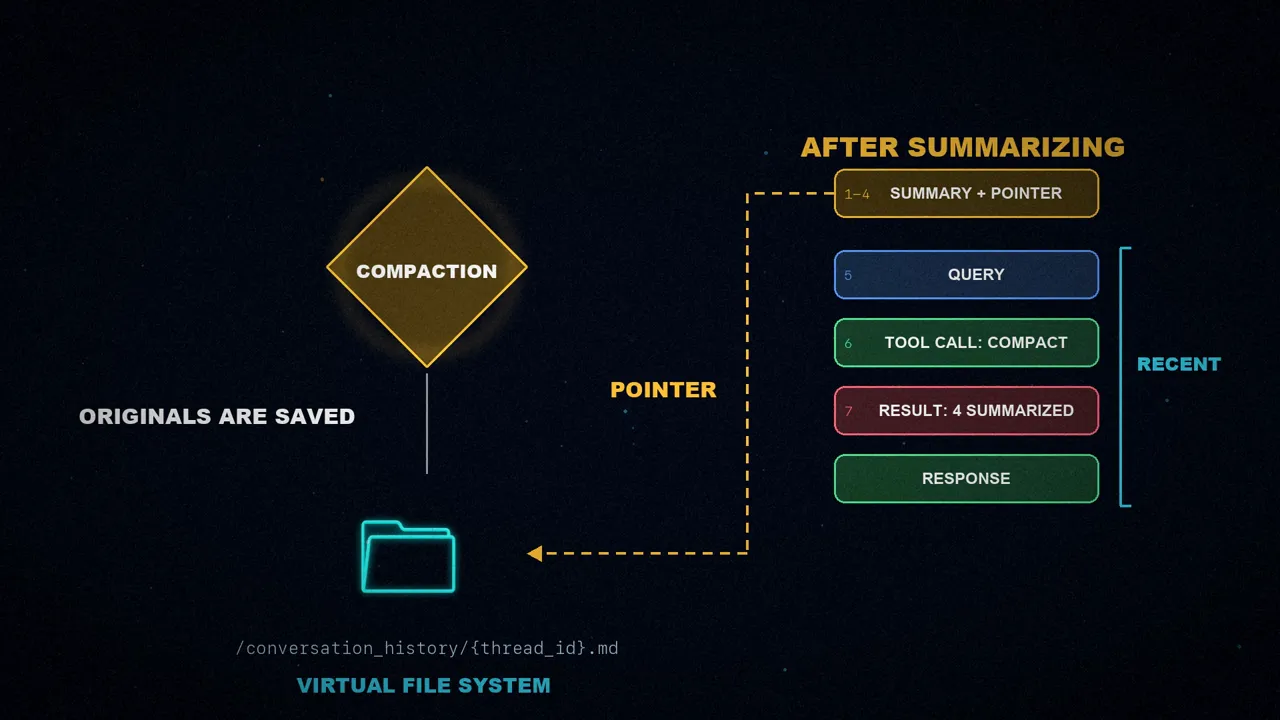
It's my favorite part of the design: summarizing isn't forgetting, it's storing things somewhere else.
How to use it
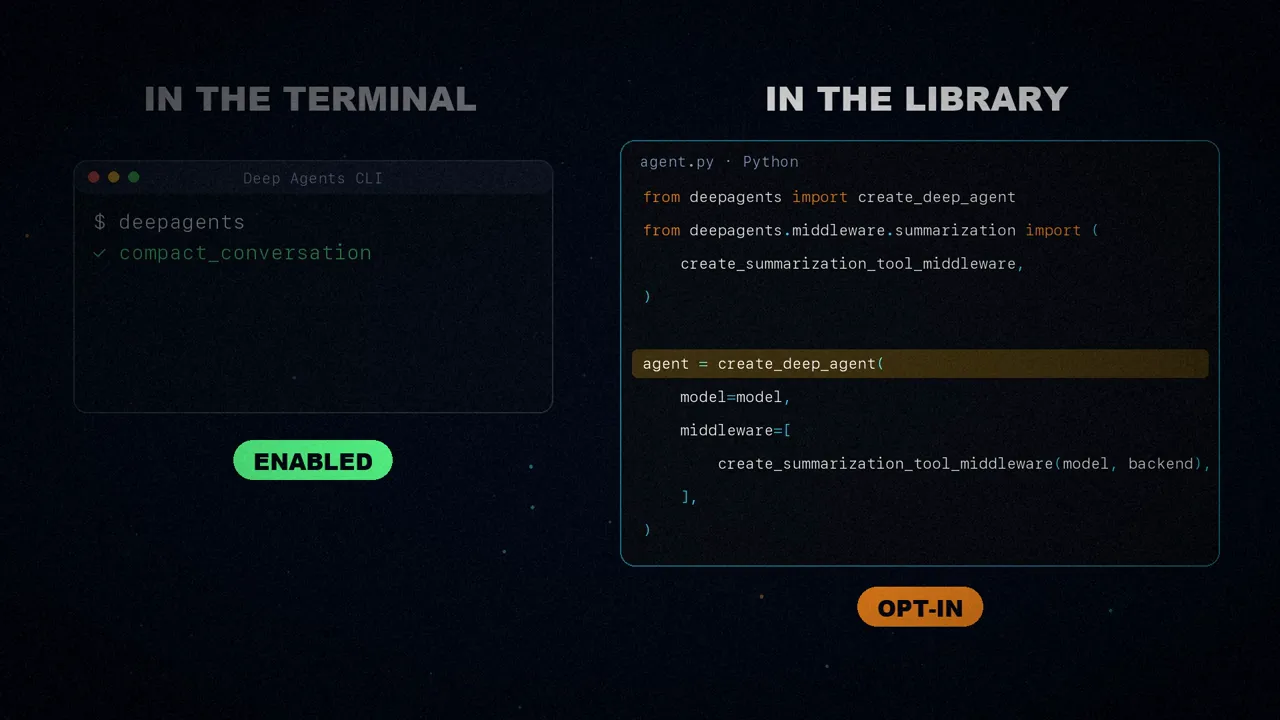
In the Deep Agents command line tool (Deep Agents CLI) it's already turned on. In the Python library it's opt-in: it's a separate middleware you add to the middleware list when creating the agent. This is the article's example:
from deepagents import create_deep_agent
from deepagents.backends import StateBackend
from deepagents.middleware.summarization import (
    create_summarization_tool_middleware,
)

backend = StateBackend  # if using default backend
model = "openai:gpt-5.4"
agent = create_deep_agent(
    model=model,
    middleware=[
        create_summarization_tool_middleware(model, backend),
    ],
)
And in the command line tool you can also type /compact yourself whenever you want to trim the context or switch tasks.
How they tested it
LangChain tuned the tool to be conservative. Deep Agents keeps the full history, so context can be recovered after summarizing, but a compression at the wrong moment disrupts the work. They tested it three ways:
- Their own evaluation suite: on real conversations, taken from their LangSmith traces, they injected follow-up prompts; some called for compaction and some didn't.
- Terminal Bench 2: a benchmark of terminal tasks, where the agent never compacted on its own, not even once.
- Their own coding tasks with the Deep Agents command line tool.
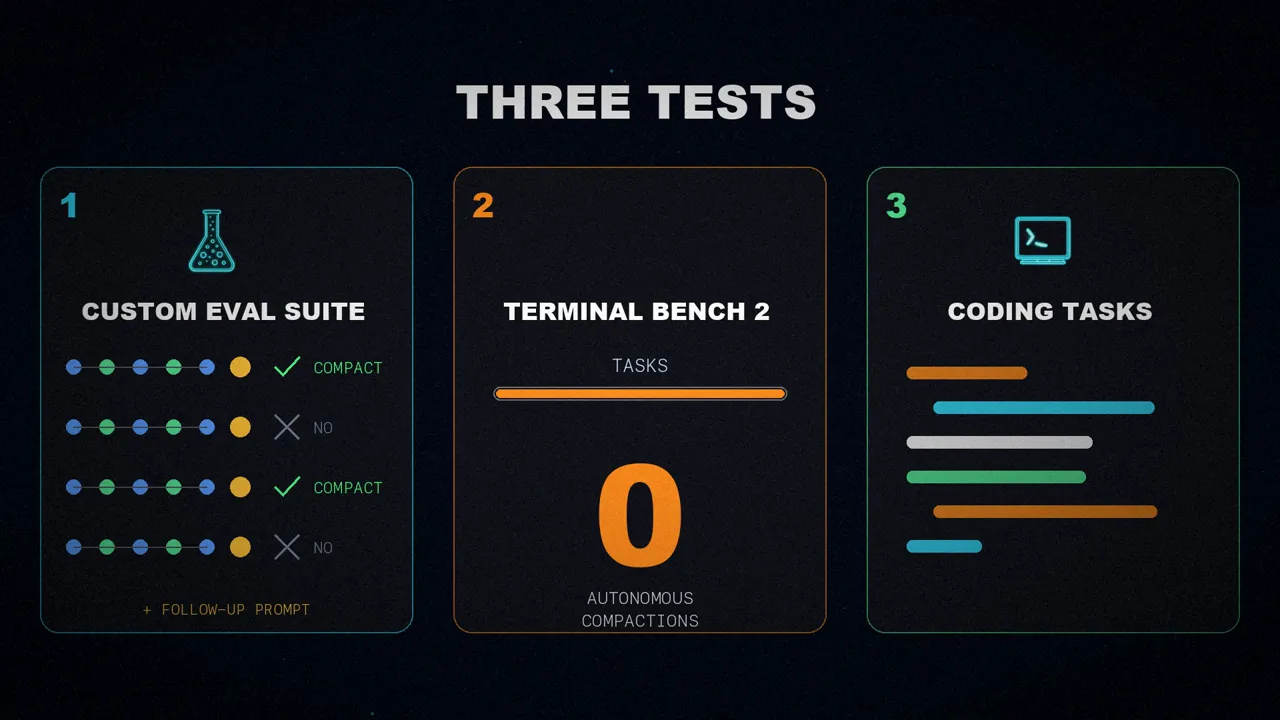
The result? Agents are cautious and compact rarely. But when they do, they tend to pick moments where the workflow clearly improves.
Is it a bad sign that it never compacted?
That zero in Terminal Bench caught my attention. If you let the model decide when to compact and it never does, at first sight it looks like bad news. The article doesn't explain it, so I checked it against the Deep Agents code, and I think it's not necessarily a bad sign, for two reasons.
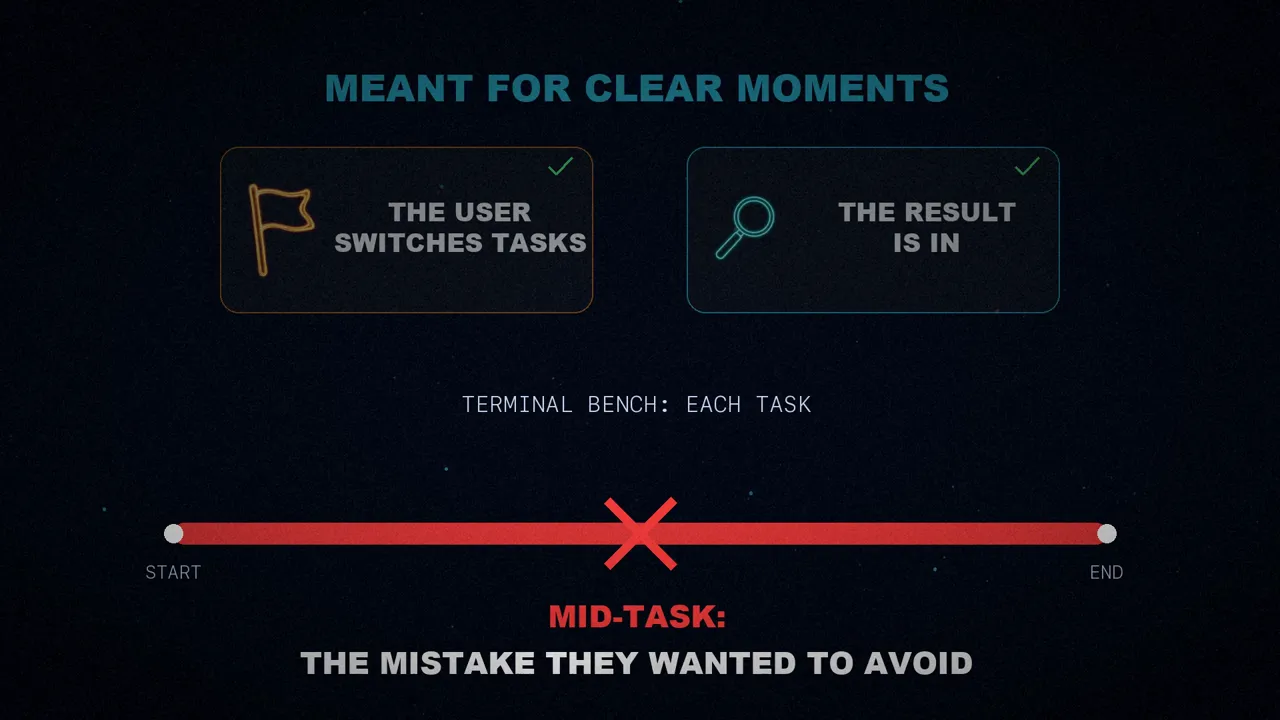
First: those moments never come. The tool is meant for clear moments, such as when the user switches tasks or when the agent already has the result it was after. In Terminal Bench, each test is a single task, from start to finish, with no change of topic. And compressing in the middle of a task is exactly the mistake they wanted to avoid.
Second: not compacting doesn't mean overflowing. In the code, the tool won't even agree to compress until the conversation reaches half the threshold; before that it replies "Nothing to compact yet". And the tool is added to automatic summarization, not a replacement for it: create_deep_agent always includes it, so when the window fills up, the automatic summarization at 85% keeps working as a safety net.
What the article doesn't give is numbers: we don't know how many times the agent should have compacted and didn't. So the zero doesn't prove the tool works, but it doesn't prove it fails either.
A broader direction
Autonomous context compression is a small feature, but it points to a broader direction in agent design: giving models more control over their own working memory and fewer rigid, hand-tuned rules in the harness.
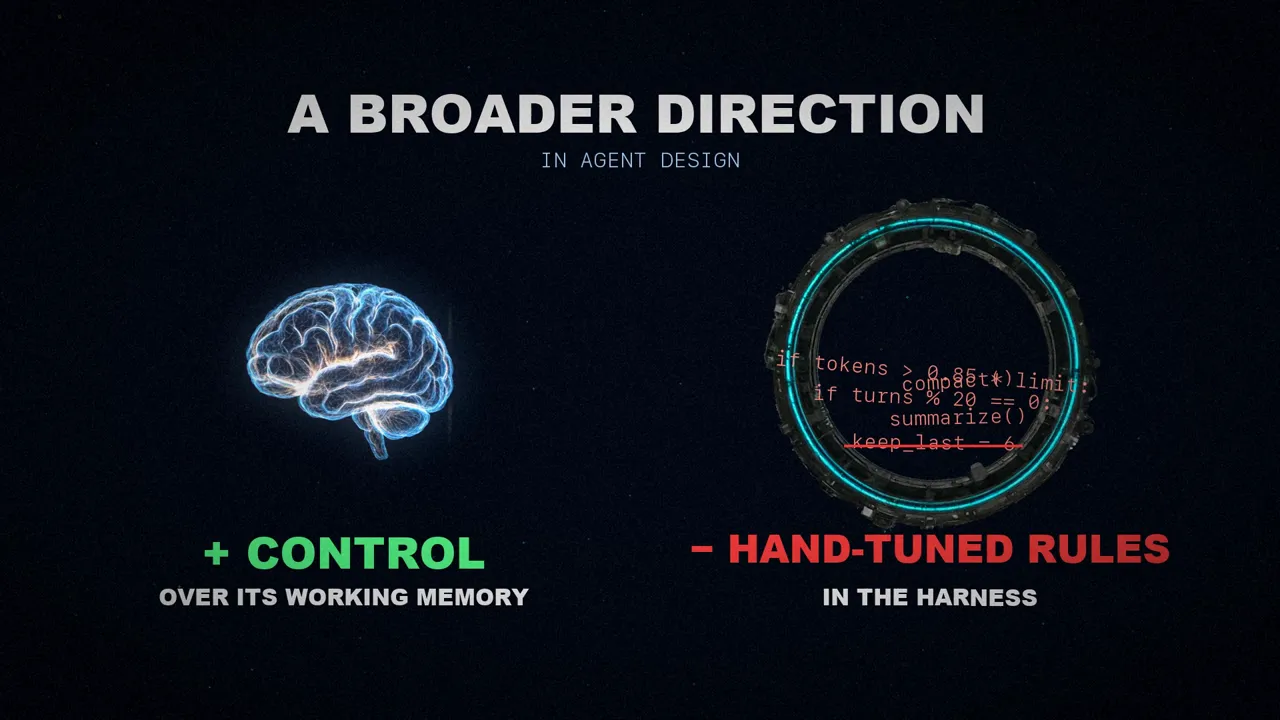
Instead of always compacting at 85%, the agent decides when to summarize its context and picks the moments when it helps.
Would you let your agent decide when to forget?
Sources
- "Autonomous context compression", by the LangChain team (@LangChain), March 11, 2026.
- Deep Agents' summarization middleware, which shows the half-threshold minimum and the "Nothing to compact yet" message:
summarization.py. - The video, on my three channels: English, Spanish and Portuguese.