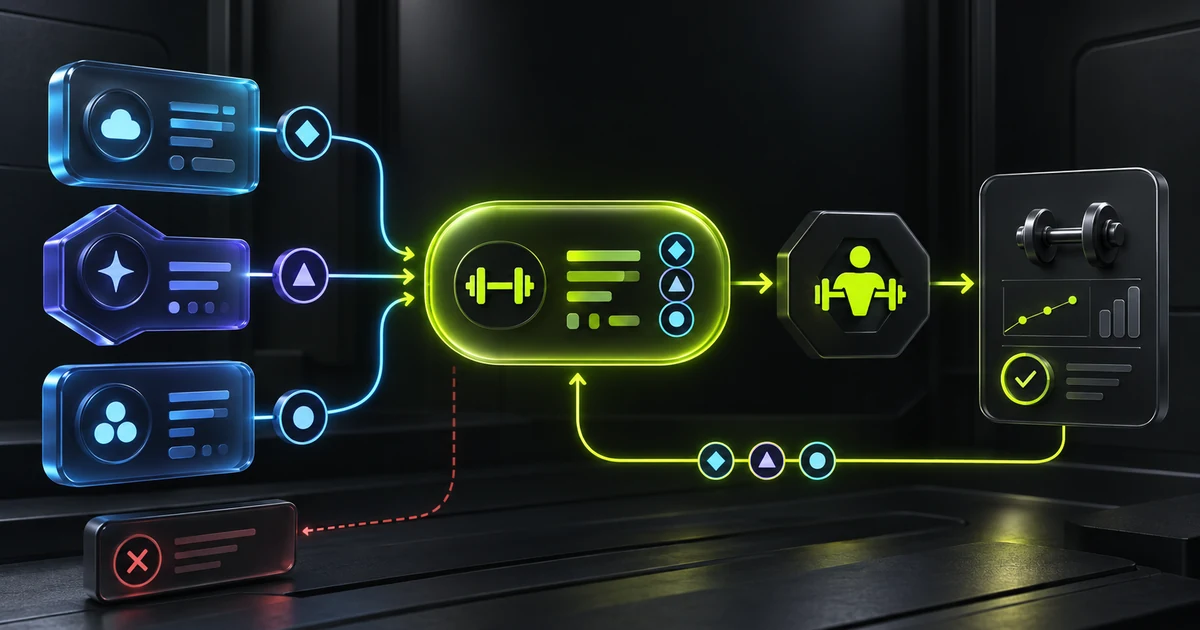
One problem, three dialects
OpenAI, Anthropic and Google express the same intent: “I want to run this function with these arguments.” The wrapper changes. OpenAI returns a function_call item, Anthropic a tool_use block and Google, through its Interactions API, a function_call step. OpenAI and Google sharing the same word does not mean they share the same structure: where the identifier lives and how the arguments arrive both change.
A harness should not spread those three shapes throughout the codebase. Translate them at the provider boundary into one common command for the harness. We call that translation normalisation: it receives different structures and always produces the same fields, such as name, args, provider and callId, so the rest of the code does not need to know each API's format.
That common command should answer three simple questions: which function the model requested, which arguments it supplied and which exact call the future result belongs to. The third question is easy to overlook. Each provider assigns an identifier to the request so the harness can return the function result to the correct call. Normalisation unifies the shape our code uses while keeping the API's “return address” in provider and callId.
function_call
Arguments arrive as a JSON string. call_id links the function output.
tool_use
The input is already an object. The result references tool_use_id.
function_call
Arguments are an object. The step's id is returned as call_id.
The JSON returned by each API
lookup_demo_value is a fictional function created for this example. Its job is to look up one piece of user data: it receives a key, such as height or weight, and returns the stored value.
All three examples represent the same request: look up the user's height by calling lookup_demo_value with the key height. The function name, arguments and identifier exist in every case, but they do not live in the same place or use the same names.
{
  "type": "function_call",
  "id": "fc_openai_1",
  "call_id": "call_openai_1",
  "name": "lookup_demo_value",
  "arguments": "{\"key\":\"height\"}",
  "status": "completed"
}{
"type": "tool_use",
"id": "toolu_anthropic_1",
"name": "lookup_demo_value",
"input": {
"key": "height"
}
}{
"type": "function_call",
"id": "call_google_1",
"name": "lookup_demo_value",
"arguments": {
"key": "height"
}
}| Concept | OpenAI | Anthropic | |
|---|---|---|---|
| Name | name | name | name |
| Arguments | arguments, JSON string | input, object | arguments, object; in streaming it arrives as text in arguments_delta |
| Correlation | call_id | id → tool_use_id | id → call_id |
| Result | function_call_output | tool_result | function_result |
A common shape that keeps context
Let us follow one call from start to finish. The user asks, “How tall am I?” The model does not know that value, but it knows it can ask the harness to run lookup_demo_value with the argument height.
- The provider delivers the request
The intent is the same even though each API writes it differently.
OpenAIfunction_callAnthropictool_useGooglefunction_call - The parser translates it
The rest of the harness always receives the same fields, regardless of provider.
To executename: lookup_demo_valueargs: { key: "height" }To return the resultprovider: openaicallId: call_height - The handler runs the function
It looks up
heightand obtains170 cm. It only needsnameandargsto do that work. - The adapter returns the result
It retrieves
providerandcallId, builds the response expected by that API and the model can finally answer: “You are 170 cm tall.”
description?It is needed earlier. In the previous post we looked at tool calls from the LLM's side: the harness sent it a catalogue containing each tool's name, description and argument schema. The description was necessary there so the LLM could decide which tool to request. This post looks from the other side. The LLM has already told the harness which tool to run and with which arguments, so the handler only needs name and args. The harness also keeps the identifier, not to execute the function, but to return its result to the correct call afterwards.
Why the identifier matters even when the name is the same
The name tells us which function to run; the identifier tells us which specific request we are resolving. Imagine the model asks for height and weight in the same turn. Both requests run lookup_demo_value, but they have different arguments and identifiers:
call_heightheight → 170 cm
call_weightweight → 70 kg
When the harness returns the results to the provider, both have the same function name. If it sent only that name, there would be no way to tell which result belongs to height and which belongs to weight. It therefore sends 170 cm with call_height and 70 kg with call_weight. Think of the identifier as a claim-check number: two people may request the same service, but the number makes sure each result reaches the correct request.
How to rebuild a response sent in pieces
With streaming, the LLM provider starts sending a response before it has finished generating it. That is useful because it reduces waiting time and makes the answer appear sooner, but it means our program does not always receive a complete JSON document at once. The LLM provider may deliver {"key":"hei in one read and ght"} in the next. One read may also contain two complete messages back to back: for example, one announcing the tool call and another adding its arguments. The parser must separate them; it cannot assume that one read always equals one message.
{"key":"height"}Piece 1 {"key":"heiPiece 2 ght"}Providers commonly use SSE, a text format in which a blank line marks the end of a message. That marker, not the size of the network chunk, tells us when the content is ready to interpret.
- Keep what arrives.
Append every new piece to the text left over from the previous read.
- Find complete messages.
If there is a blank line, take the message that ends there. Repeat the process in case the same read contains more complete messages. If the final piece has no marker, keep it and wait for the next read.
- Rebuild each call.
One message may announce a call and later messages may complete its arguments. The identifier tells us which call receives each piece.
- Check the ending.
When the connection closes, try to process the remaining text if it now forms a valid message. If it is still incomplete, discard it or report a controlled error; never execute half a call.
OpenAI often announces that a call has started and sends its arguments in later messages. Anthropic does something similar with different event names. Google Interactions follows the same pattern: step.start announces the function_call step with id, name and empty arguments, one or more step.delta events of type arguments_delta carry the JSON as text, step.stop closes the step and only then are the arguments parsed. Here the piece that links each fragment to its call is not the tool identifier but the step index. The parser hides those differences: its caller receives the same complete call whether the network split the text into two pieces or twenty.
Multiple calls and broken data
A correct parser must work beyond a single perfect call. It also has to decide what to do when several calls arrive, when data is missing or when the provider reports an error.
Do not keep only the first
The model may request height and weight in the same turn. The parser preserves both calls, their order and their identifiers; the harness returns exactly one result for each.
Do not guess what is missing
If the connection ends halfway through the JSON, we do not know what the model intended. The parser does not invent a call from the available characters: it returns a controlled error or ignores the incomplete message.
Treat it as an error
If the API sends an error event, it must not look like an empty answer. The adapter stops the flow and gives the harness a recognisable failure so it can apply the retry and communication policy described next.
There is another important boundary. The parser may turn arguments that are not valid JSON into {} so they do not break the whole stream, but that does not authorise execution. In a robust implementation, the tool layer then enforces the schema: if key is required and missing, it rejects the call before running the handler. Actions with side effects also require permission and business-rule checks.
What the user should see when something fails
Not every failure allows the same recovery. Before retrying or showing a message, the harness must distinguish between an LLM-provider failure, an invalid tool call from the LLM and a handler that failed while running the tool.
| Where it fails | What the harness does | What the user sees |
|---|---|---|
| Provider or stream | Retries only transient failures, such as a timeout or temporary rate limit, with a small attempt limit and increasing delays. | If the provider recovers, nothing special. Otherwise, a clear local message: “I couldn't get a response. Please try again.” |
| Invalid arguments | Does not run the tool. It returns a tool error to the LLM under the same call identifier so the model can correct the arguments or ask for missing information. | A clarification from the assistant, such as “Which date should I use for the measurement?”. If the correction also fails, the local fallback message is used. |
| Handler failure | May retry a safe read. It does not automatically repeat a write because that could duplicate the effect. If the provider remains available, it returns the tool error to the LLM. | The LLM can explain that the action could not be completed. The interface keeps a local fallback in case that response never arrives. |
Who writes the error message?
If the provider still works, the harness can return a structured tool error with the same call identifier. The LLM receives it just like a successful result and can correct the request once, ask a clarifying question or explain the failure in natural language.
If the provider itself has failed, we cannot ask it to write anything. The interface therefore needs a prewritten, localised fallback message. Technical details such as the HTTP status or received JSON belong in diagnostics; they should not appear as if they were the assistant's answer.
Retrying is not always safe
A read-only query can normally be repeated. An action with side effects, such as saving a measurement or creating a routine, must not be repeated blindly: the first attempt may have completed even if its confirmation was lost. Safe retries require idempotency identifiers or a record of completed calls that prevents duplicate changes.
The LLM may explain a tool failure while the provider remains available. The interface must be able to explain a provider failure by itself. No retry should run a side-effecting action again without a guarantee against duplicates.
Tests
The tests are not meant to prove that the model will always choose the right tool. That depends on the model and prompt. What we can require is that the harness interprets every response it receives in a predictable way.
Examples from every provider
We save representative OpenAI, Anthropic and Google responses. For each one we check three situations: no call, one call and several calls in the same turn.
The result returns to its origin
We verify that the result reuses the correct identifier: call_id in OpenAI, tool_use_id in Anthropic and call_id in Google. A height result therefore cannot end up attached to the weight request.
Cuts at any position
A property-based test splits the same stream at many different points, even inside a word, and checks that the parser always rebuilds the same final call.
Visible failures and safe retries
We simulate invalid arguments, a failing handler and an unresponsive provider. We verify that no tool runs halfway, the user always receives a message and retries never duplicate a side-effecting action.
Finally, we add regression cases for known problems: truncated JSON, explicit errors, unexpected argument shapes and Google events that are repeated or out of order: a resent step.start with identical content is ignored without losing the accumulated arguments, and a call identifier repeated within the same turn is rejected. An end-to-end test completes the picture: it replays a conversation, runs a fake tool, returns its result to the simulated provider and requires the assistant to produce the final answer.
Official sources
Learn to build a complete agent
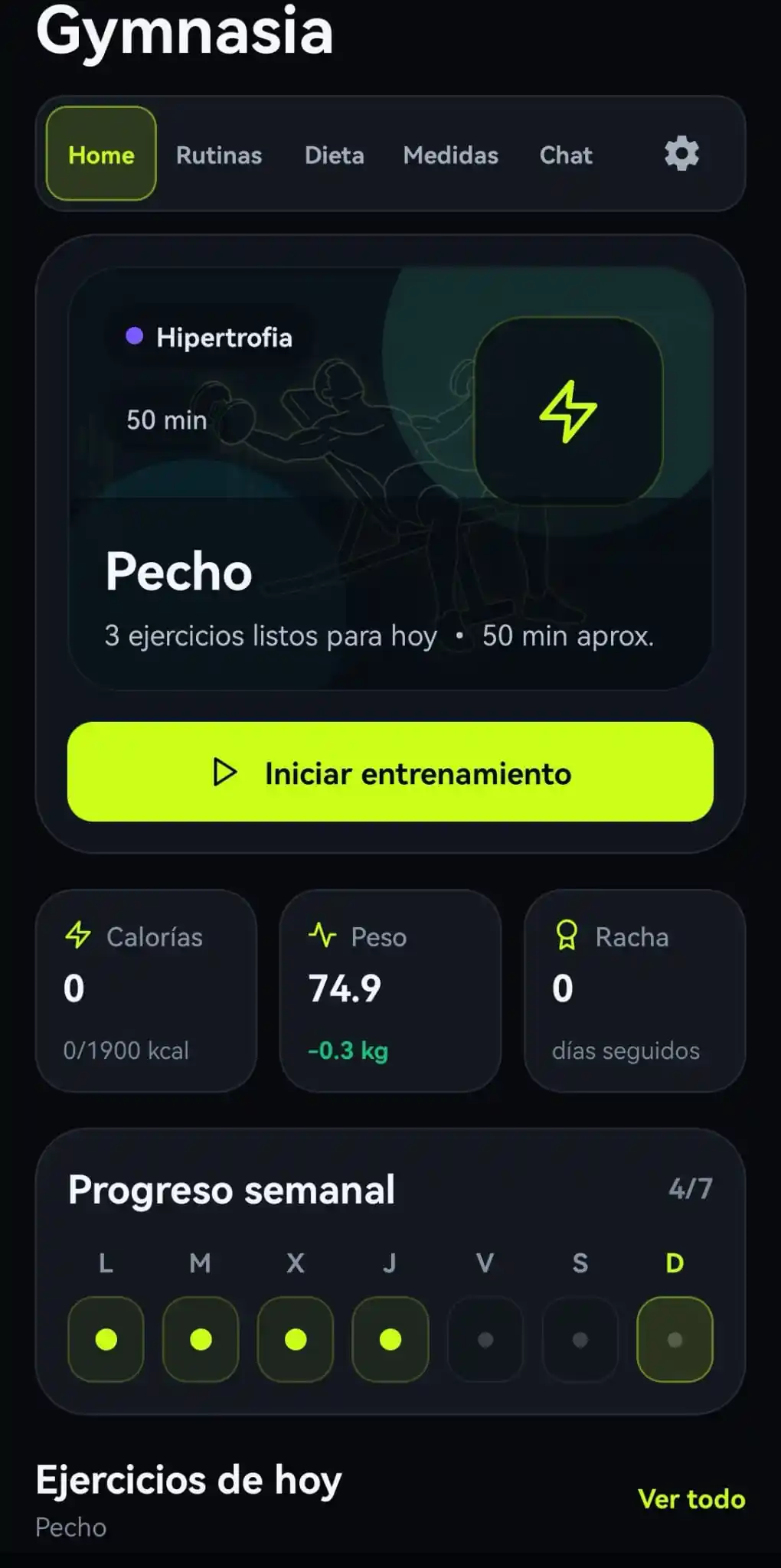
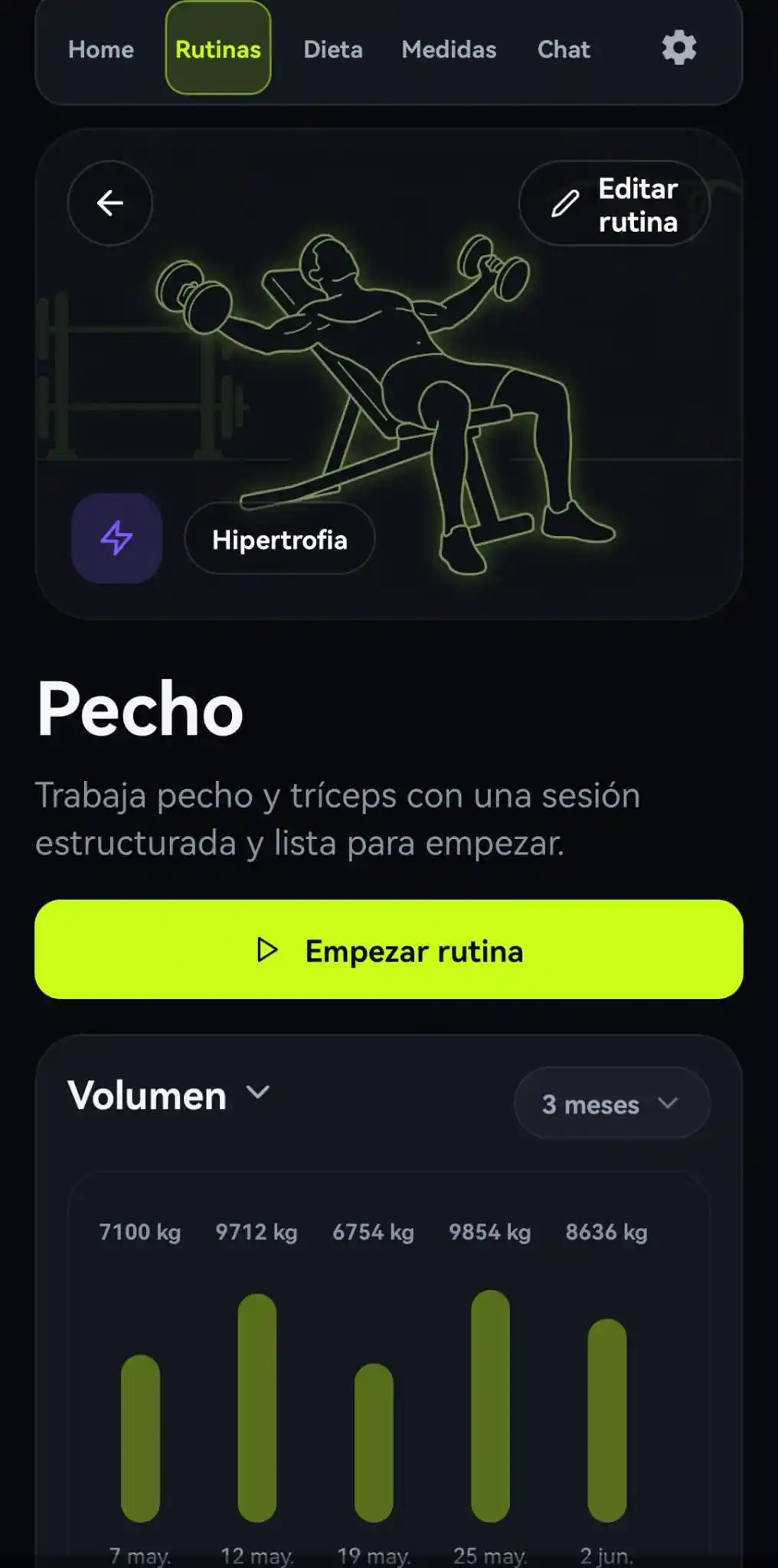
This article belongs to a series about developing an agent or harness from end to end. Gymnasia is the practical example, but provider parsers, the common shape and fragmentation tests transfer to other products.
-thumbnail.webp)