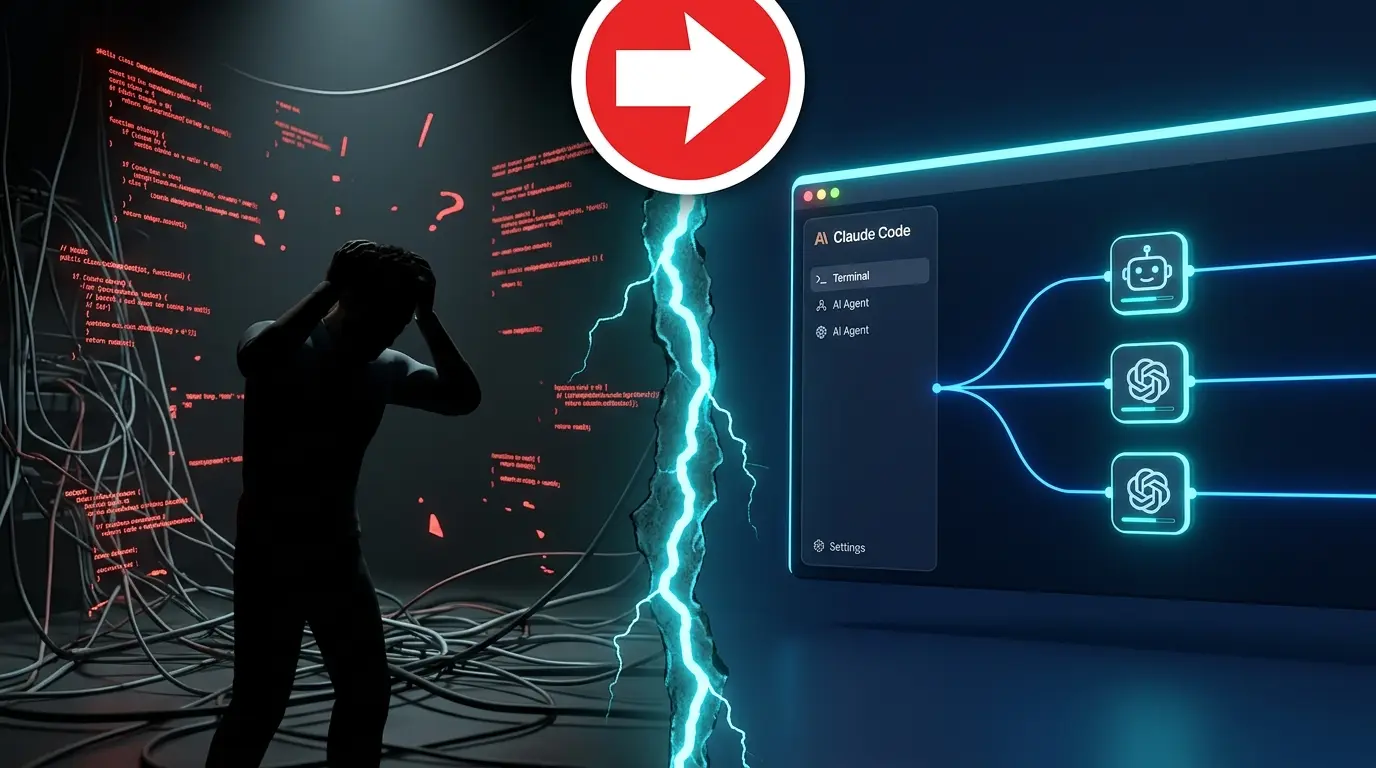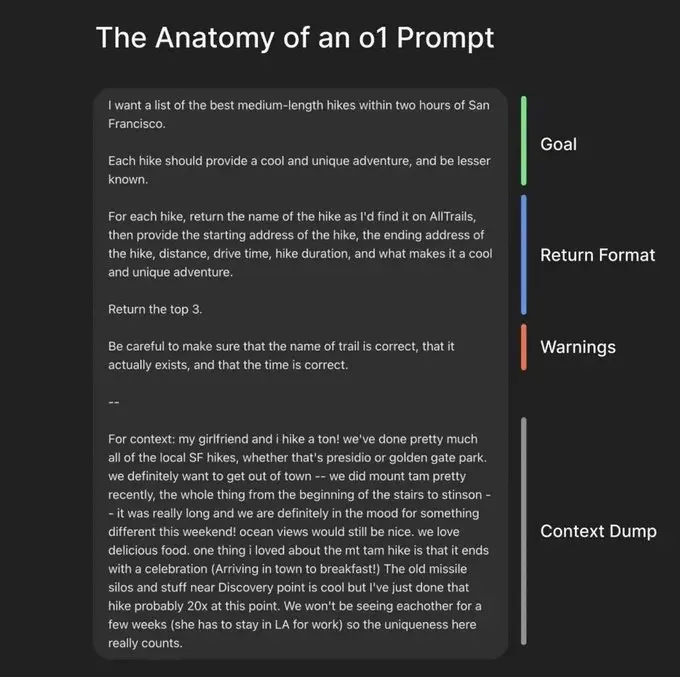

Agent = model + harness
The idea fits in one formula: agent = model + harness. And it comes with an easy rule to remember: if you're not the model, you're the harness.
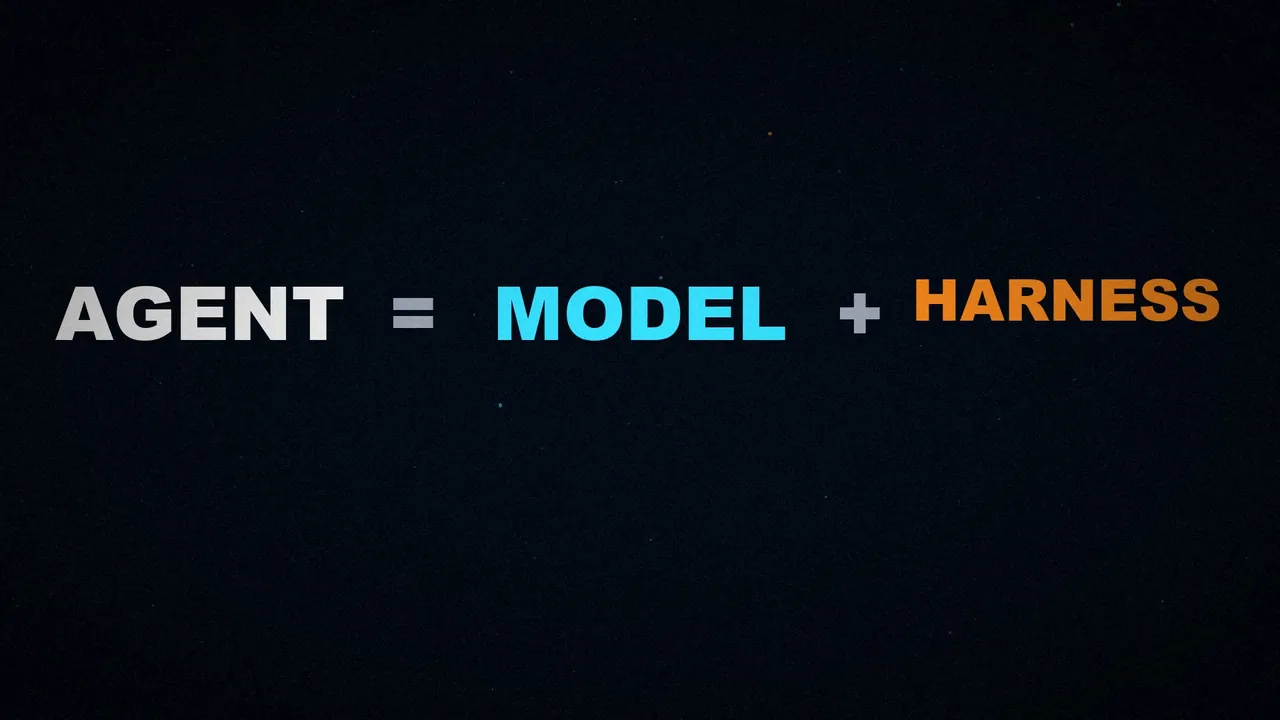
A harness is all the code, configuration, and execution logic that isn't the model. A raw model doesn't act as an agent. It starts to become one when the harness gives it state, tool execution, feedback loops, and enforceable constraints.
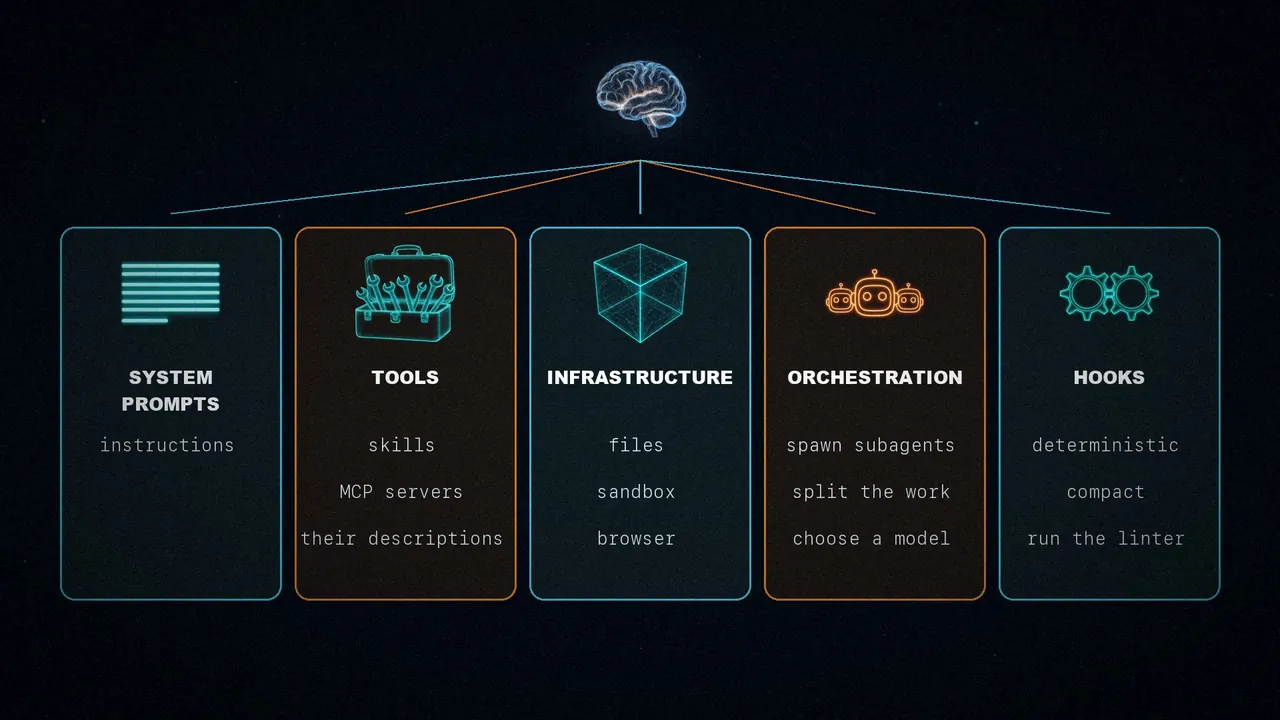
Concretely, a harness includes five things:
- System prompts. The starting instructions.
- Tools, skills, and MCP servers, along with their descriptions.
- Bundled infrastructure: file system, sandbox, and browser.
- Orchestration: spawning subagents, splitting up the work, and choosing a model.
- Hooks or middleware: deterministic steps, like compacting, keeping the agent going, or running the linter.
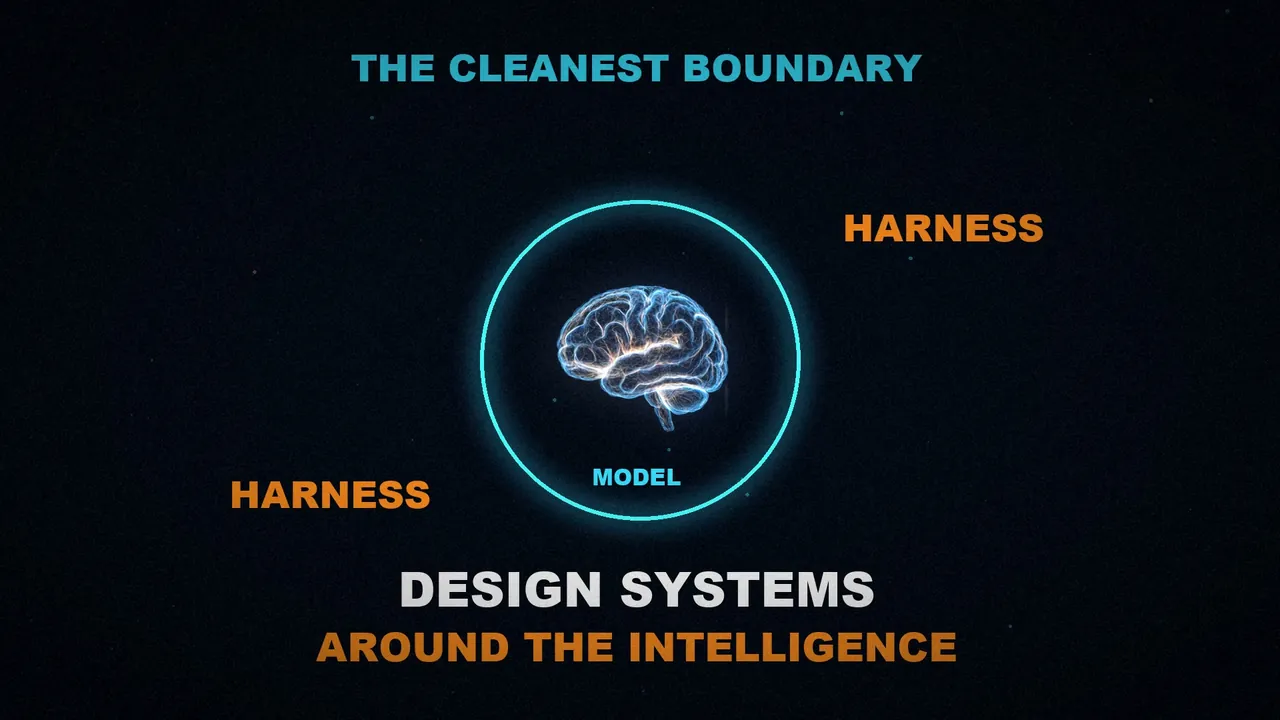
The cleanest boundary
There are many messy ways to split the model from the harness. Vivek argues for this one as the cleanest, because it forces us to think about how to design systems around the model's intelligence. From there, the article works backwards to why each piece exists.
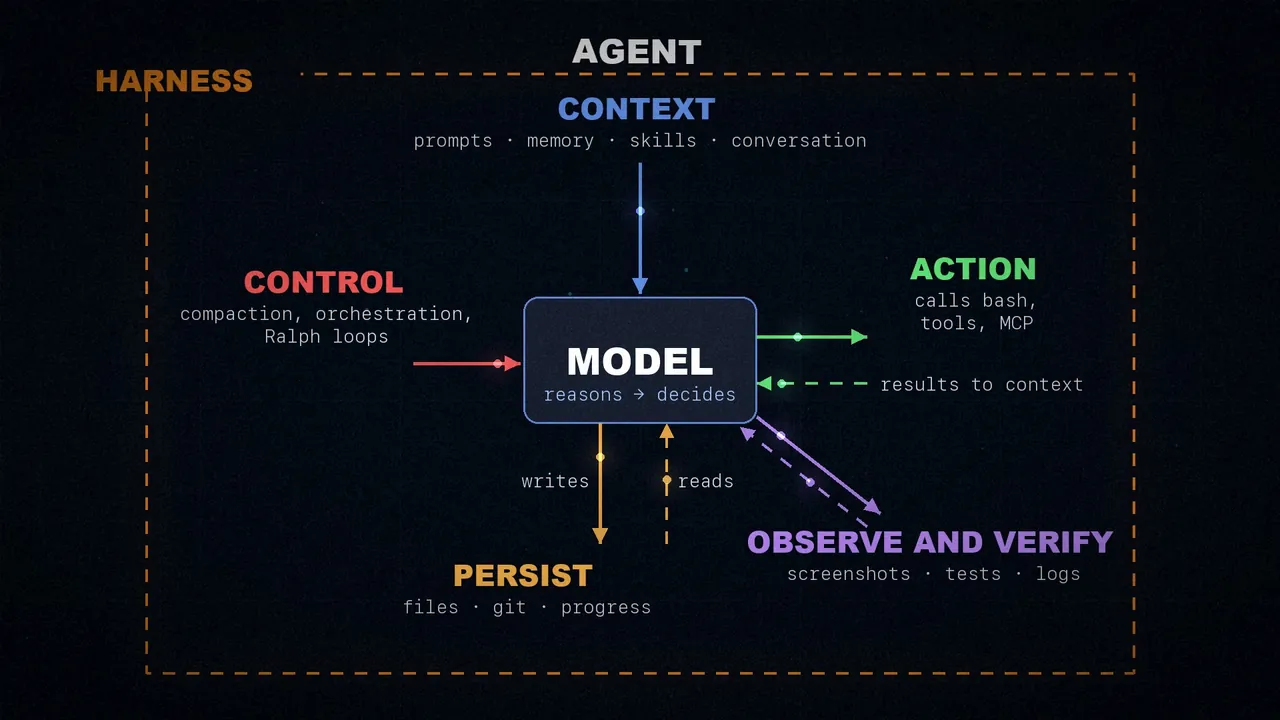
The article sums it up in a diagram. In the center is the model, which reasons and decides. Context comes in from above: prompts, memory, skills, and the conversation. On the right it acts: it calls bash, tools, and MCP servers, and the results go back into its context. Below, it persists: it writes and reads files, git, and progress files. On the diagonal it observes and verifies, with browser screenshots, test results, and logs. And on the left is control: compaction, orchestration, and Ralph loops.
Why you need a harness
Put yourself in the model's place. Most take in data, like text, images, audio, or video, and return text. That's it. Out of the box, they can't:
- Keep durable state across interactions.
- Run code.
- Access real-time knowledge.
- Set up environments and install packages to finish a job.
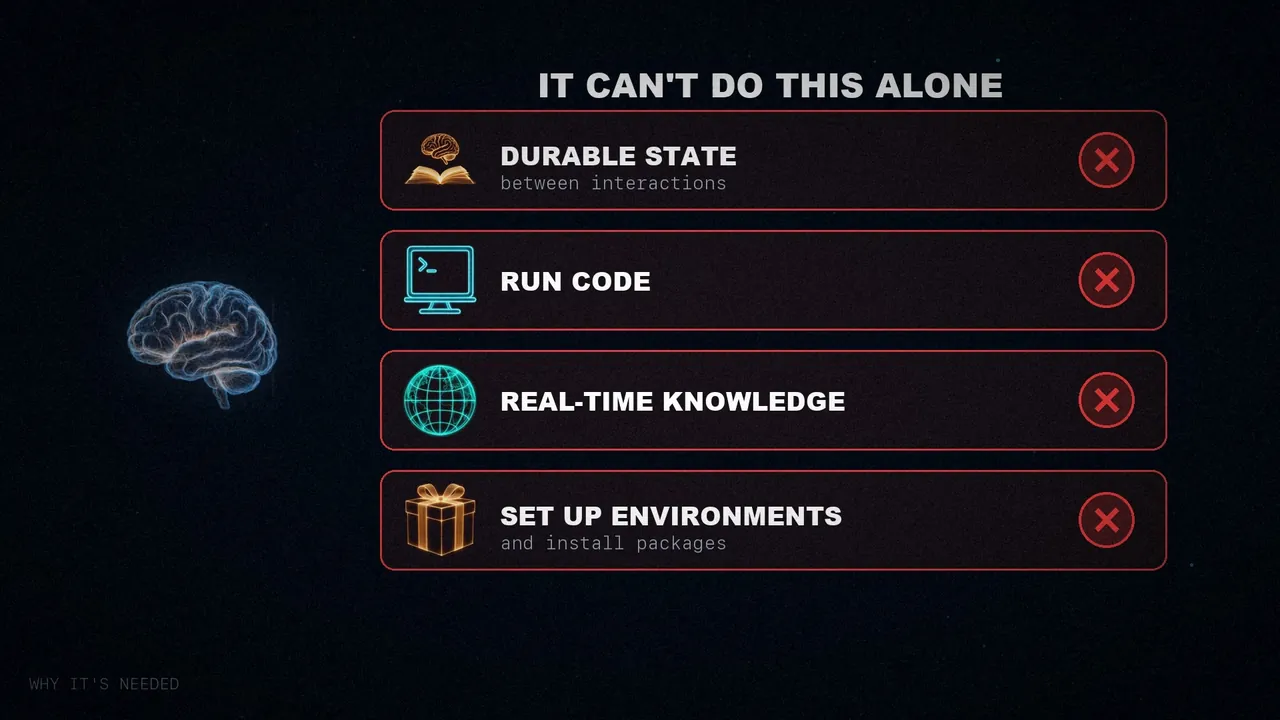
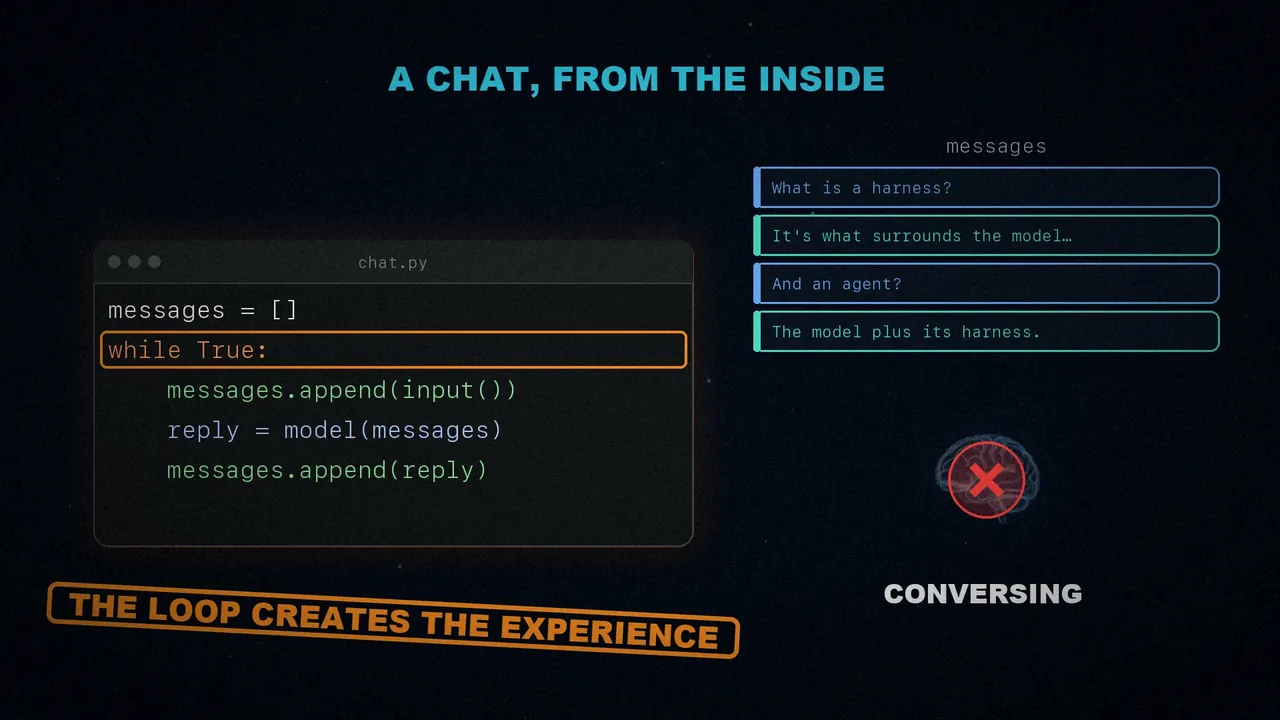
All of those are harness features. And you've almost certainly used one without knowing it: to chat with a model, we wrap it in a while loop that stores the previous messages and adds each new one of yours. That feeling of having a conversation doesn't come from the model. It comes from that loop.
Working backwards
That leads to the central idea: turn the behavior we want from the agent into a real feature of the harness. That's what harness engineering means. It's used to inject prior knowledge that guides the agent and, as models get more capable, to extend and correct them with surgical precision.
That's why the article always follows the same pattern: first, the behavior we want; then, what the harness adds to achieve it. You end up with six pairs. It's not meant to be exhaustive: what matters is that each piece comes from something the model can't provide by itself.
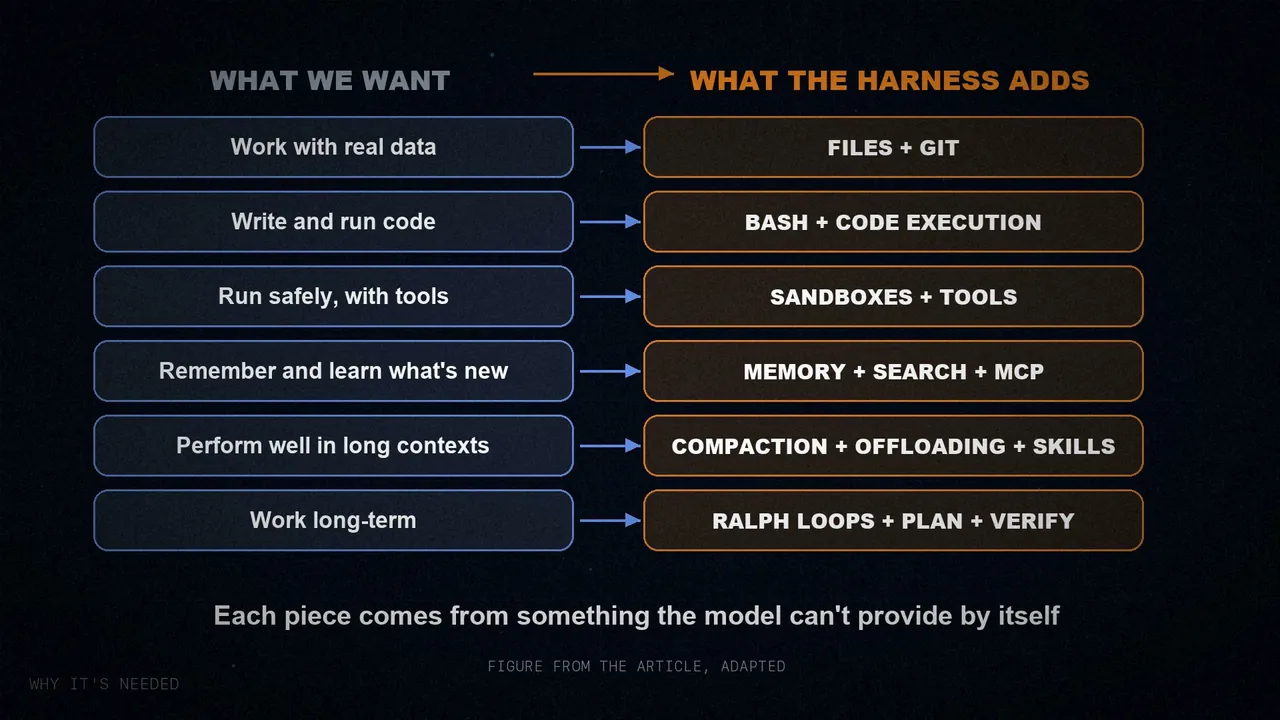
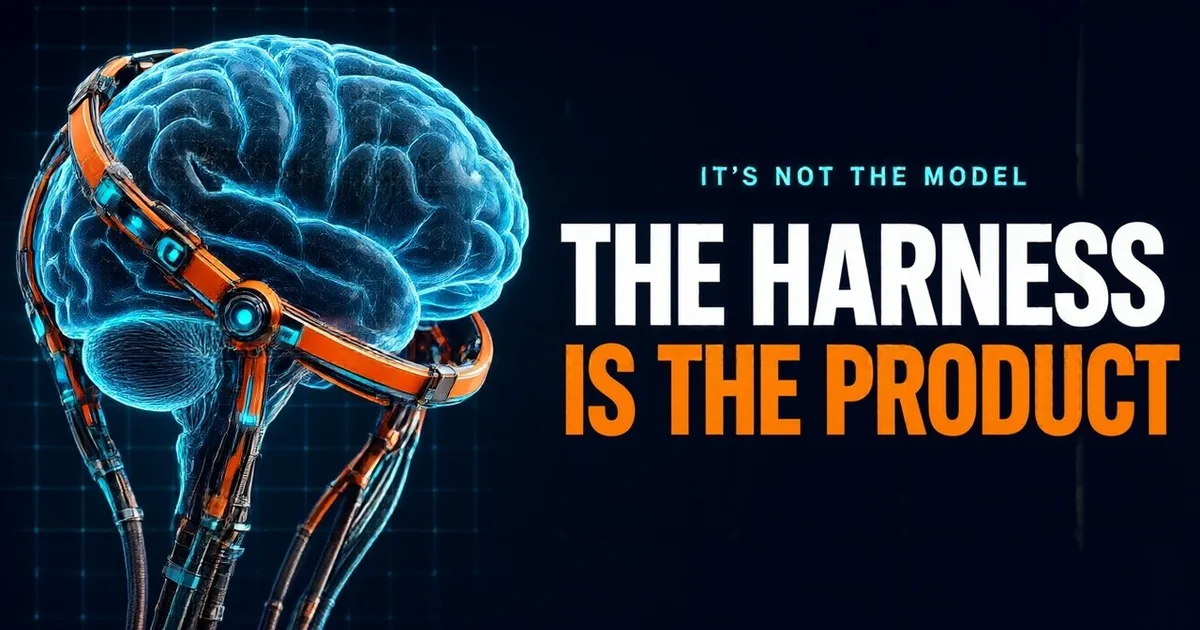
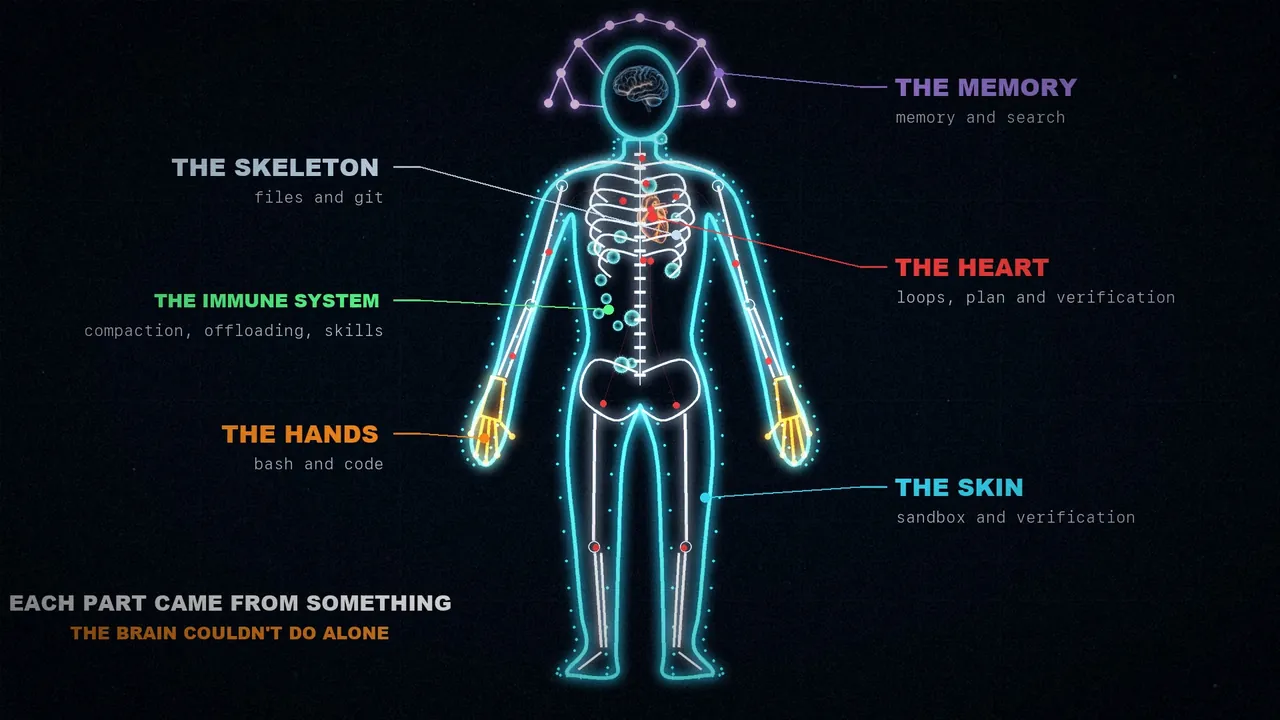
Since this is about anatomy, in the video I assemble those six pieces into a body, and I keep that image here because it helps you remember them. The model is the brain. The metaphor is mine, not the article's.
1. Files: the skeleton
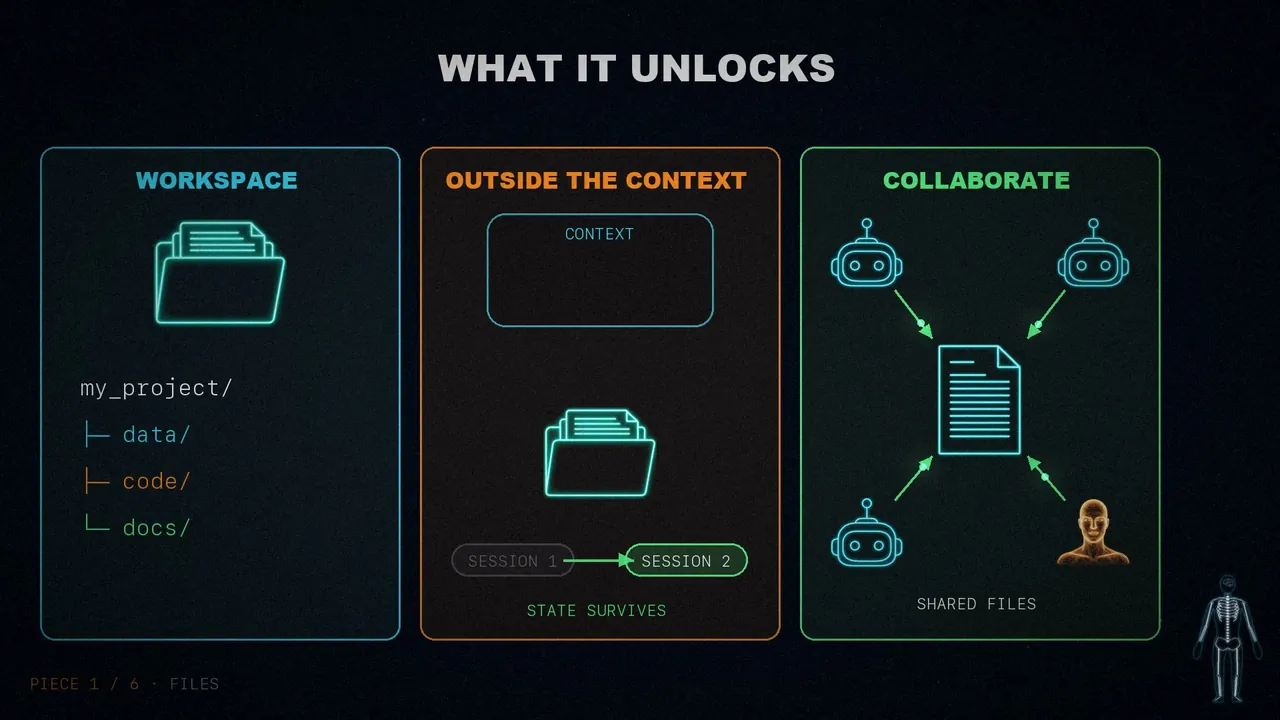
We want the agent to work with real data, store what doesn't fit in context, and keep its work between sessions. But the model only operates on what's inside its window. People used to copy and paste by hand, which is clunky and useless for an autonomous agent.
The solution came naturally. The world already worked with files, so models were trained on billions of tokens that show how to use them. That's why harnesses ship with a file system and tools to handle it. Vivek considers it perhaps the most foundational piece, because of what it unlocks:
The agent has somewhere to read data, code, and documentation.
It can store intermediate results instead of holding everything in the window, and keep state that outlasts the session.
Multiple agents and people can coordinate through shared files.
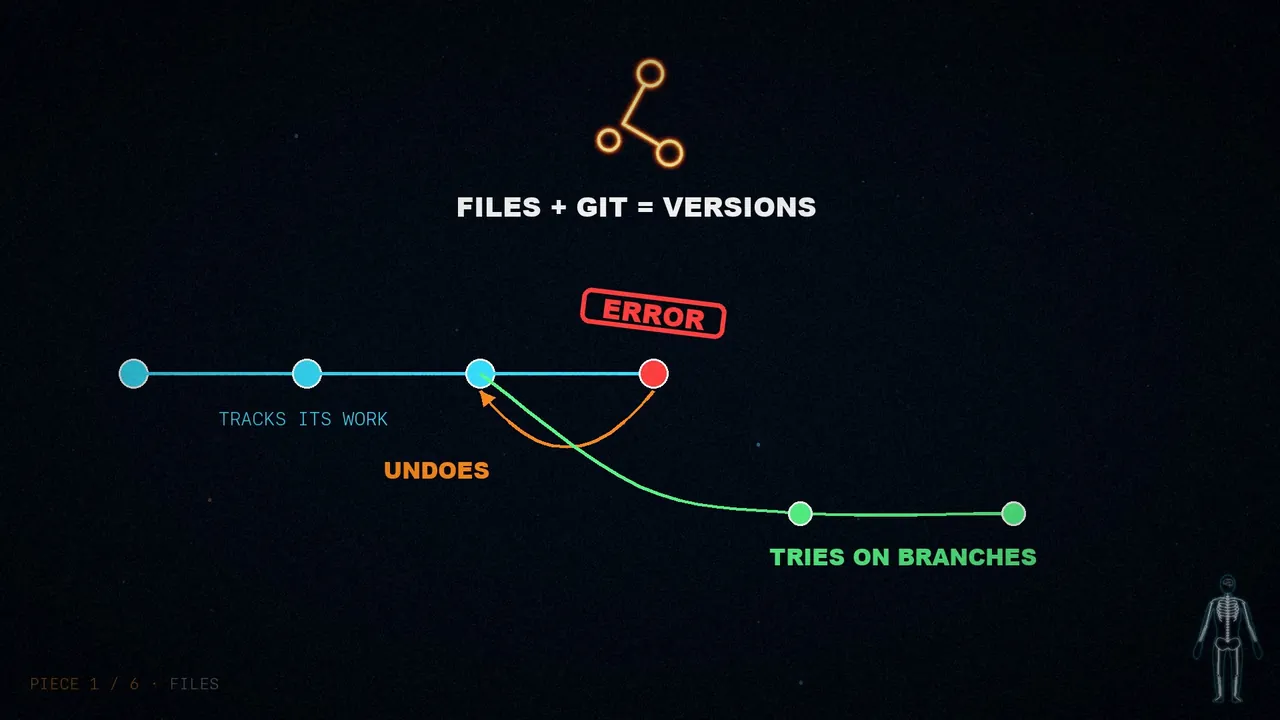
Add git and it also gets versions: it tracks its work, reverts mistakes, and tries experiments on branches. This piece is worth remembering, because several of the next ones rely on it.
2. Bash and code: the hands
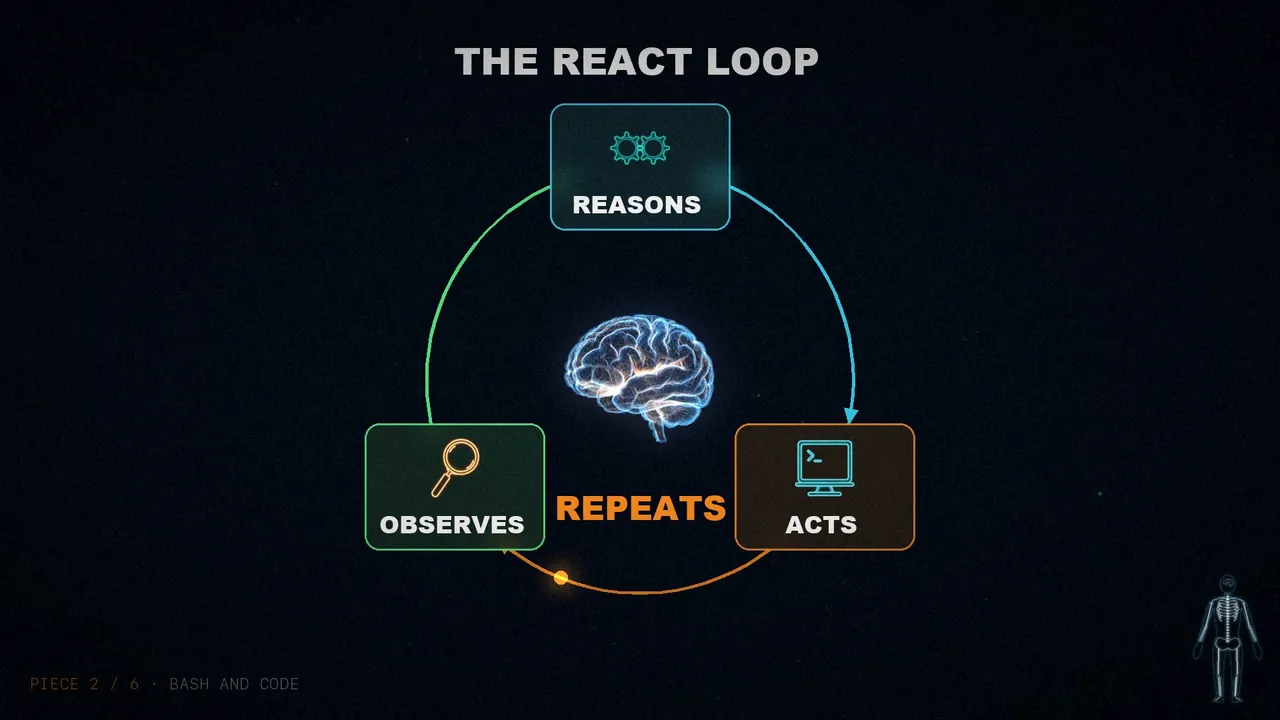
We want the agent to solve problems by itself, without anyone designing every tool for it first. The usual pattern today is the ReAct loop: the model reasons, acts by calling a tool, observes the result, and repeats.
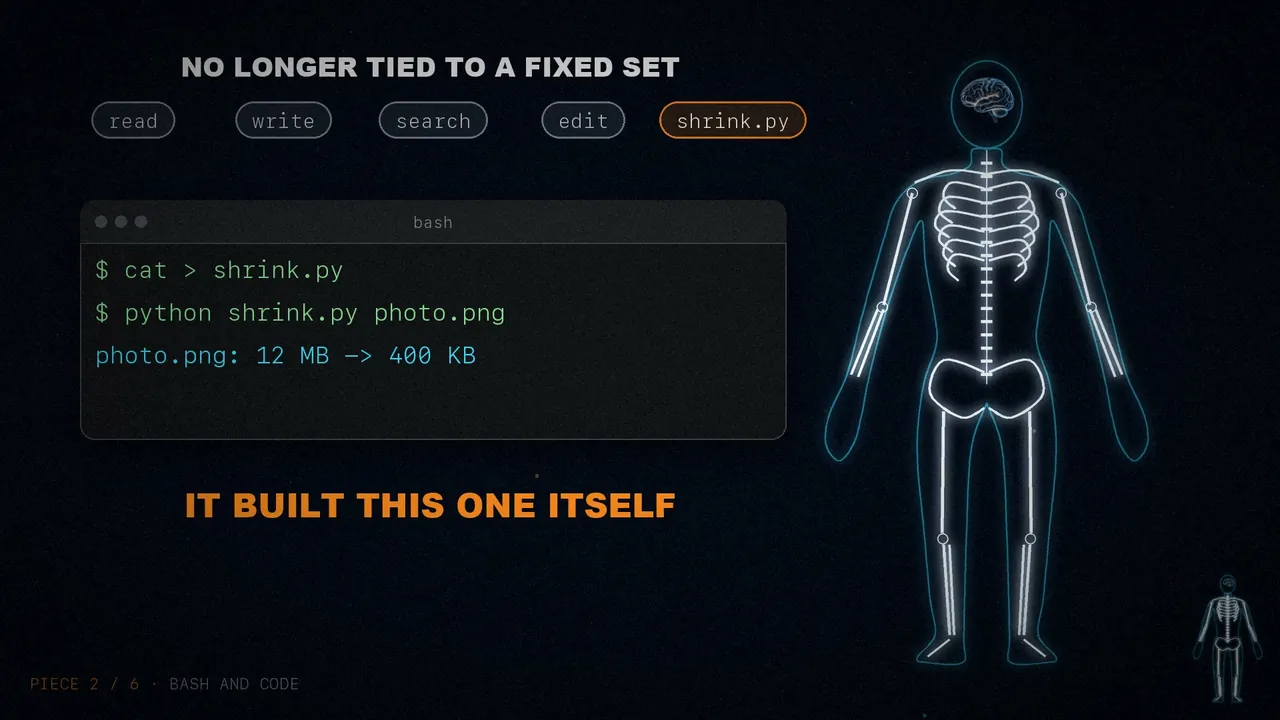
But the harness can only run the tools it has logic for. Instead of programming one for every possible action, it's better to give it a general-purpose one: bash. That way the model solves problems on its own by writing and running code.
It's a big step towards giving it a computer and letting it figure out the rest. It's no longer tied to a fixed set of tools: it designs its own on the fly. Harnesses still ship with others, but running code is now the default strategy.
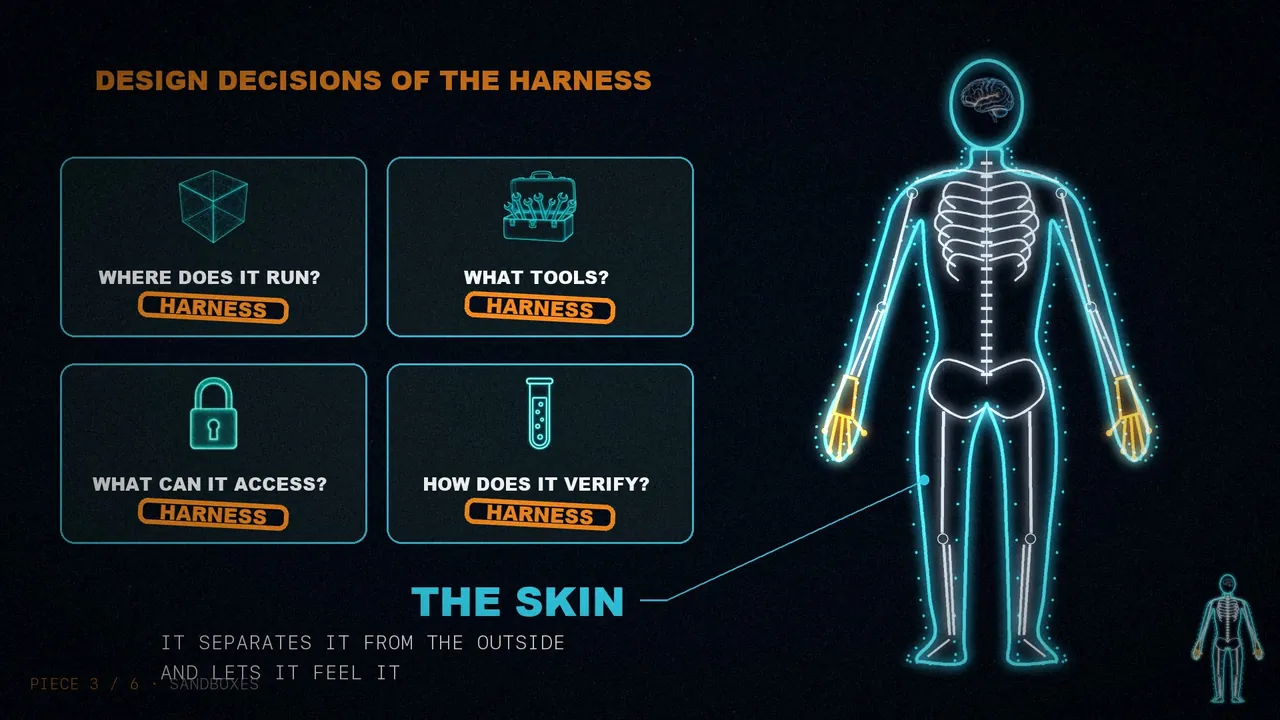
3. Sandboxes: the skin
It can now store and run code, but all that has to happen somewhere. Running what an agent generates on your own machine is risky, and a single local environment doesn't scale as the agent workload grows.
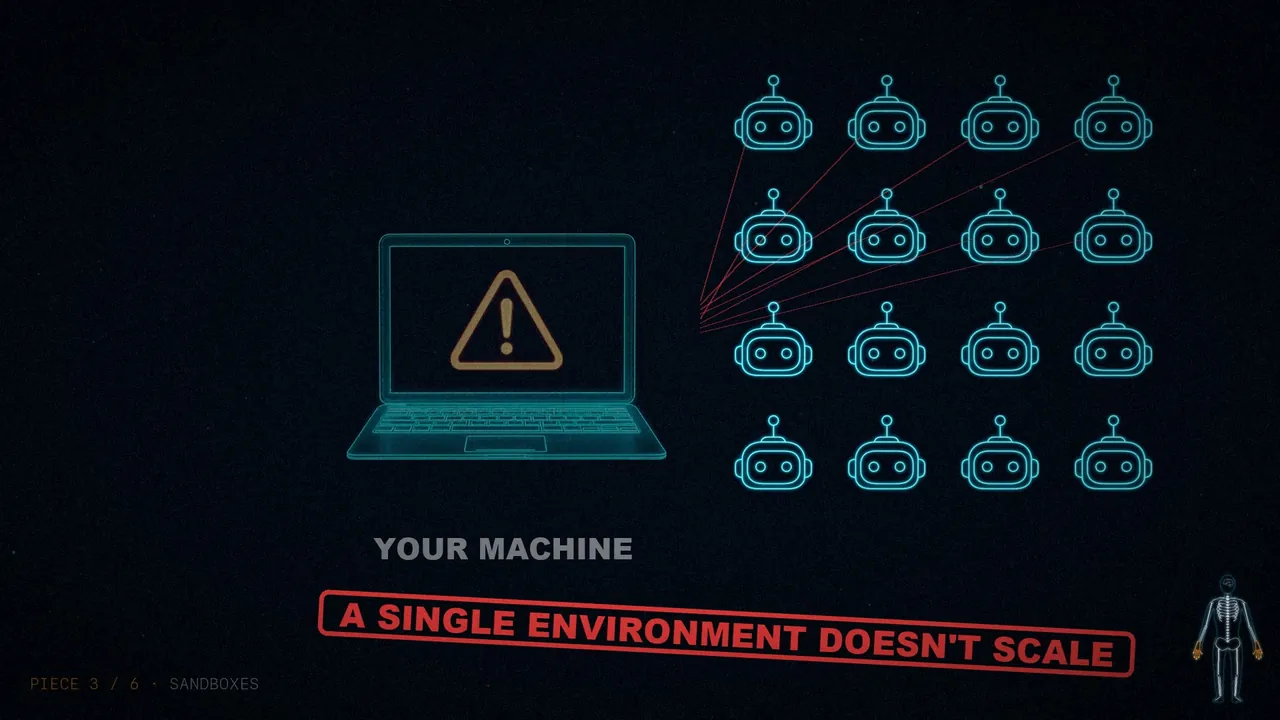
The answer is sandboxes, isolated and safe environments. The harness connects to one to run code, inspect files, and install dependencies. If you want more security, it allows only a list of commands and isolates the network. They also scale: they're created on demand, shared across many tasks, and destroyed when done.
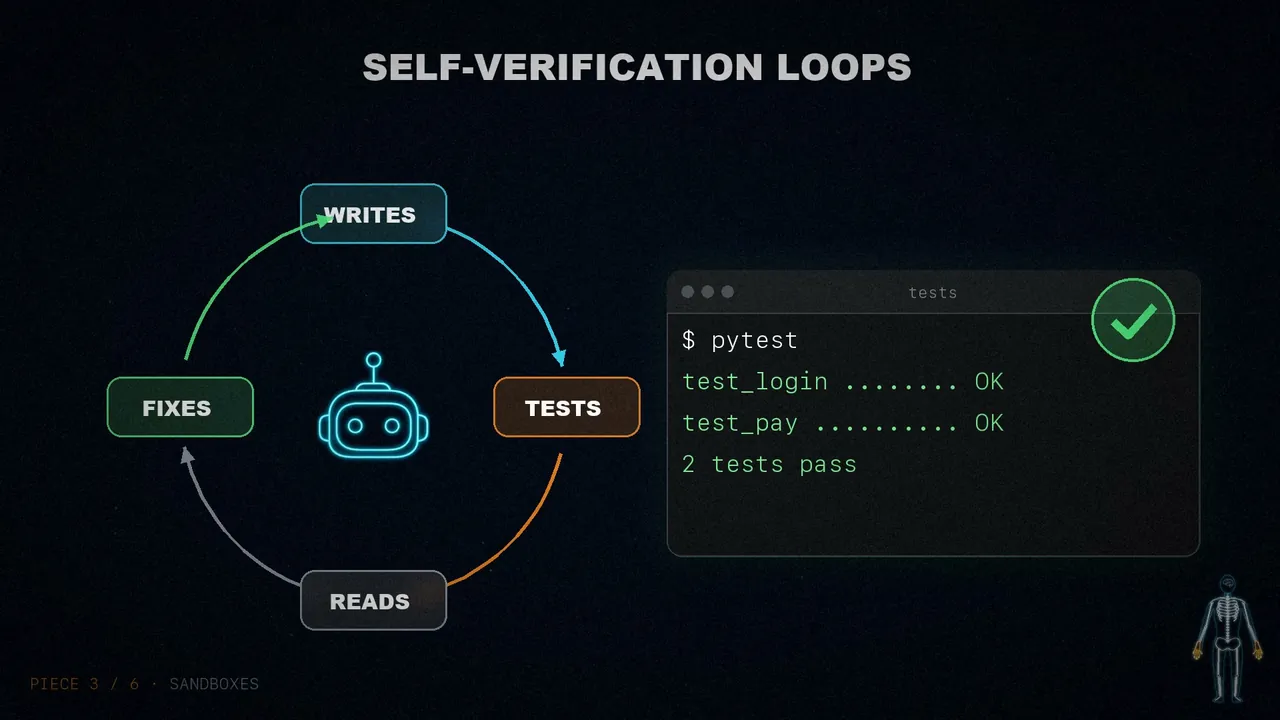
Good environments come with good tools out of the box, and configuring them is the harness's job: preinstalled languages and packages, command-line tools for git and tests, and browsers to use the web and check the work. Browsers, logs, screenshots, and test runners let it observe its own work, and that's how self-verification loops are born: it writes the code, runs the tests, reads the logs, and fixes the errors.
Out of the box, the model doesn't set up its own environment. Where it runs, what tools it has, what it can access, and how it verifies its work are all design decisions of the harness.
4. Memory and search
We want it to remember what it has seen and to access what didn't exist when it was trained. But a model only knows what's in its weights and its current context. Since we can't edit those weights, the only way to add knowledge is to inject it into the context.
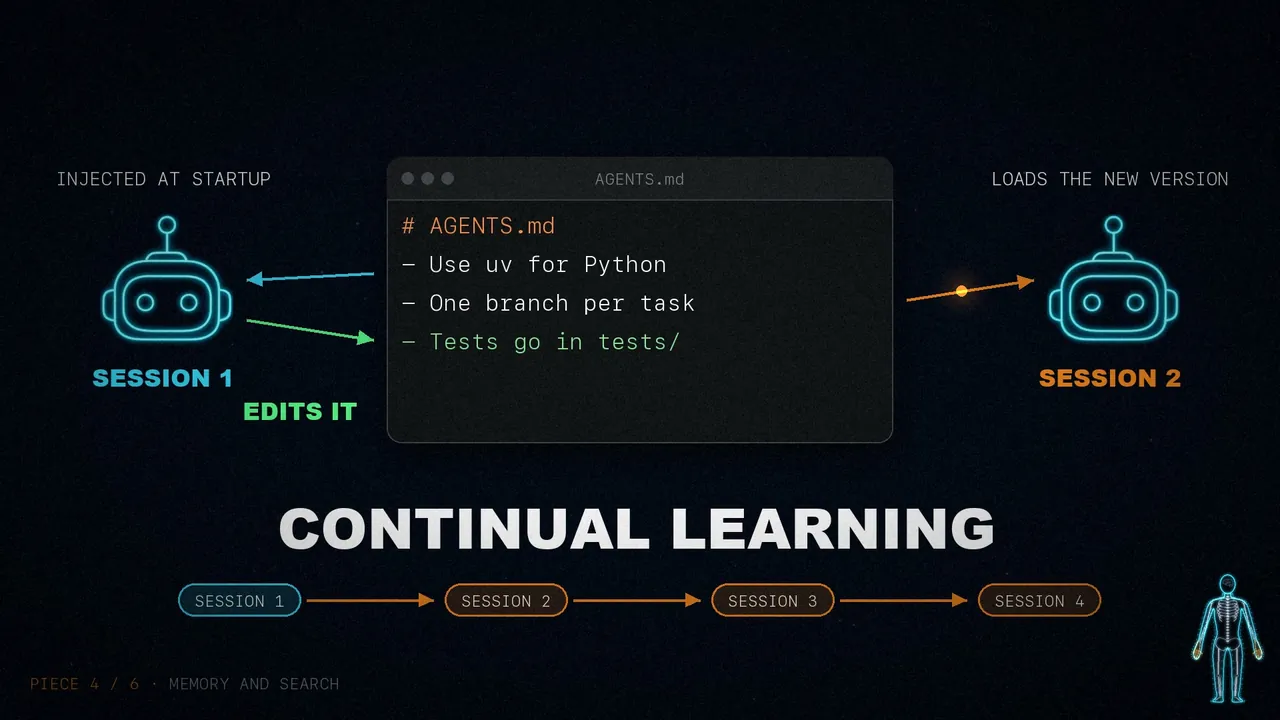
For memory, files are the foundation again. Harnesses support standards like AGENTS.md, which gets injected at startup. When the agent edits it, the harness loads the new version. It's a form of continual learning: what it saves in one session reaches the next ones.
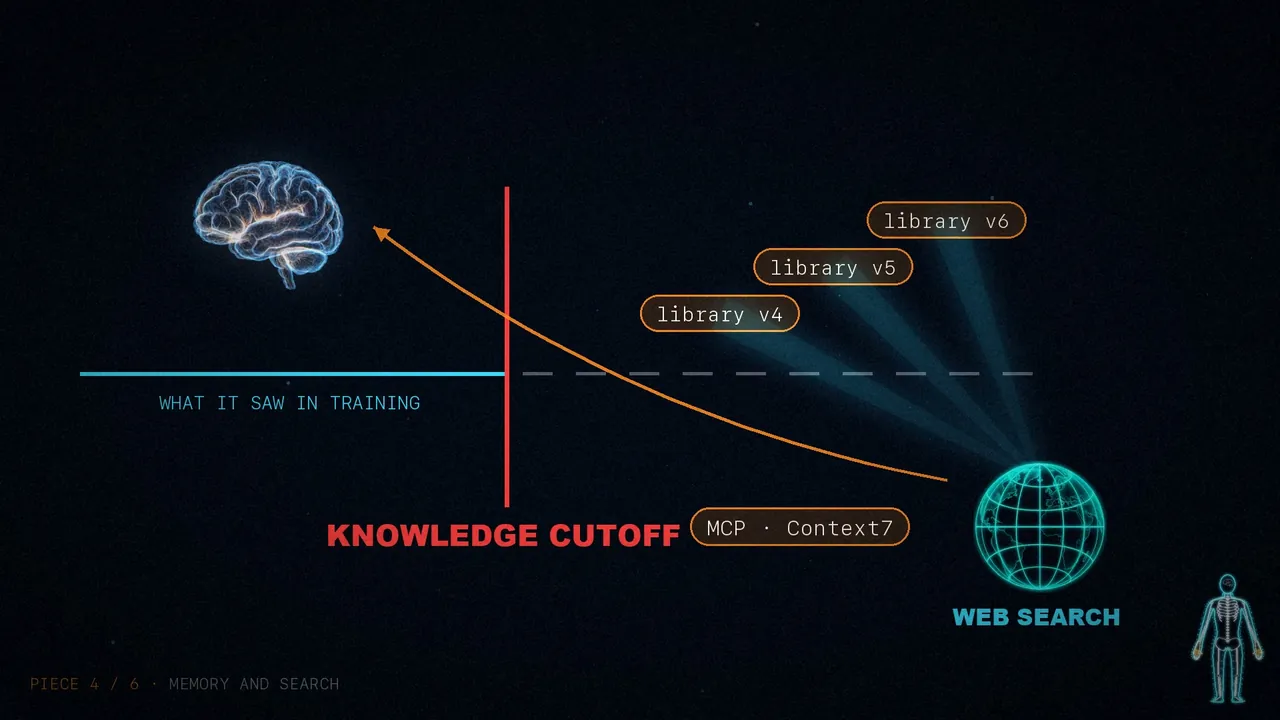
Then there's the knowledge cutoff. The model doesn't know, for example, the latest version of a library unless you give it. Web search and MCP tools like Context7 bring in what didn't exist when its training ended, so they're worth building into the harness.
5. Context rot: the immune system
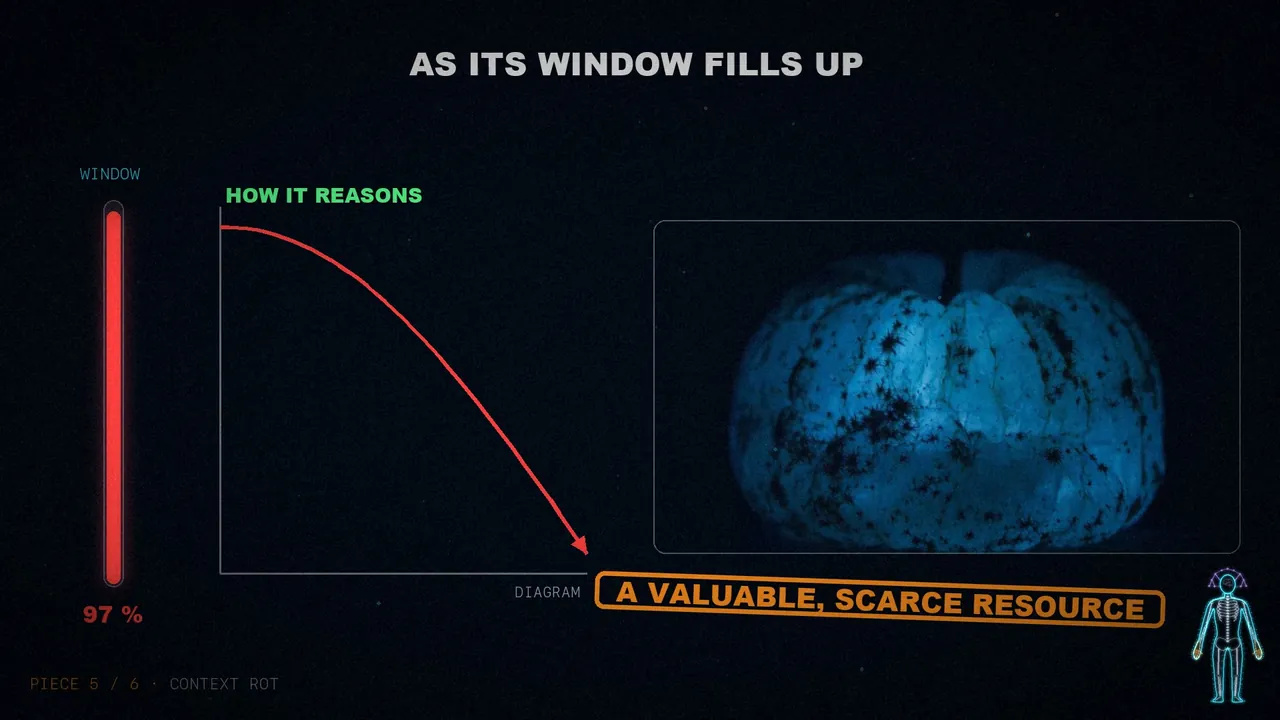
Context rot is this: models reason worse and complete tasks worse as their window fills up. That space is a valuable, scarce resource, so the harness needs strategies to manage it. Vivek sums it up in one strong sentence: today's harnesses are, to a large extent, delivery mechanisms for good context engineering.
The article names three techniques:
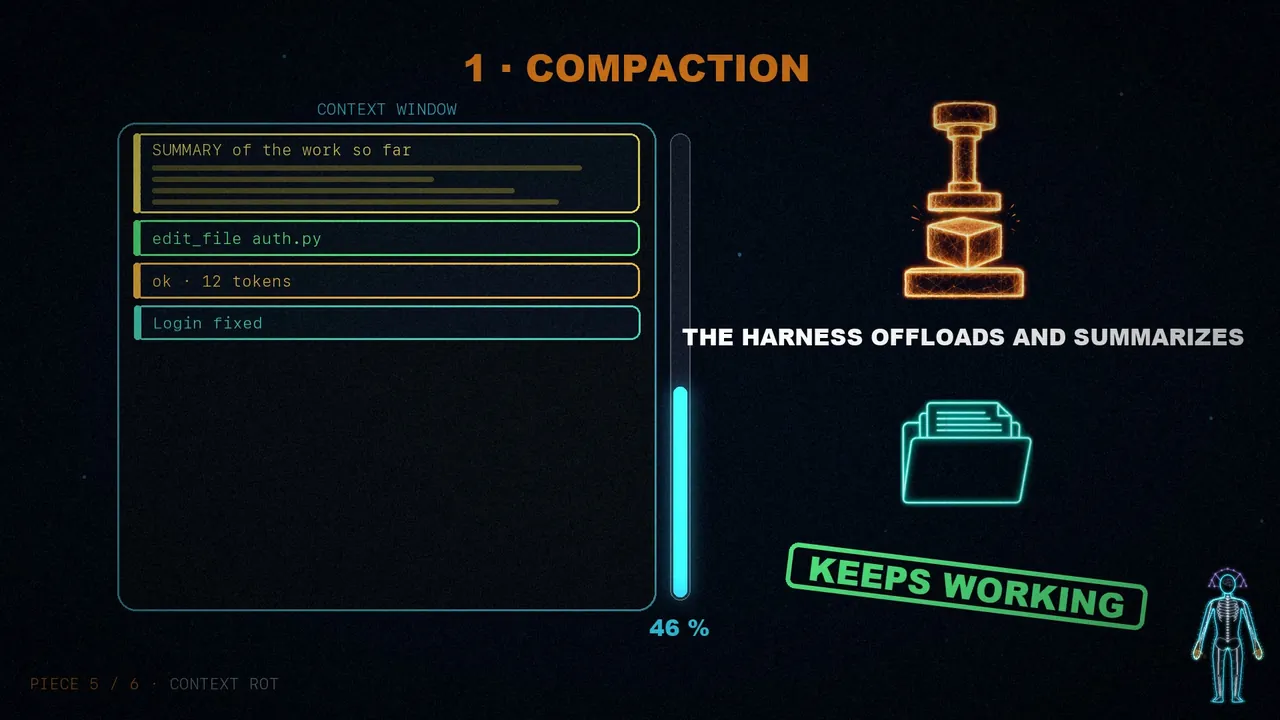
- Compaction. What happens if the conversation exceeds the window? One option is for the API to return an error, and that's not good. So the harness intelligently offloads and summarizes what's there, and the agent can keep working.
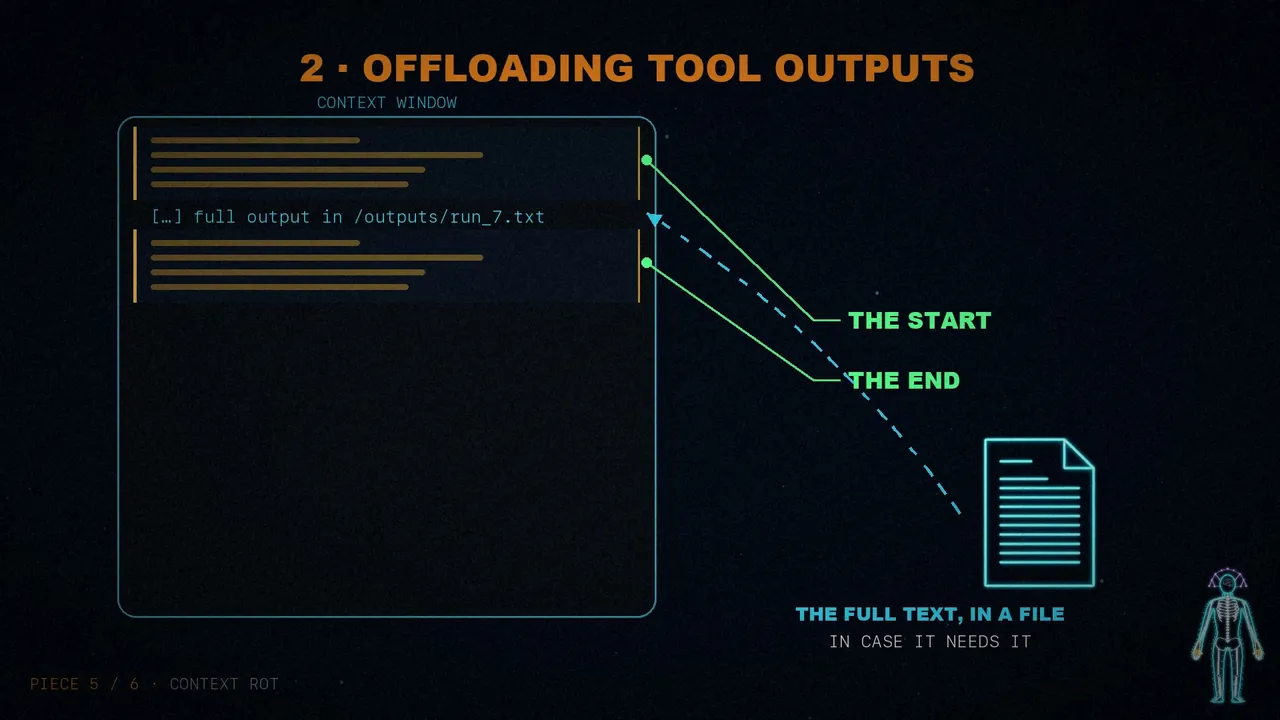
- Offloading tool outputs. Huge outputs fill the context with noise without adding anything useful. If one goes over a certain token threshold, the harness keeps the start and the end and saves the full text to a file, in case the model needs it.
- Skills. Having too many tools or MCP servers loaded at startup makes it perform worse before it even begins. Skills avoid that with progressive disclosure: only their header is loaded at the start. The model didn't choose this; it's the harness protecting it.
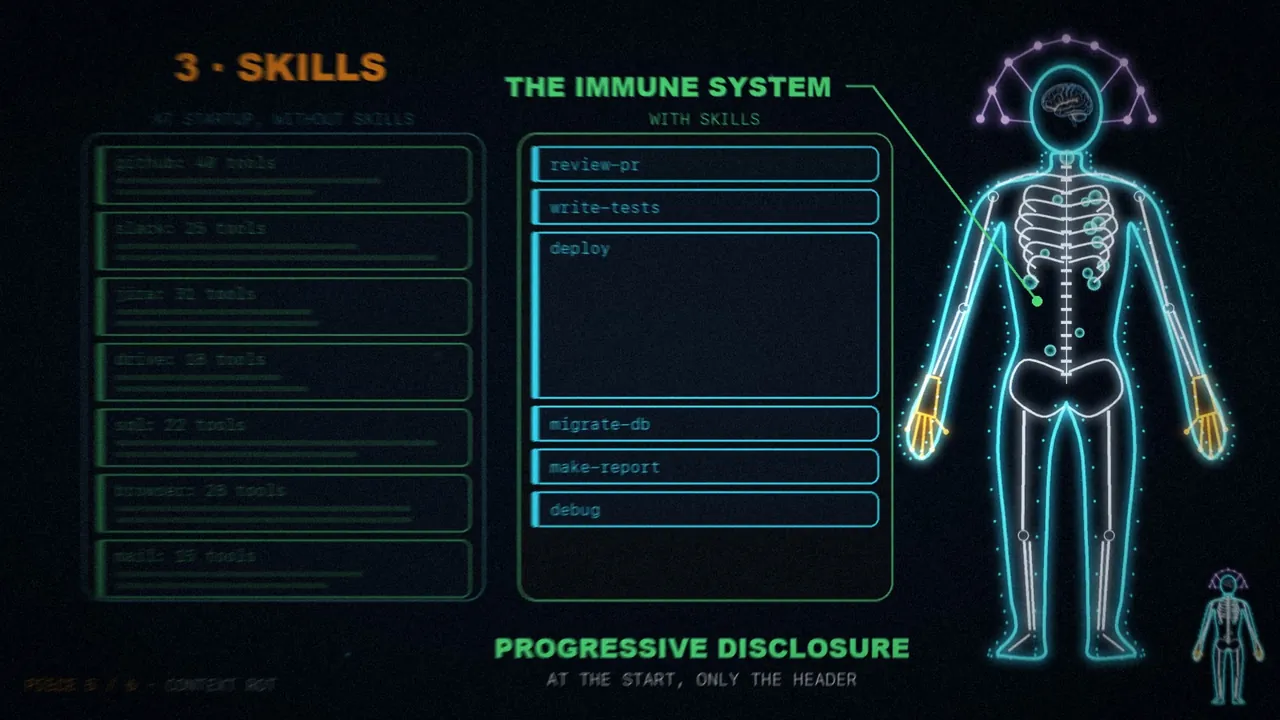
If you want to go deeper, I cover this in my posts on context compression, context management, and context engineering.
6. Long-running work: the heart
Building software autonomously is the holy grail of coding agents. But today's models stop too early, struggle to break down complex problems, and lose coherence as the work stretches across several windows. A good harness has to design around all of that.
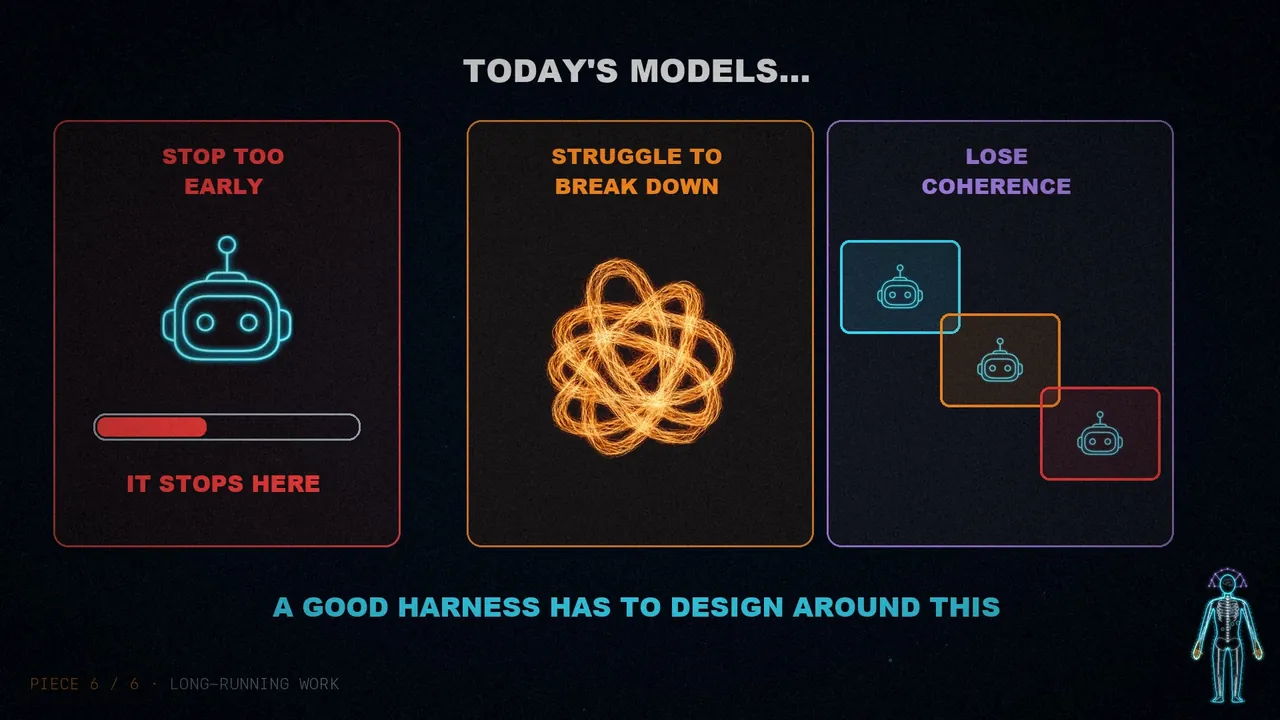
This is where the earlier pieces start to come together: working long-term requires durable state, planning, observation, and verification.
- Files and git to track the work. On a long task, an agent produces millions of tokens. Files keep that progress, and git lets a newcomer catch up right away. For multiple agents, it's also a shared ledger.
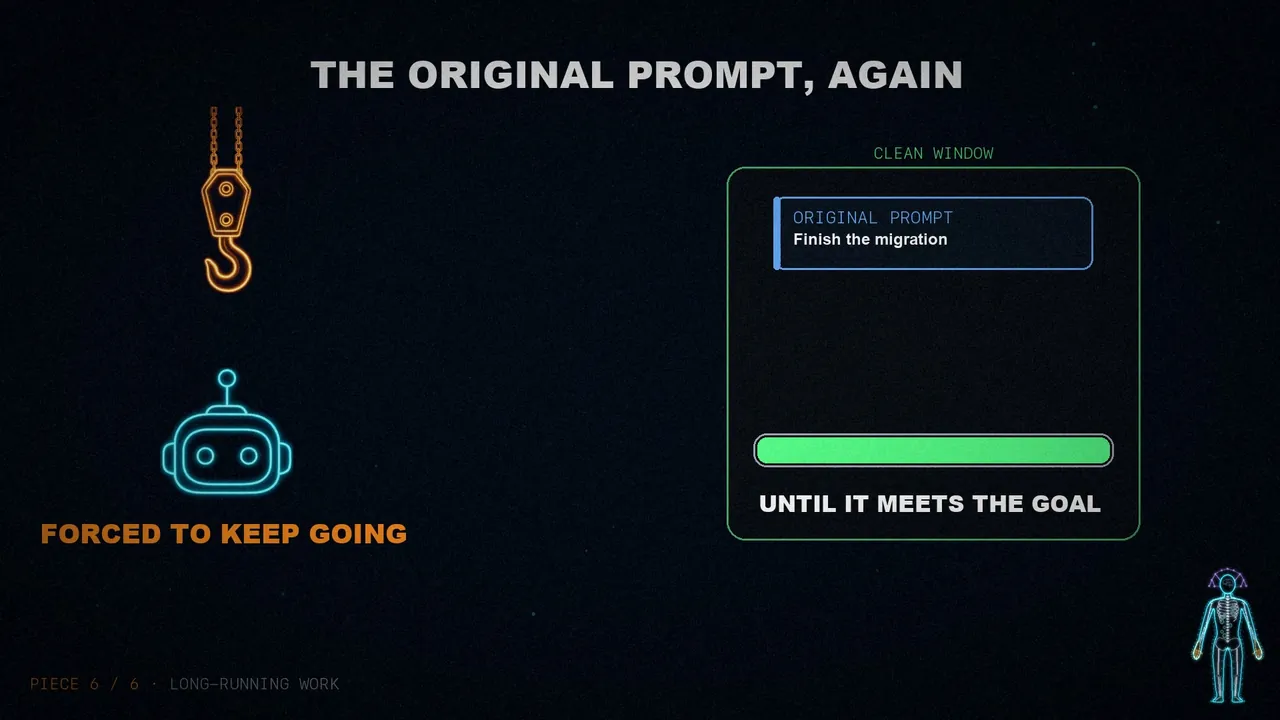
- The Ralph loop to keep it going. When the model tries to finish, a hook intercepts that exit and reinjects the original prompt into a clean context window. It's forced to keep going until it meets the goal. It doesn't start from zero because each round begins with fresh context but reads from the files the state the last one left.
- Planning and verifying to stay on course. The model breaks the goal down into steps, and the harness supports it with good prompts and reminders about how to use a plan file. After each step, hooks can run a test suite and, if it fails, hand back the error. It can also be asked to evaluate its own code independently.
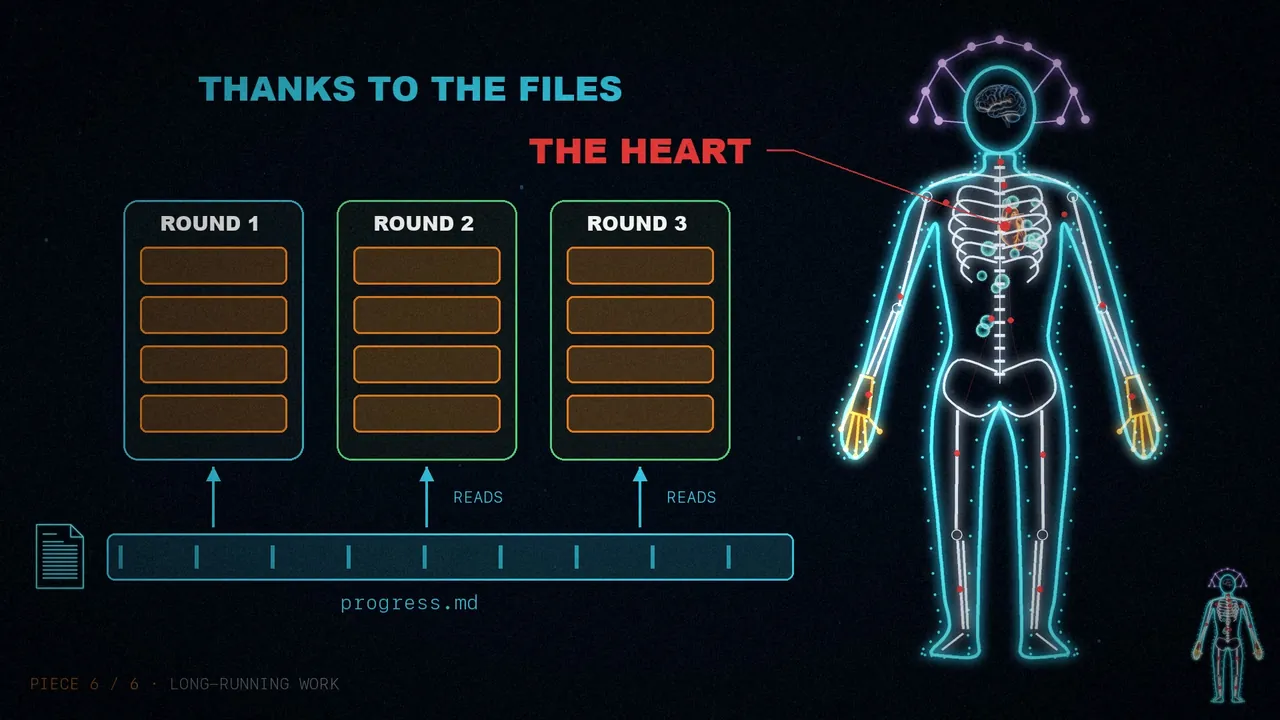
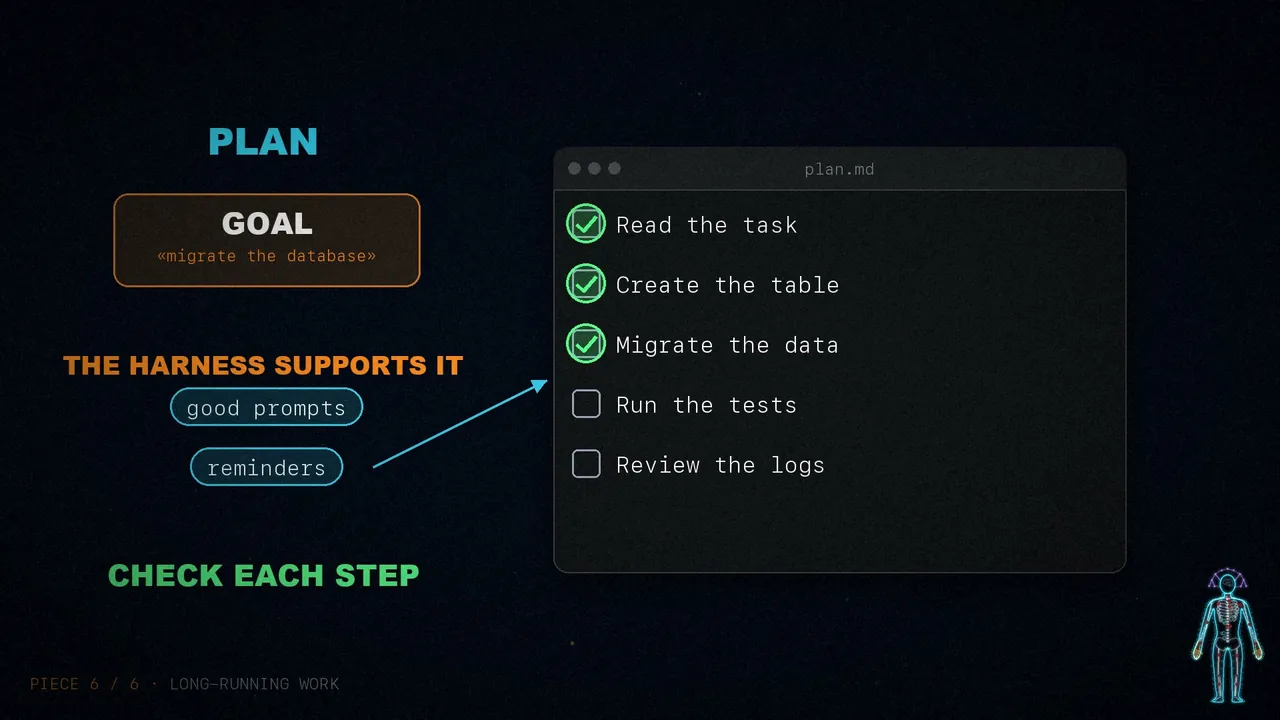
Verification anchors the solution in those tests and creates a signal to improve with.
The whole body
It's all assembled now. The skeleton of files and git. The hands of bash and code. The skin of the sandbox. The memory and search. The immune system against rot. And the heart, which keeps beating until the work is done. Each part came from something the brain couldn't do alone.
Model and harness, trained together
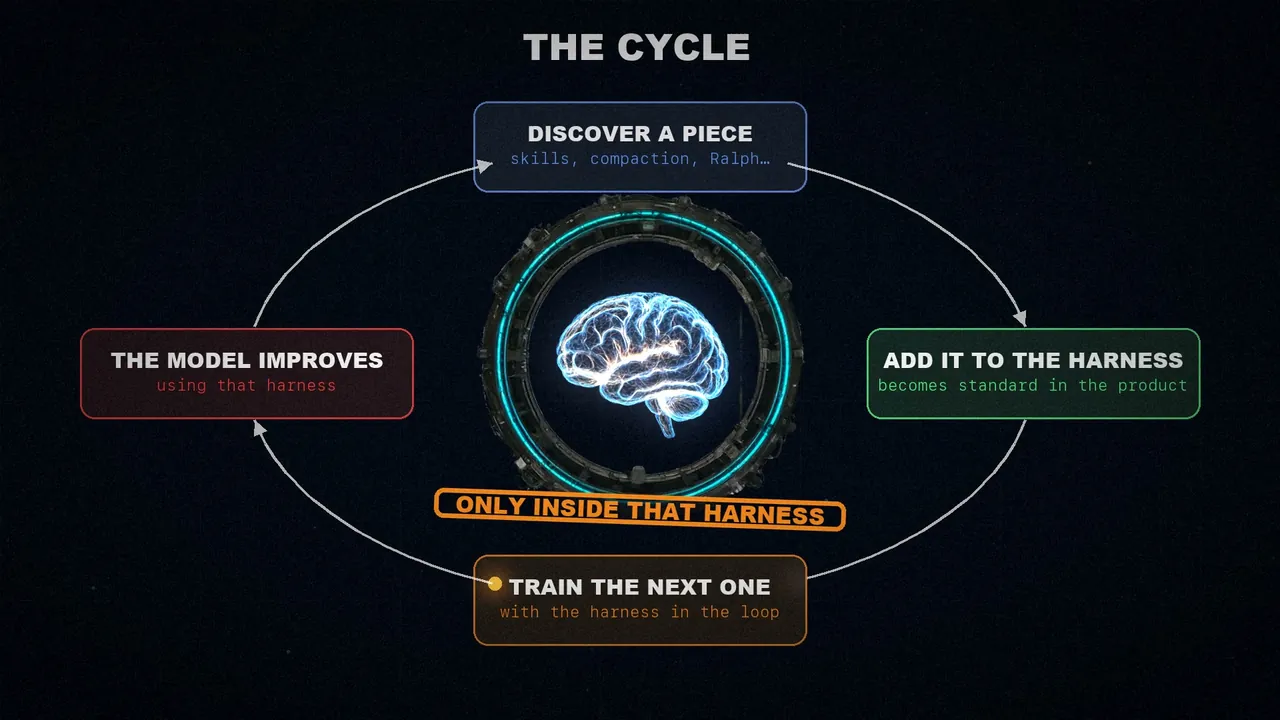
Products like Claude Code and Codex are post-trained with the model and the harness in the loop. That helps the model improve at what its designers think it should do well natively: working with files, running bash, planning, or splitting work among subagents.
That creates a cycle: a useful piece is discovered, added to the harness, and used to train the next generation. As it repeats, the model gets more and more capable, but inside the harness it was trained in.
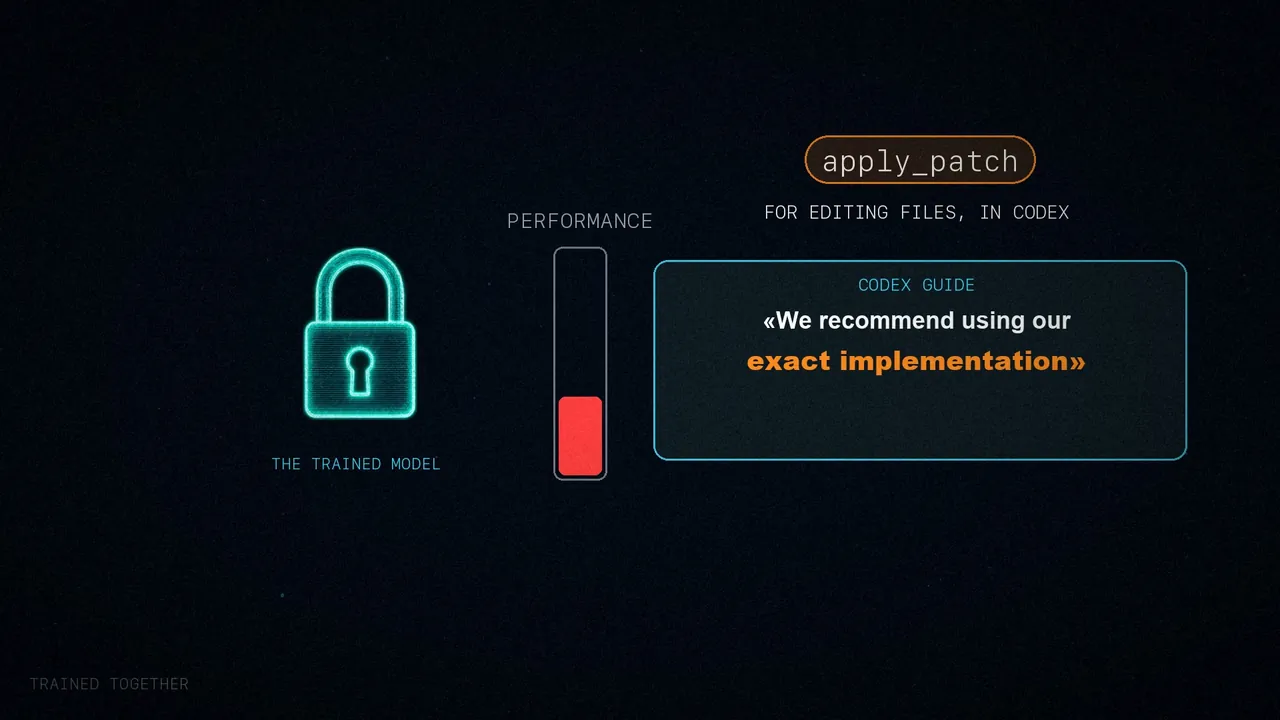
This co-evolution has a side effect: if you change a tool's logic, it performs worse. The example is apply_patch, the utility Codex uses to edit files. Its guide recommends using that exact implementation, because the model was trained on that format. Something truly intelligent would switch methods without trouble; training this way causes overfitting.
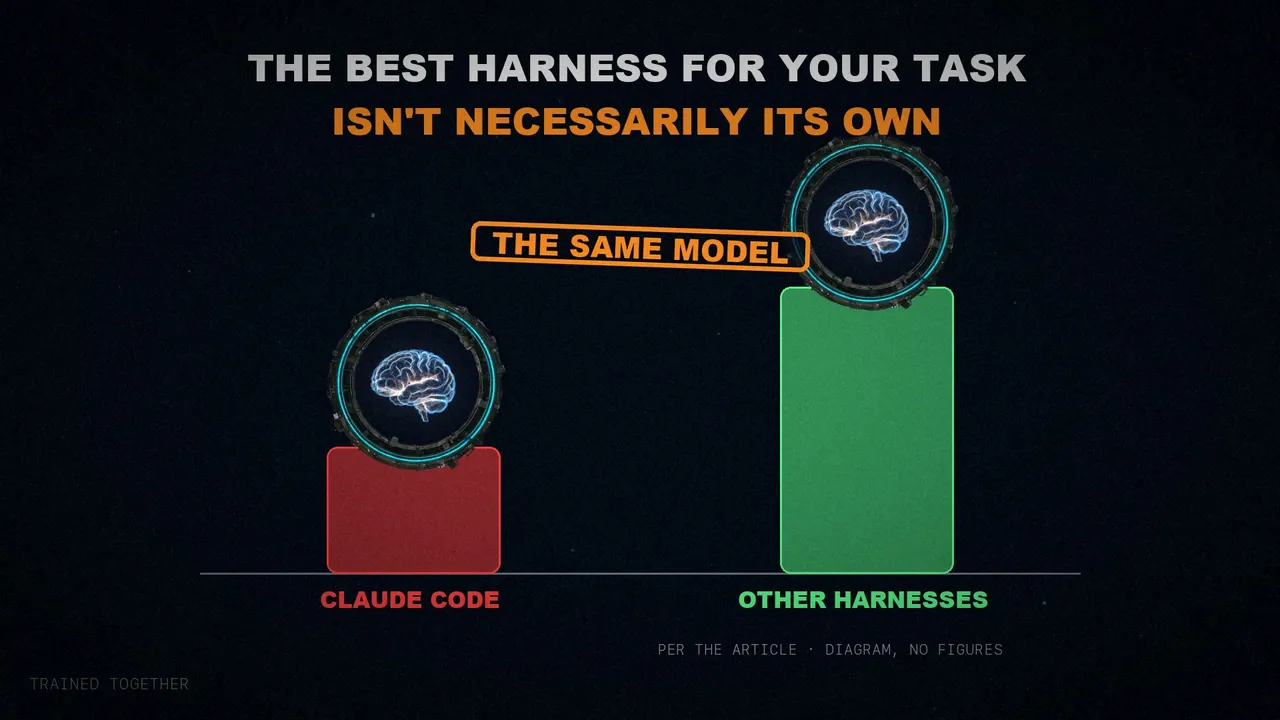
Even so, the best harness for your task isn't necessarily the one the model was trained with. Terminal Bench 2.0 is a good example: according to the article, when it was written, Opus 4.6 in Claude Code scored far below the same Opus 4.6 in other harnesses. I couldn't verify this: the Terminal Bench page now shows a different version.
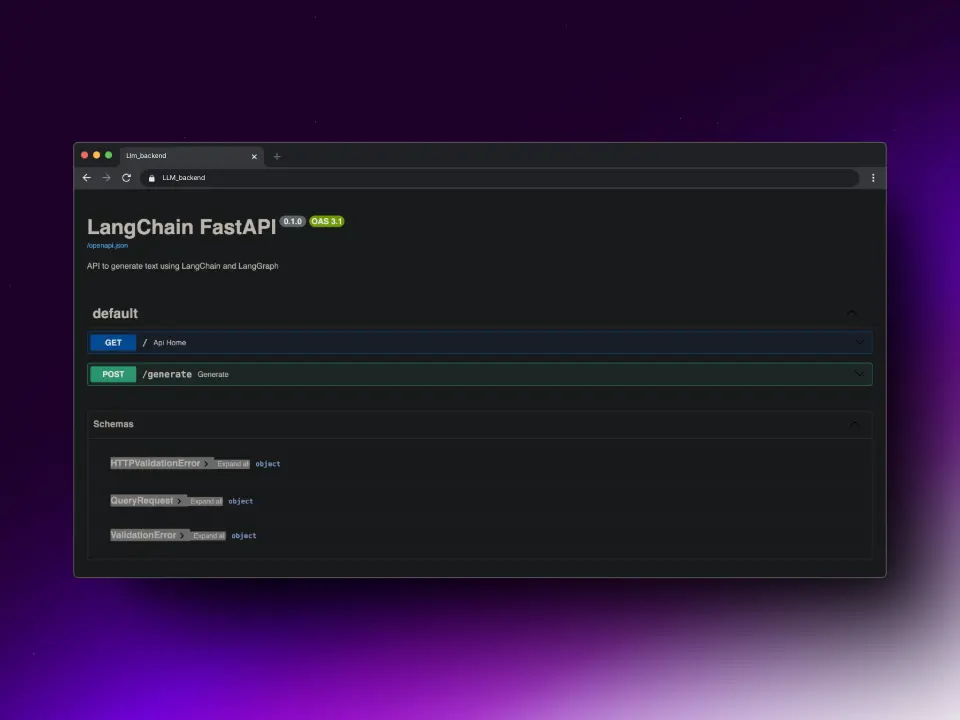
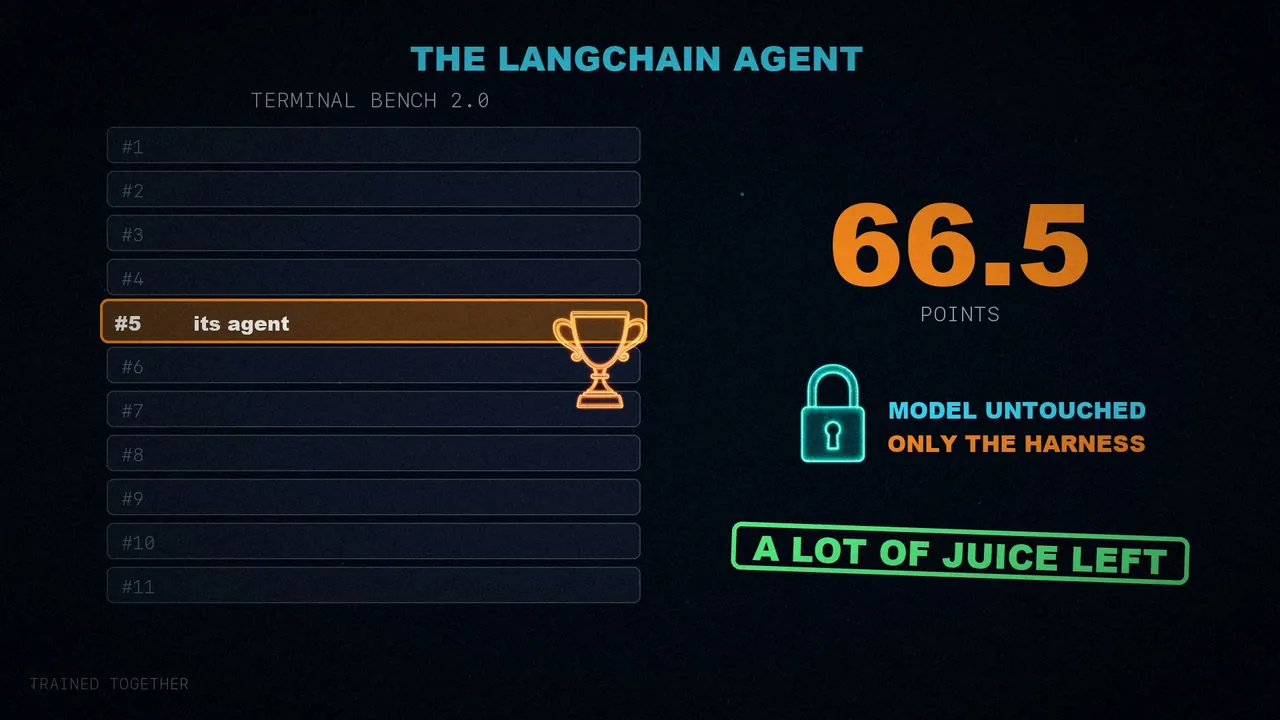
LangChain tested this with its own coding agent: it went from 30th place to the top 5 by changing only the harness, from 52.8 to 66.5 points, without touching the model (GPT-5.2-Codex). There's a lot of room to improve if you optimize it for your task.
Where it's heading
As models improve, part of what lives in the harness today will end up inside them. They'll plan, verify themselves, and stay coherent better on their own, and they'll need less injected context. That suggests the harness will matter less and less.
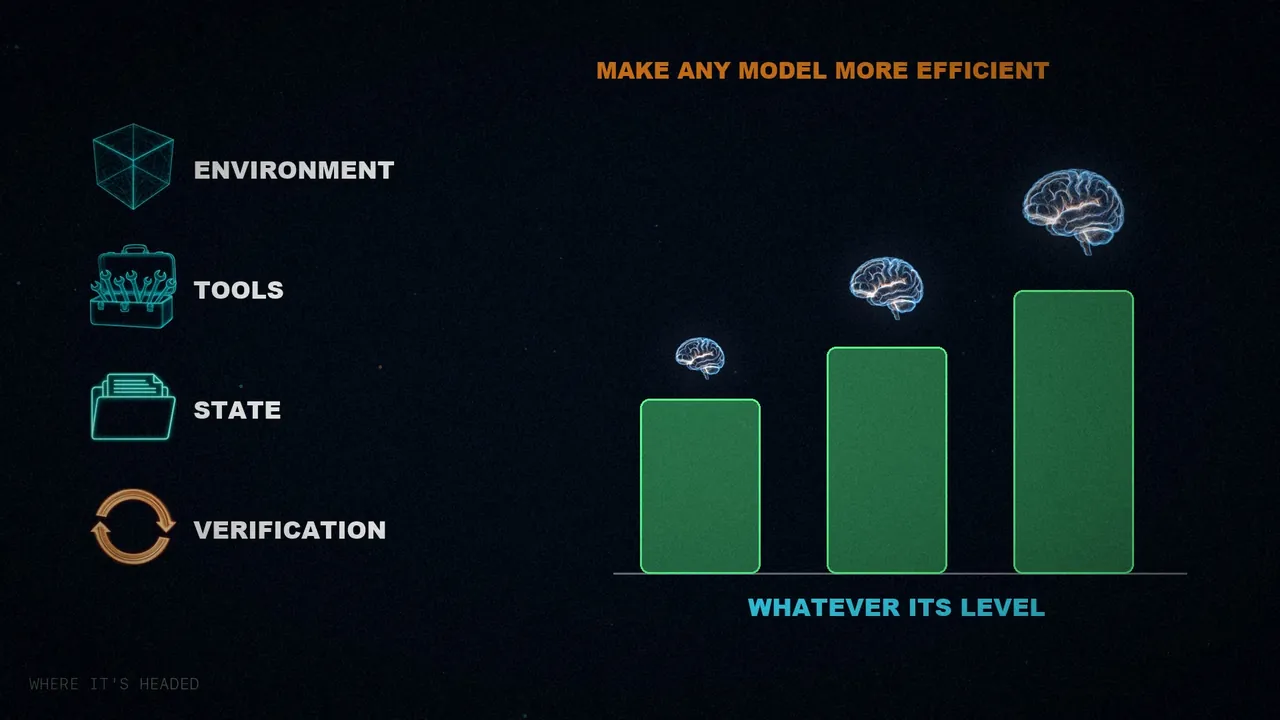
But Vivek believes it will stay useful, just as prompt engineering still is today. It's true that harnesses patch over shortcomings, but they also build systems around the intelligence. A well-configured environment, good tools, durable state, and verification loops make any model more efficient, whatever its level.
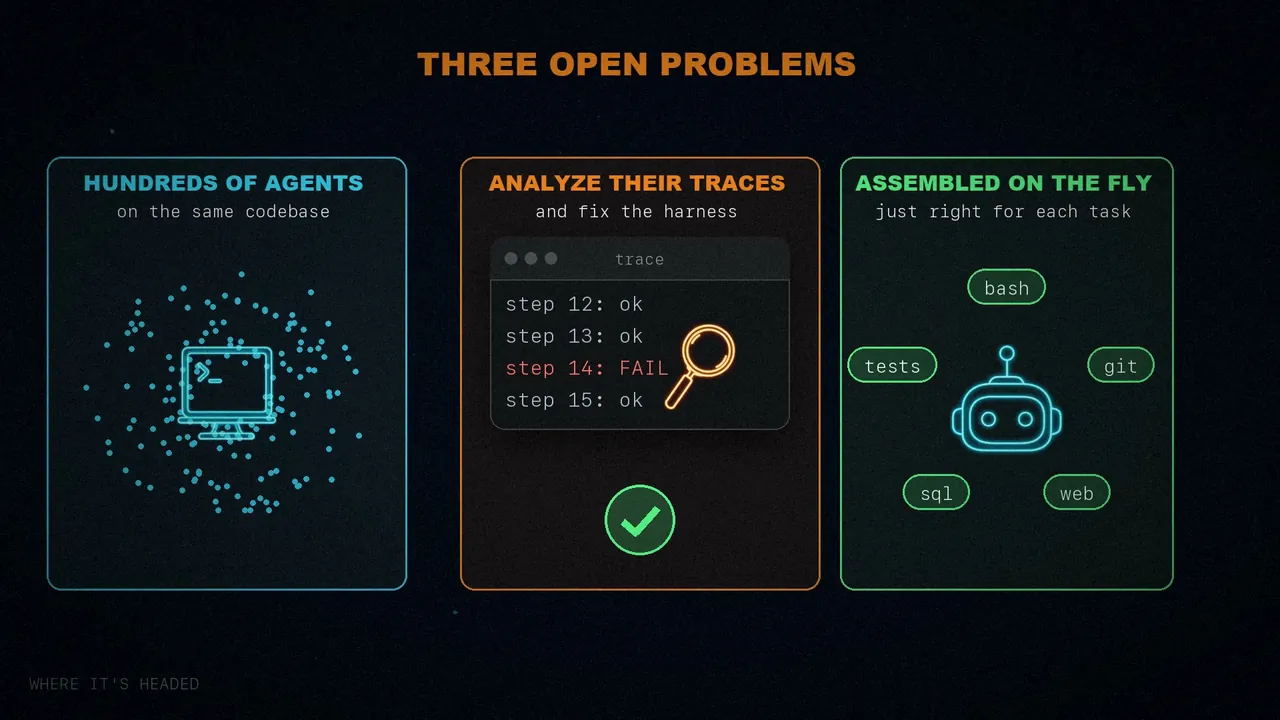
That's why it remains a very active research area. At LangChain they use it to improve their deepagents library, and they cite three open problems:
- Orchestrating hundreds of agents in parallel on the same codebase.
- Getting agents to analyze their own traces to find and fix harness failures.
- Harnesses assembled on the fly, with just the right tools and context for each task, instead of being preconfigured.
In short
Each piece of the harness exists because of something the model can't do alone: store, act, run safely, remember, keep its context clean, and keep working. And since the model is trained inside a harness, changing that harness can achieve more than changing the model.
The model holds the intelligence, and the harness is the system that makes it useful.
Which piece of the harness has paid off the most for you?
Sources
- "The Anatomy of an Agent Harness", by Vivek Trivedy (@Vtrivedy10), LangChain, March 10, 2026.
- The Terminal Bench 2.0 scores: the post the article cites.
- The Codex guide on
apply_patch: Codex Prompting Guide. - Another article on the same topic that I've also explained: "The Harness Is The Product".
- The video, on my three channels: Spanish, English, and Portuguese.