What Gymnasia is
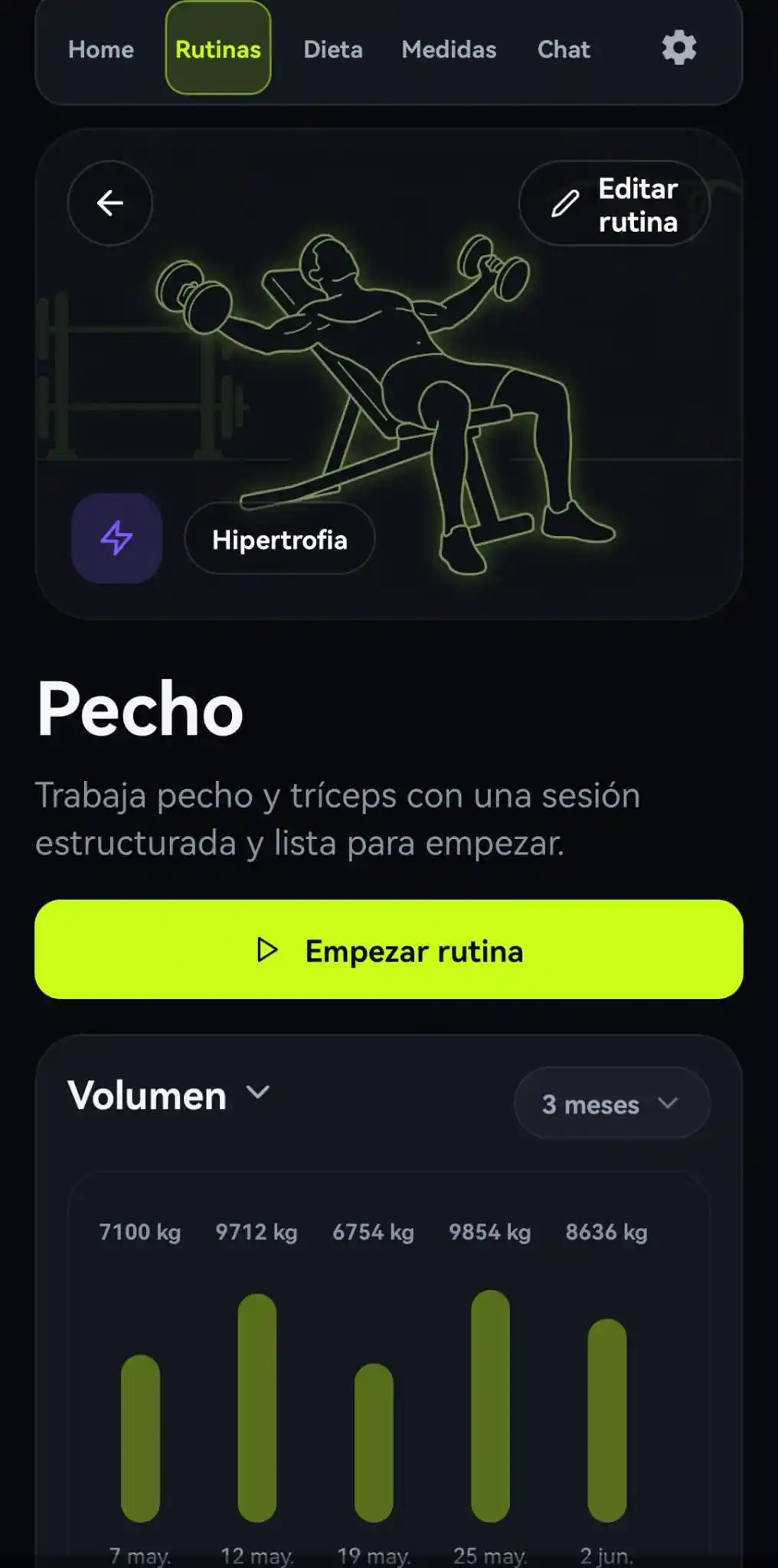
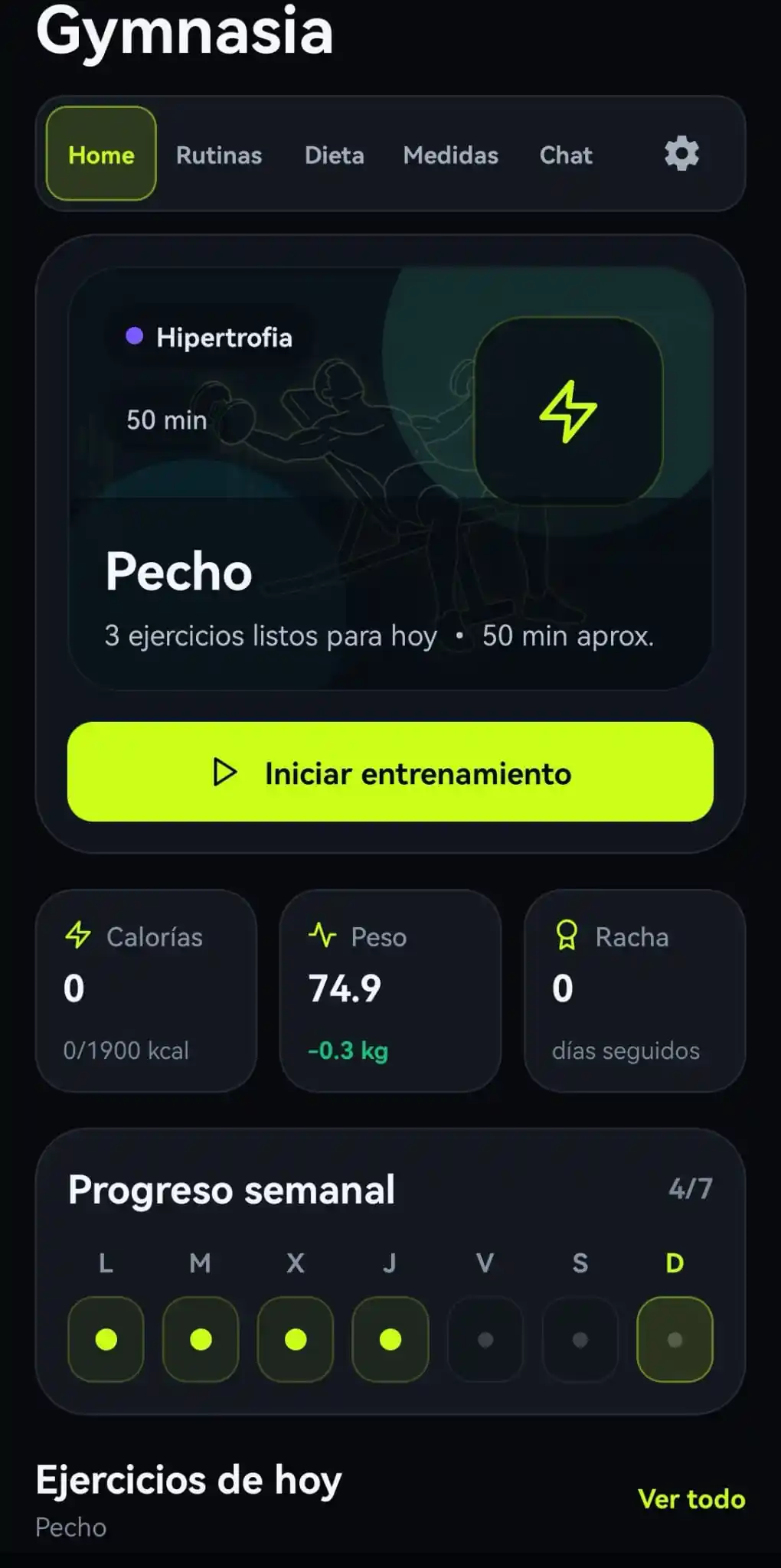
Gymnasia is a mobile personal-training app built with React Native and Expo. Inside it there are two AI agents: a conversational coach and a food estimator that works out calories and macronutrients from photos.
They run side by side, not one inside the other: neither is a subagent of the other, they never call each other, they live on different screens, and each has its own system prompt, its own tools and its own LLM provider. They share exactly one thing: the user's data stored on the phone.
The interesting part, and what this post is about, is that both run entirely on the device. There is no backend of our own: deciding what to do, running the tools and storing the data all happen inside the app itself, on the phone. The model is called straight from there with an API key the user supplies, what is usually called BYOK, Bring Your Own Key: every user brings their own key, and with it pays for and controls their own access to the provider. The user's data never leaves the phone except for one single exception, explained below.
This is the main post of the series. Below are the two architecture graphs, and at the end the series index with the posts that cover each part of the development.
The general agent: Gymnasia Coach
Swipe the graph horizontally to see all of it.
Gymnasia Coach is the app's general conversational agent. It is a BYOK agent: the user configures the API key of whichever LLM provider they prefer, and the app calls that provider directly from the device. There is no backend of our own: orchestration, tool execution and storage all happen inside the app itself.
Configuration and provider choice
The user saves their API key
They save keys for whichever providers they want and pick which one serves the chat. The chat and the food estimator are configured separately: each can run on a different provider.
The prompt does not ship inside the app
The system prompt is downloaded from a public file in the repository, cached locally, and falls back to an embedded copy if the network fails.
That last part is not an architectural whim, it is a safety valve. If one day the agent is handing out nonsense like "go a week without eating to drop body fat", I want to be able to fix the instructions, that is, the system prompt, as fast as possible, not in two weeks, and certainly not depending on every user remembering to update the app. With the prompt served remotely, fixing it means editing a text file: the very next message anyone sends already uses the corrected version. The embedded copy exists only so the app keeps working offline.
The price is that this file becomes a trusted input for every user at once, so it has to be treated like code: reviewed, versioned and cached.
Provider call
The app does not talk to one specific provider, it talks to "whichever provider is in play". Three are supported today, and the list is meant to grow:
Each provider has its own request/response adapter, because tool formats, streaming and content blocks differ from one to the next. Adding a new provider means writing one more adapter, not touching the agent: they all share the same agentic loop that comes next.
Agentic loop (tool use)
Model responds
Streamed text and/or tool_use / function_call blocks.
The app runs the tool
The model executes nothing: it only asks. The app is what executes, locally and against its own data.
Result → model
Fed back as tool_result / function_call_output. Repeats until no more tools are requested.
The tools
The coach does touch the user's data: it reads it and writes it. It can log today's weight, add a food to a meal or create a whole routine. What it cannot do is step outside that: what it is able to do is exactly the list of declared tools, and nothing more. They come in four families, and all of them run inside the phone.
🧠 Personal memory
Read and store what the user says about themselves: goal, injuries, preferences. This is what makes the coach remember from one conversation to the next.
🍽️ Diet
Search foods in the catalogue shipped with the app, read what has already been eaten on a date, and add foods to a meal.
🏋️ Training
Search exercises by muscle, equipment or difficulty, read the user's routines and create new ones.
📏 Measurements
Read and write body measurements by date: weight, body-fat percentage, girths.
create_feature_issue
The only tool that leaves the device: when the user asks for an app improvement, it opens an issue in the repository. It is the single path by which something written in the chat ends up off the phone, which is why it sits apart from the rest.
How each of these tools is declared, name, description, argument schema, and how that catalogue is translated into the format each provider expects is a whole post of its own, and it has one: How to declare reliable tools for OpenAI, Anthropic and Google.
Storage and output
Everything on the device
Diet, routines, measurements and personal data live in the phone's local storage. The food and exercise catalogues are static files bundled with the app.
Opening an issue
The only exit point to an external service other than the LLM provider: create_feature_issue.
The second agent: the food estimator
Swipe the graph horizontally to see all of it.
The food estimator pulls calories and macros out of a photo of the plate. It is not a subagent of the coach: the coach never calls it, and does not even know it exists. It is a second agent, with its own system prompt, its own tool and its own provider choice, opened from a different screen and writing into the same local data.
Input
1–6 photos of the meal
Camera or gallery. It also accepts text (follow-up questions about the estimate), reusing the conversation context.
Its own provider
The estimator does not inherit the chat's provider: it is chosen separately, in settings. And that makes sense, because the two agents are not competing for the same thing. You ask the coach to reason over text; you ask the estimator to look at a photo.
If the user changes nothing, the estimator starts on whichever provider currently gives the best cost/quality ratio for vision, and only looks elsewhere if that key is not configured. The general lesson: model choice belongs to the task, not to the app. As soon as a product has two AI uses with different cost profiles, tying them to the same provider means overpaying on the expensive one or underperforming on the cheap one.
Specialised system prompt
Visual nutritionist
Always estimates kcal, protein (g), carbs (g), fat (g) and total weight (g). Gives ranges when uncertain.
Classification
Determines whether it is a producto_comercial, a receta or a generic base food.
Structured output
If the user asks for "Devuelve json", it replies with JSON only: dish_name, calories_kcal, protein_g, carbs_g, fat_g.
Agentic loop with the barcode tool
Is there a barcode in the photo?
The prompt forces the model to use the tool if it detects an EAN/UPC in any of the images.
scan_barcode(barcode)
Calls OpenFoodFacts (public API) with the scanned code and returns exact nutrition data for the product.
Commercial product confirmed
If scan_barcode was used, the classification is always producto_comercial, with exact rather than estimated data.
As in the coach, the tool result is fed back to the model and the loop repeats, up to 5 rounds, until a final answer is produced. That cap is not decorative: without it, a model that insists on calling the same tool again just spins, burning the user's tokens.
Persisting the result
User confirmation
The estimate is shown first in natural language. Only when the user accepts it is a second answer requested, this time as JSON, and parsed.
add_meal_food
It is added to the local diet for the selected day and meal, in the same data the coach uses.
Variant: manual estimation
The user describes a food in text
Conversational flow: the user names the food, the model asks for missing ingredients and quantities, computes values per 100 g or unit, the user confirms, and it returns the JSON to store in the food catalogue.
The series
This post is the cover. Each part of the agent's development gets its own post, and they are all linked from here.
- How to declare reliable tools for OpenAI, Anthropic and Google: designing tools an LLM can discover, adapting them to any provider, executing them safely and protecting them with tests.
- How to parse tool calls from OpenAI, Anthropic and Google: turning three response dialects into common execution without losing correlation identifiers.
- Streaming tool calls: accumulate arguments without executing halfway: rebuilding deltas, correlating them per call and waiting for the terminal event before execution.
- From a tool call to executable code: an agent dispatcher: check the name, select a handler, and return its result to the model.
- The agent loop: feeding results back to the model and knowing when to stop: send the request and its result back in the right order, and stop with a round limit.
- Validating tool calls: declaring a schema is not enough: check arguments before execution and return errors the model can correct.
- Tool errors: how an agent recovers and when it must stop: communicate failures, allow another query and verify an uncertain action before repeating it.
- Streaming an agent response: from SSE events to text on screen: split SSE events broken up by the network, separate reasoning from the answer, and batch renders.
- How to run tools in parallel in an agent: which queries can start together, when to wait before saving data and how to match each response to its request.
In the meantime, the project page is at maximofn.com/en/gymnasia and the code is open source, on GitHub.